Step-by-Step Guide to Google Router Wi-Fi Setup Process
Google's mesh Wi-Fi system is known for its ease of use and reliable signal coverage throughout your home. However, setting it up can seem daunting if you're not familiar with the process. In this guide, we will walk you through the step-by-step process of setting up your Google Wi-Fi router and point, ensuring a seamless and enhanced internet connectivity experience.
Understanding the Google Wi-Fi Setup Process
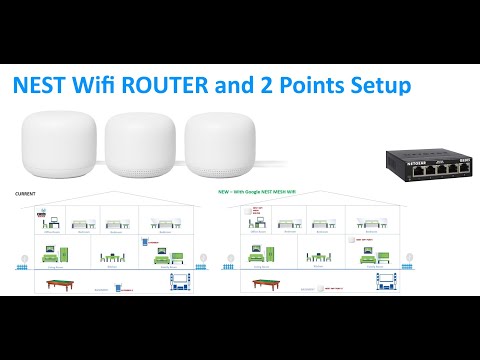
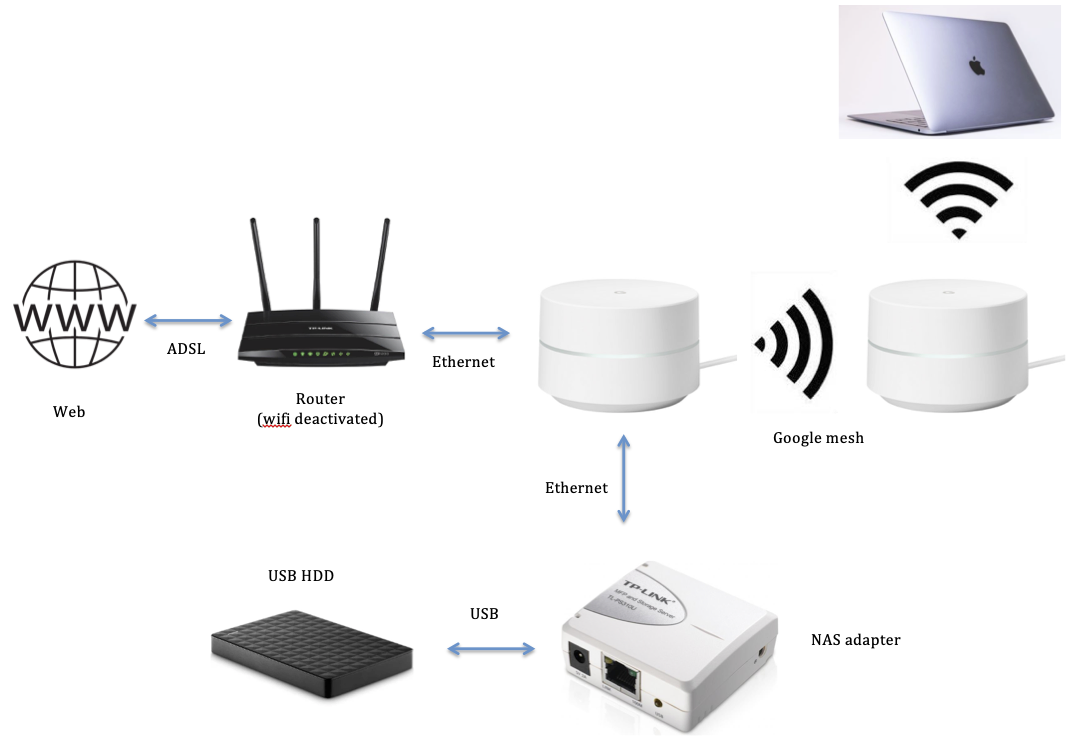
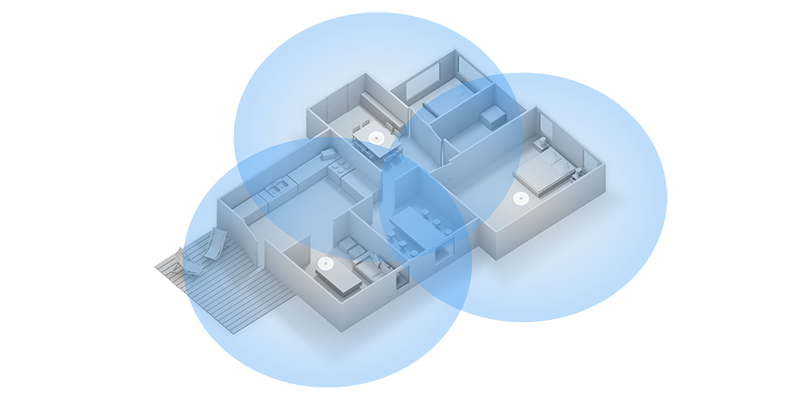
The Google Wi-Fi setup process involves replacing your existing router with a primary Wi-Fi point, referred to as the Wi-Fi router, and placing additional points in optimal locations to create a mesh network. This mesh network allows you to achieve strong Wi-Fi coverage in every room, without constant dropouts.
Pre-Setup Checklist

Before you start the setup process, ensure you have the following:
- A Google Account
- One of the following mobile devices: Android phone or tablet with Android 9.0 or later
- Any additional Nest Wi-Fi routers you'd like to add as points to expand coverage
- A factory reset device before you add it to a new network (if previously set up)
Step 1: Unbox and Check Your Google Wi-Fi Kit
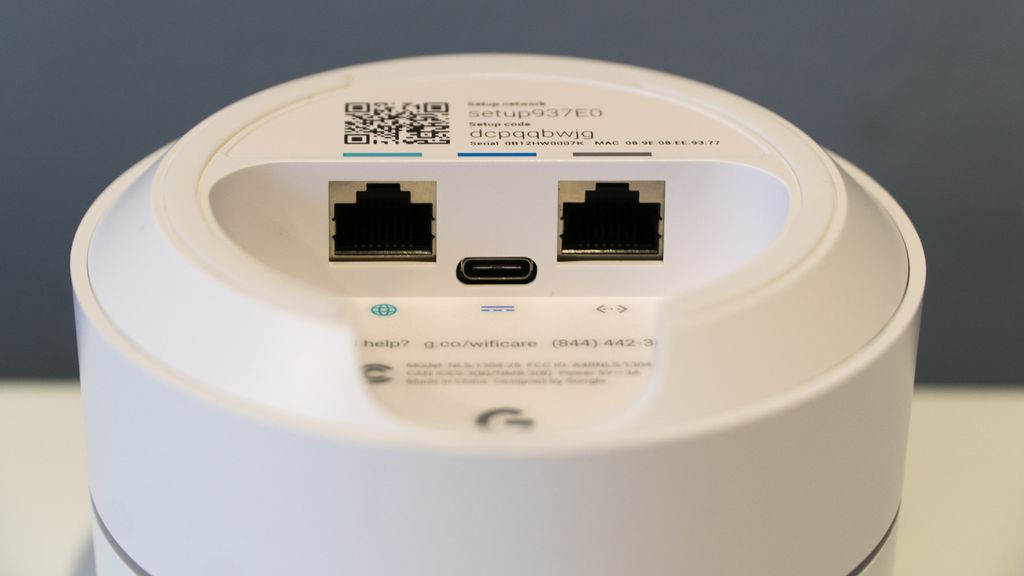
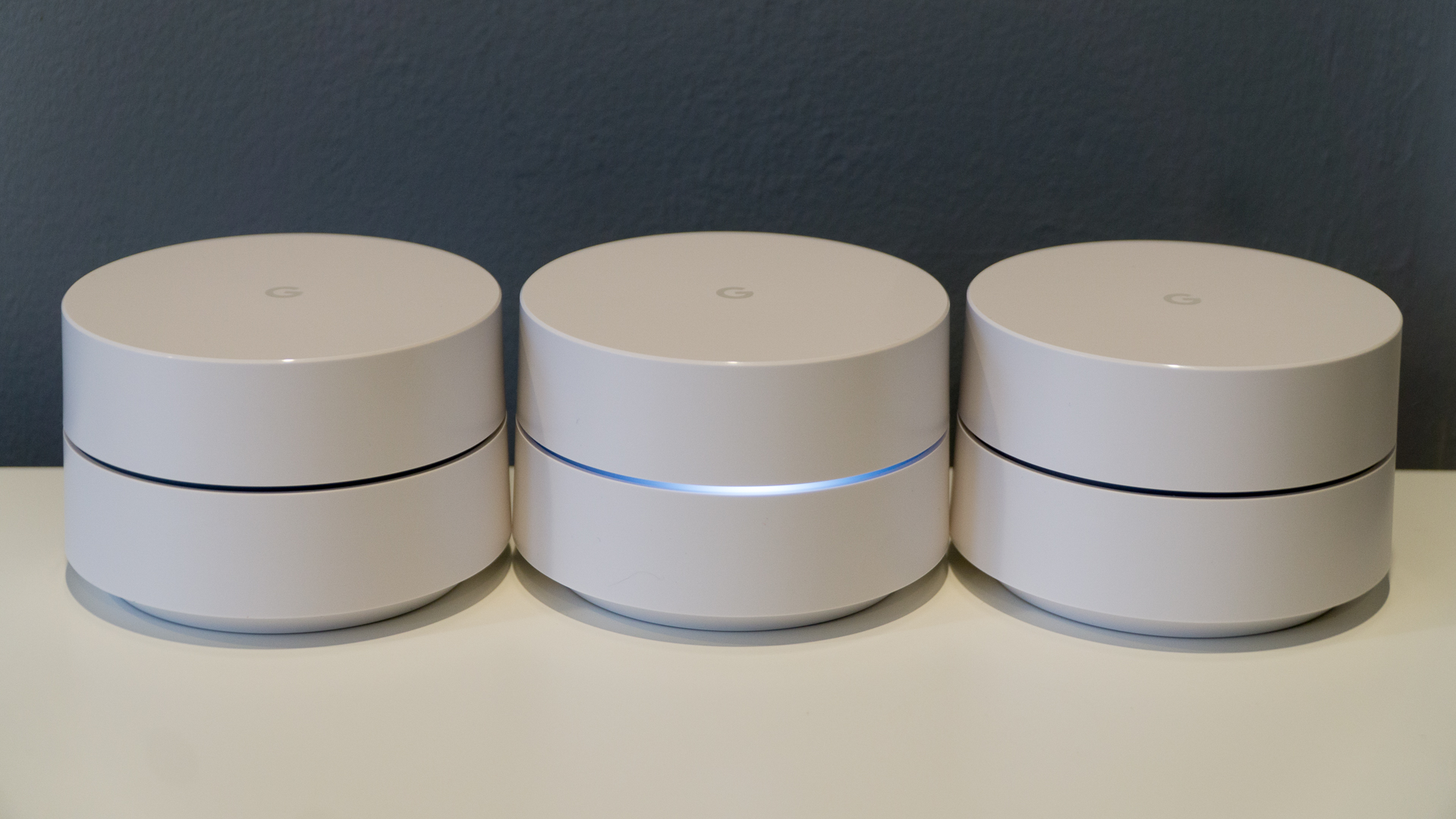
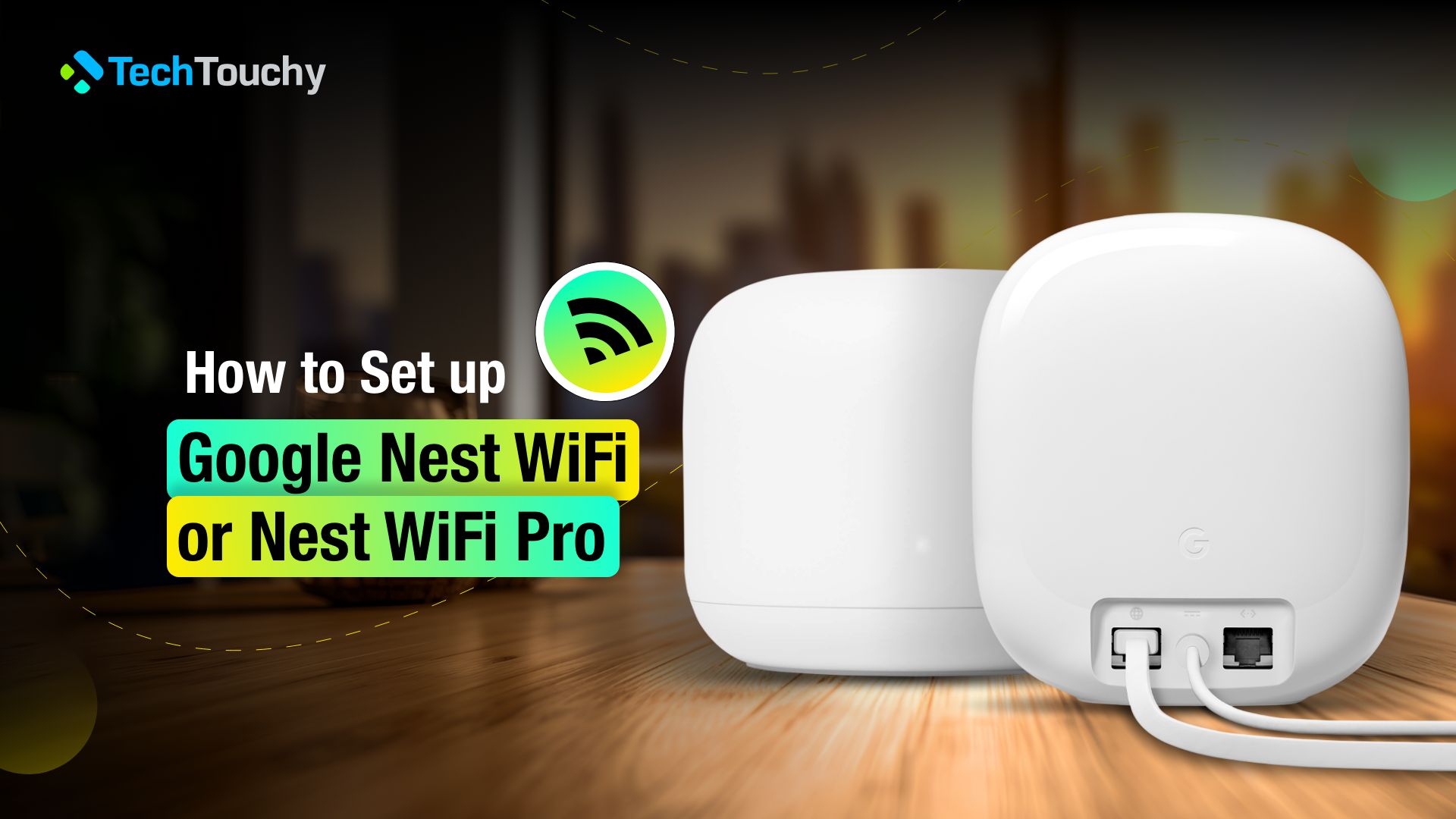
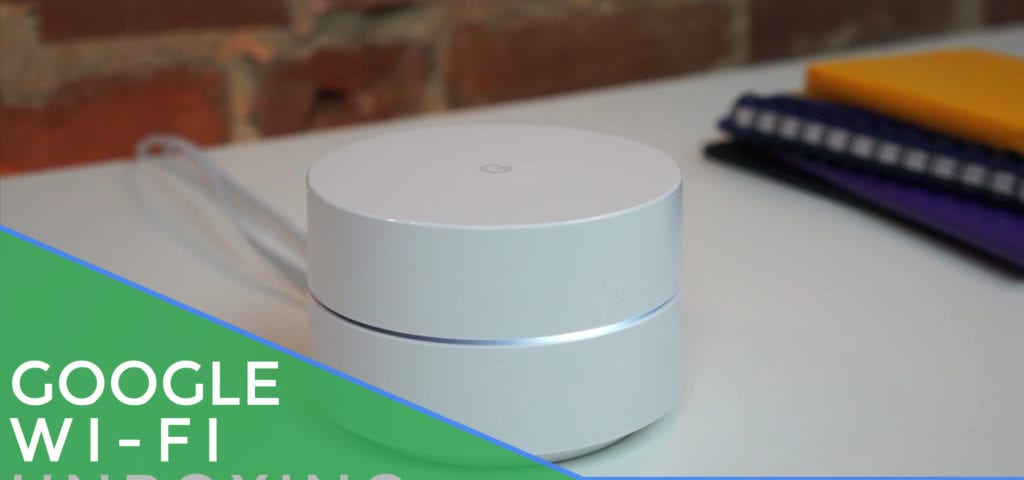
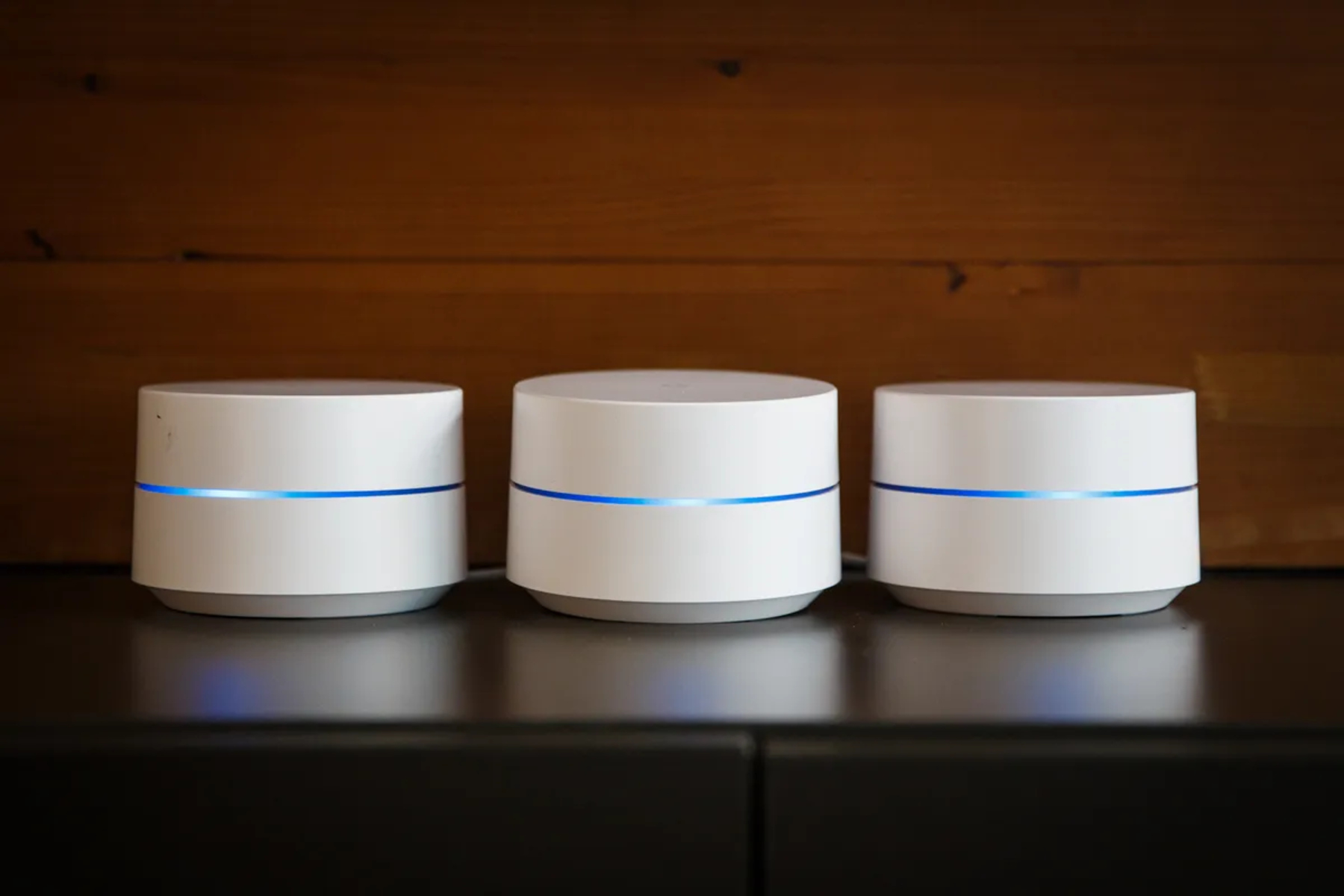
Unbox your Google Wi-Fi setup kit, which includes a primary Wi-Fi point (router), additional points, and power cables. Ensure all the necessary components are included and not damaged.