Linksys Router Setup with Cable Modem: A Step-by-Step Guide
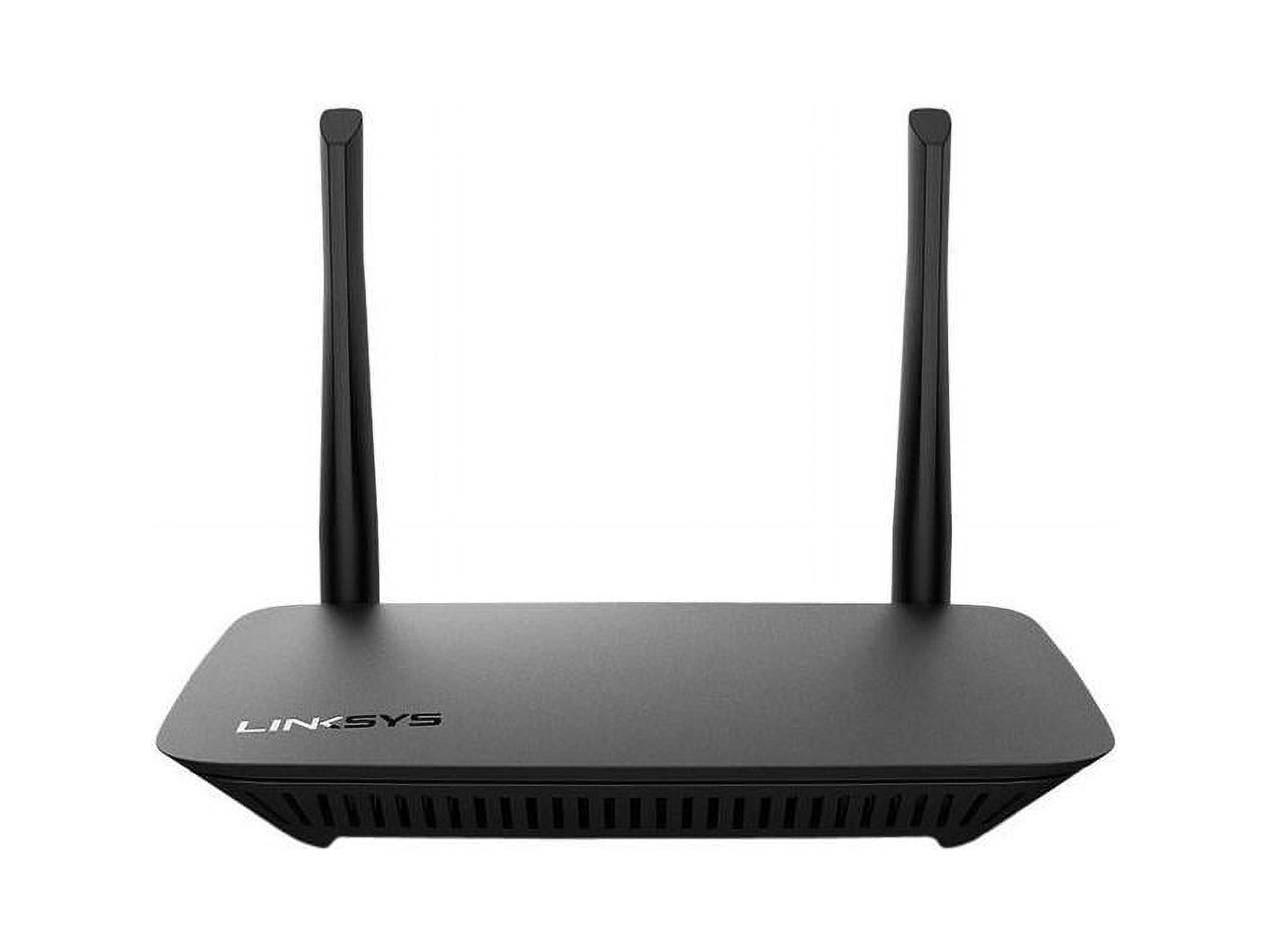
If you're looking to set up your Linksys router with a cable modem, you've come to the right place. This article will provide you with a comprehensive guide on how to set up your Linksys router with a cable modem, ensuring a smooth and reliable internet connection.
Understanding the Basics
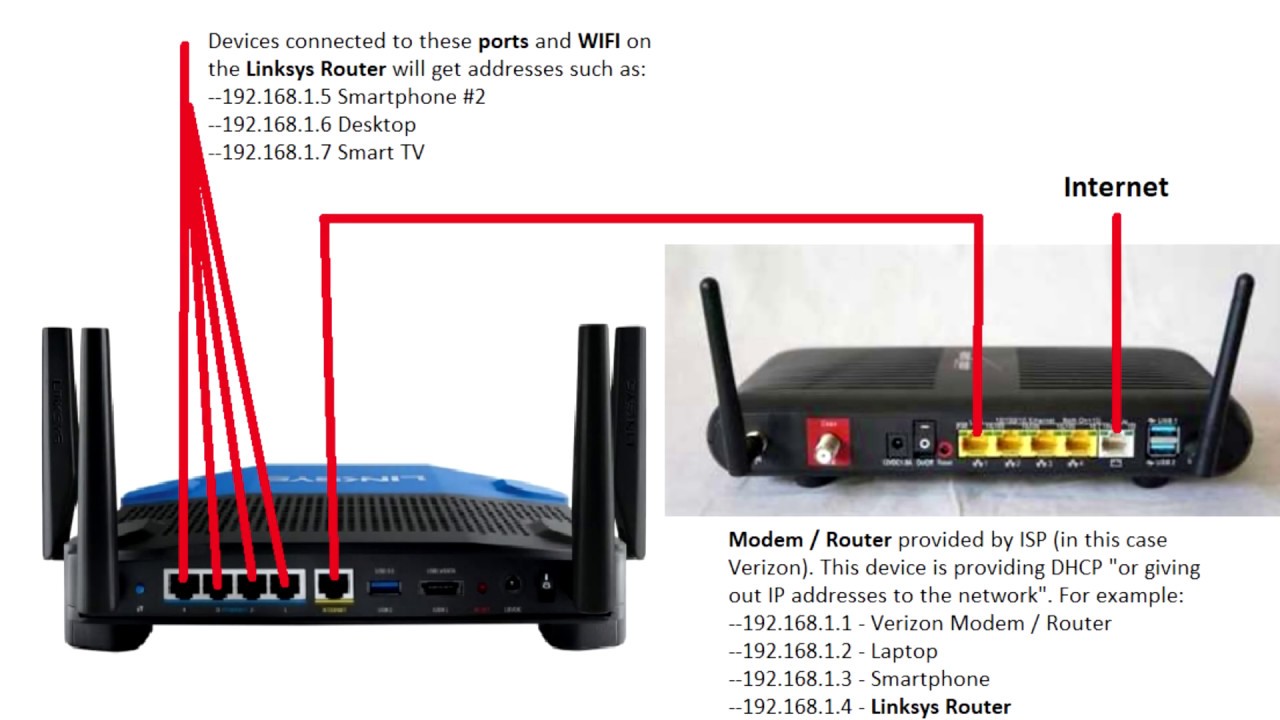
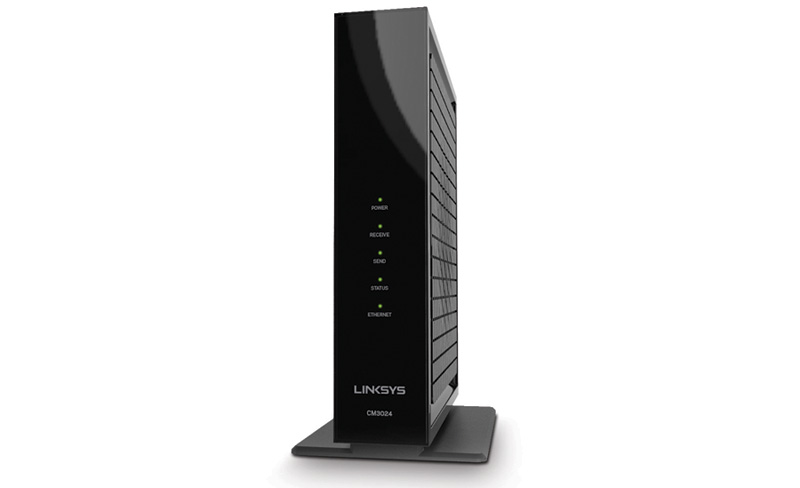
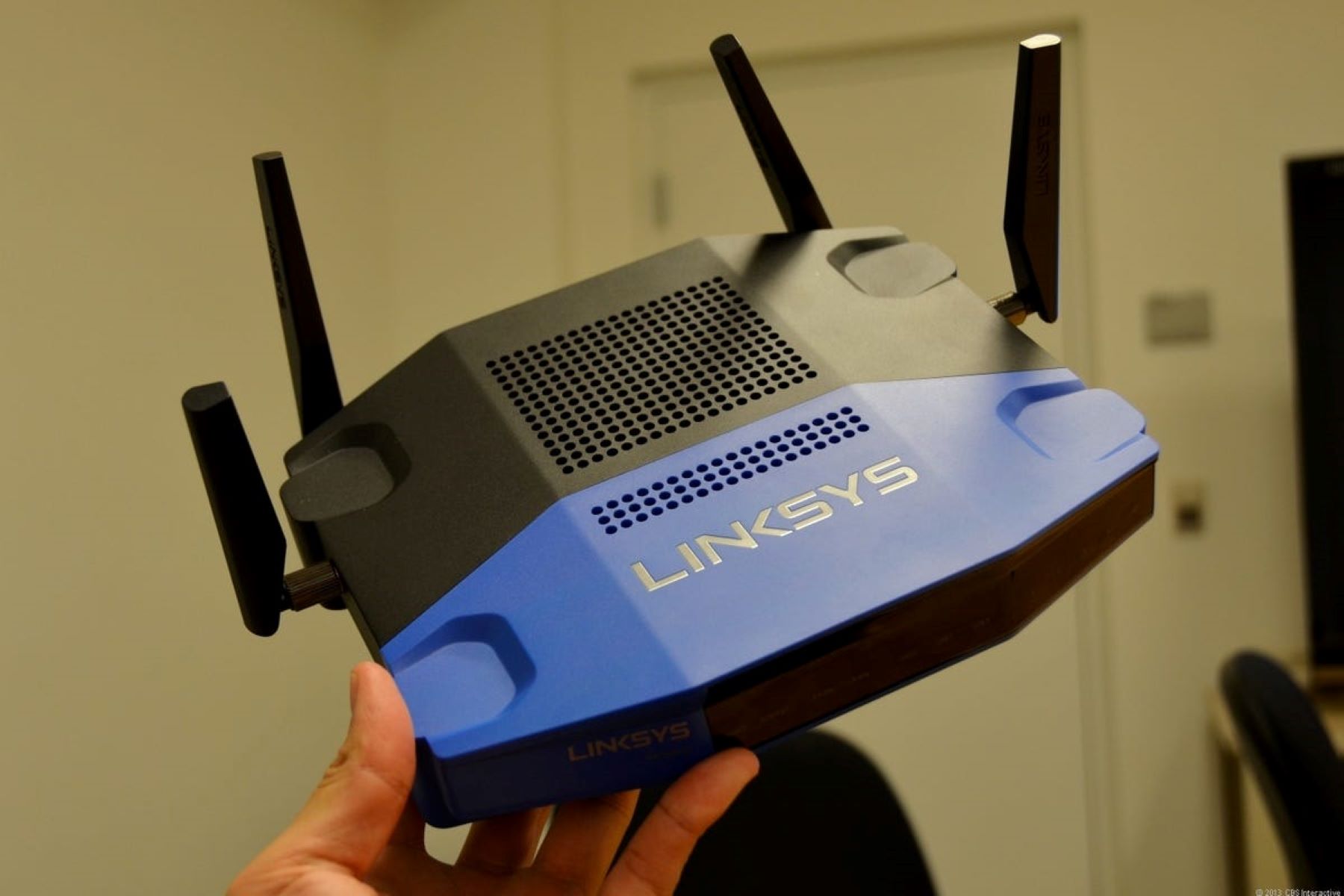
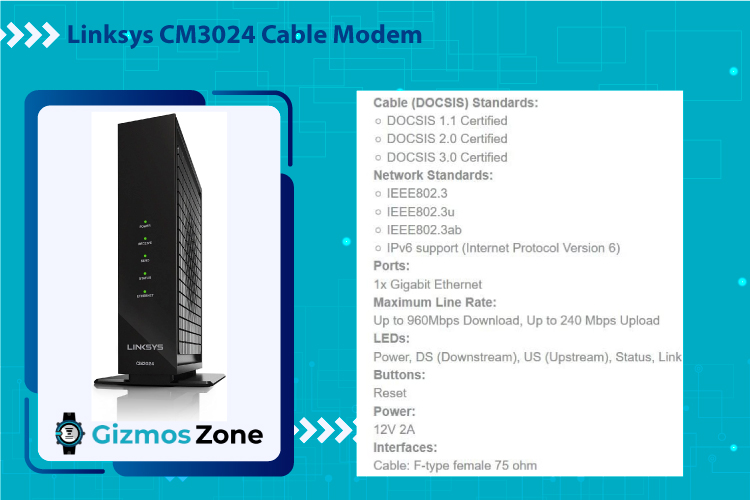
Before we dive into the setup process, it's essential to understand the basics of how a Linksys router works with a cable modem. Your router serves as a central hub, distributing your internet connection to multiple devices at once. Your modem, on the other hand, connects to your internet service provider (ISP) and provides a physical connection to the internet.
What You Need to Get Started

- Linksys router
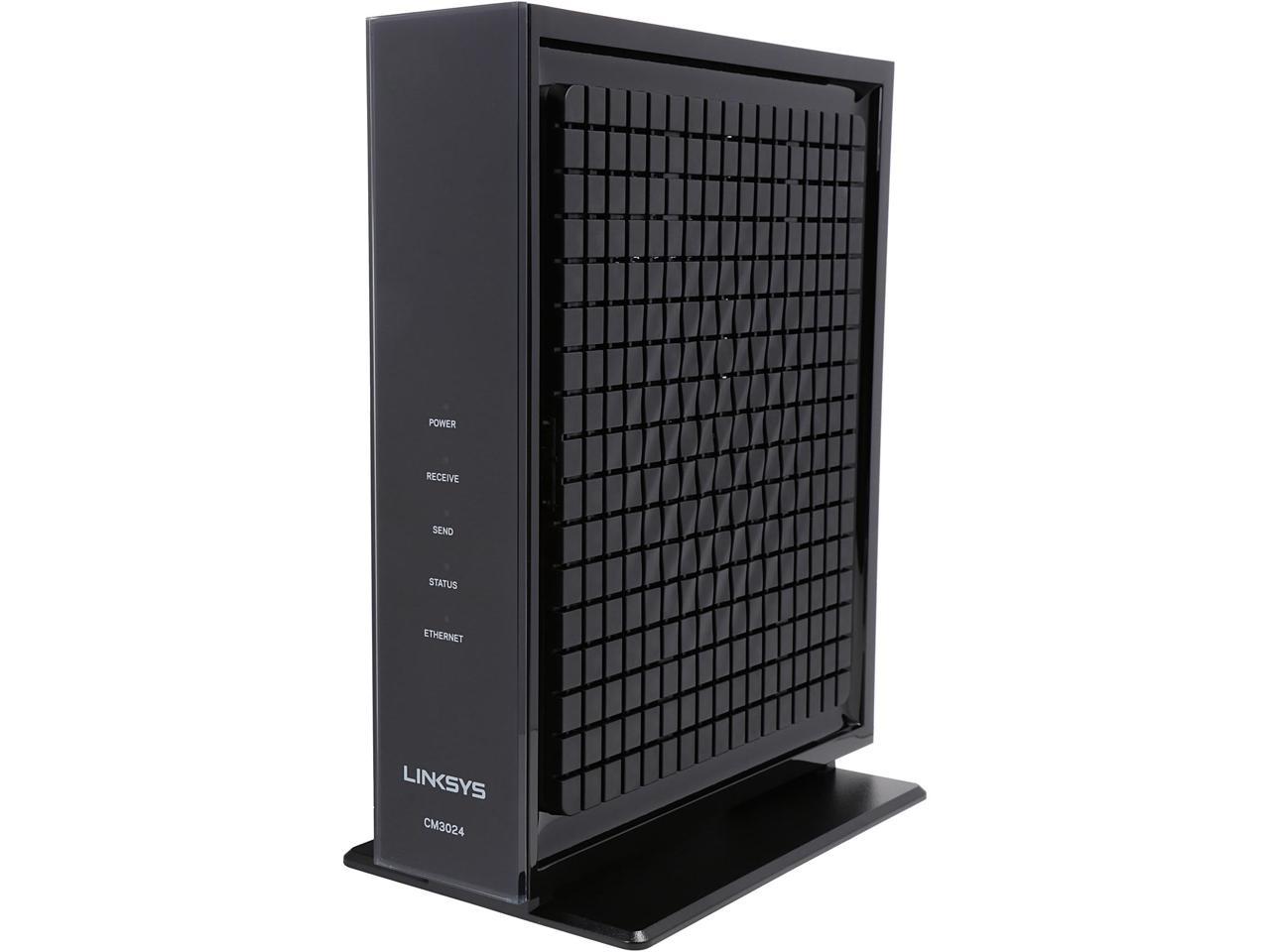
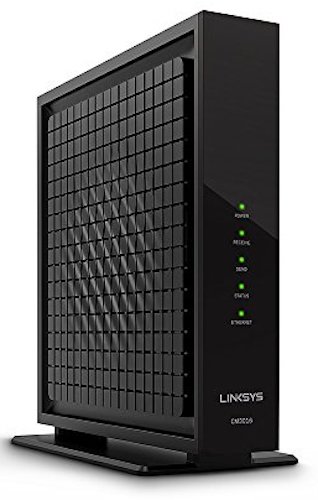
- Cable modem
- Ethernet cables
- Router power adapter
- Modem power adapter
Setting Up Your Linksys Router
To set up your Linksys router, follow these steps:
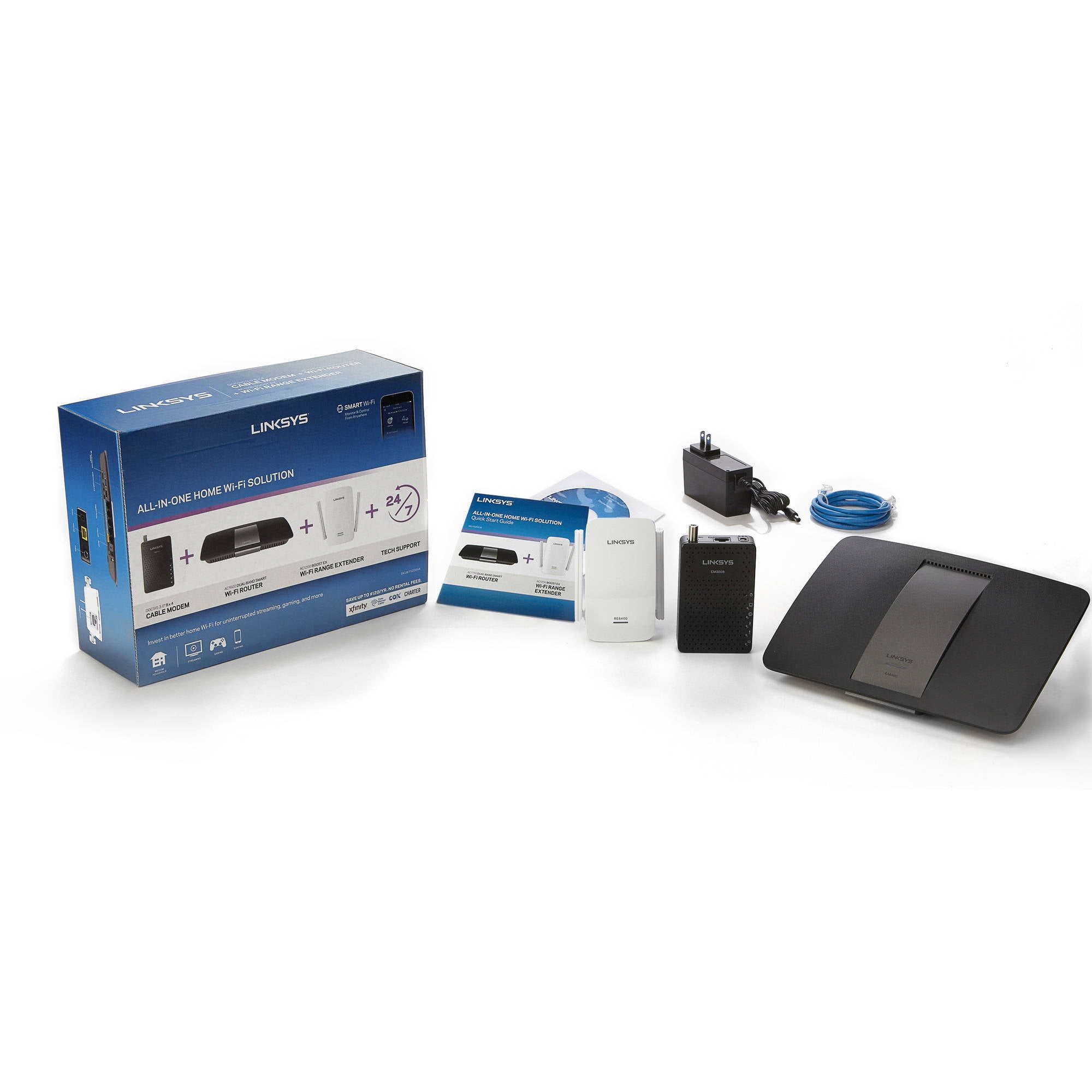
- Unbox your router and all the necessary accessories, including the power adapter and Ethernet cables.
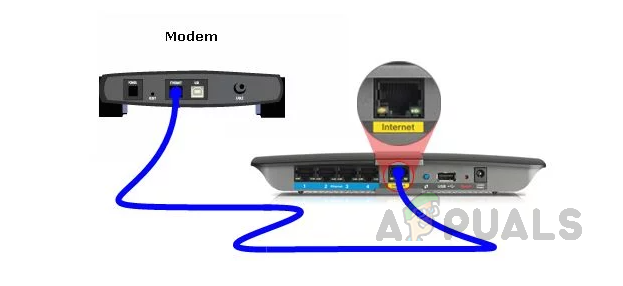
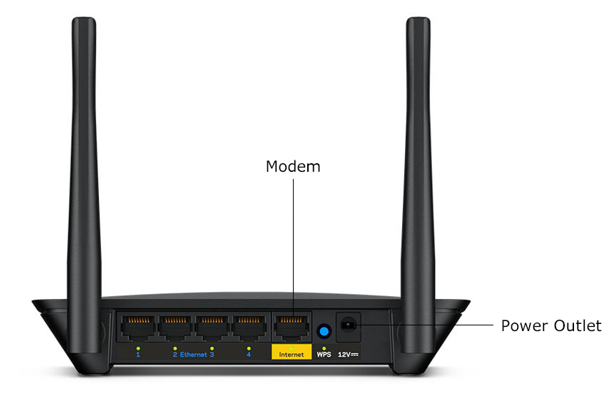
- Connect the cable modem to the router's Internet port using an Ethernet cable.
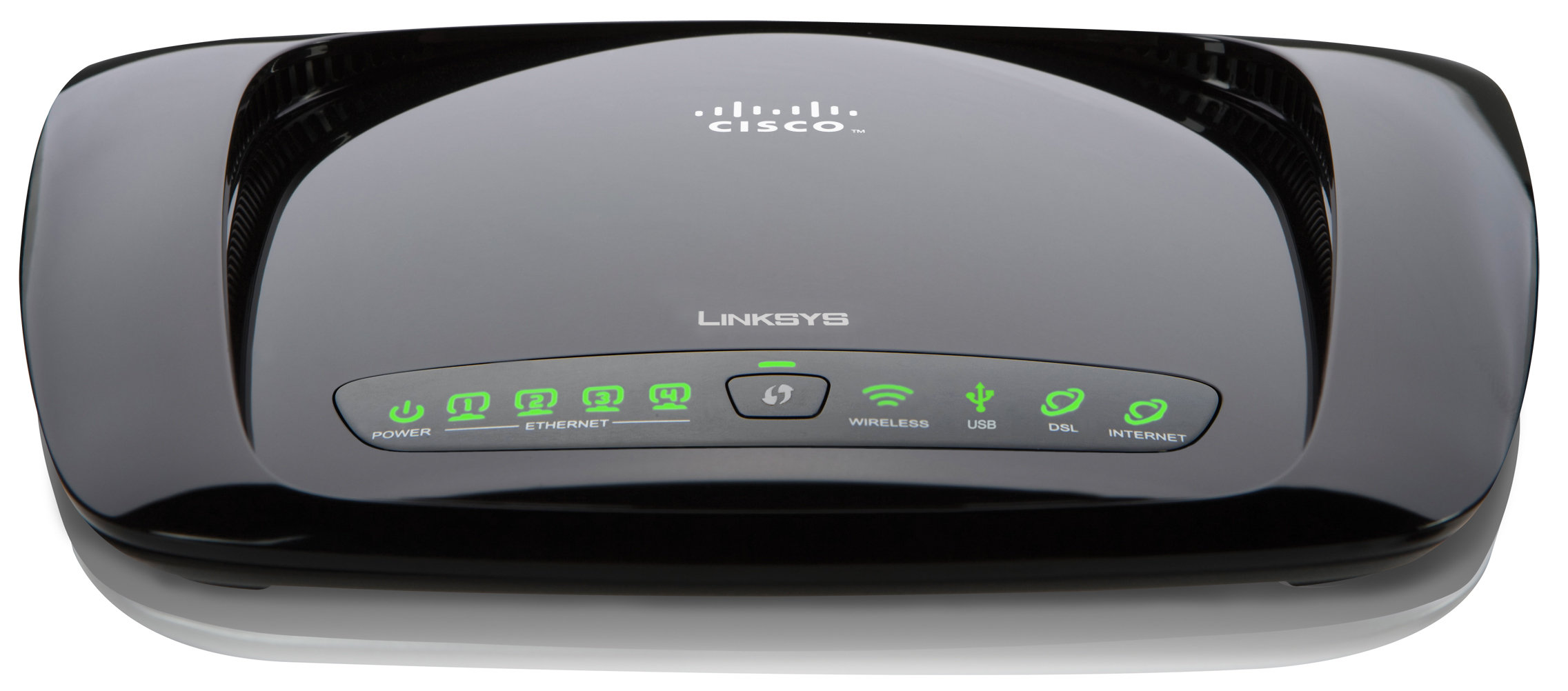
- Power on the router and wait for it to initiate the Plug-n-Play setup process. The light on the router will begin flashing white, indicating that the setup is in progress.
- Wait until the light turns to a solid blue, which may take a few minutes. This indicates that the setup is complete, and your router is ready for use.
- Power on your devices, including your computers, smartphones, and gaming consoles, and connect them to the router using Ethernet cables or through the Wi-Fi network.