Network Configuration for Wireless Network Setup: A Comprehensive Guide
In today's digital age, having a stable and secure wireless network is no longer a luxury but a necessity. With the increasing dependence on internet connectivity, setting up a reliable wireless network has become a crucial aspect of our daily lives. In this article, we will delve into the world of network configuration for wireless network setup, providing you with a comprehensive guide to help you navigate the process with ease.
Understanding the Basics
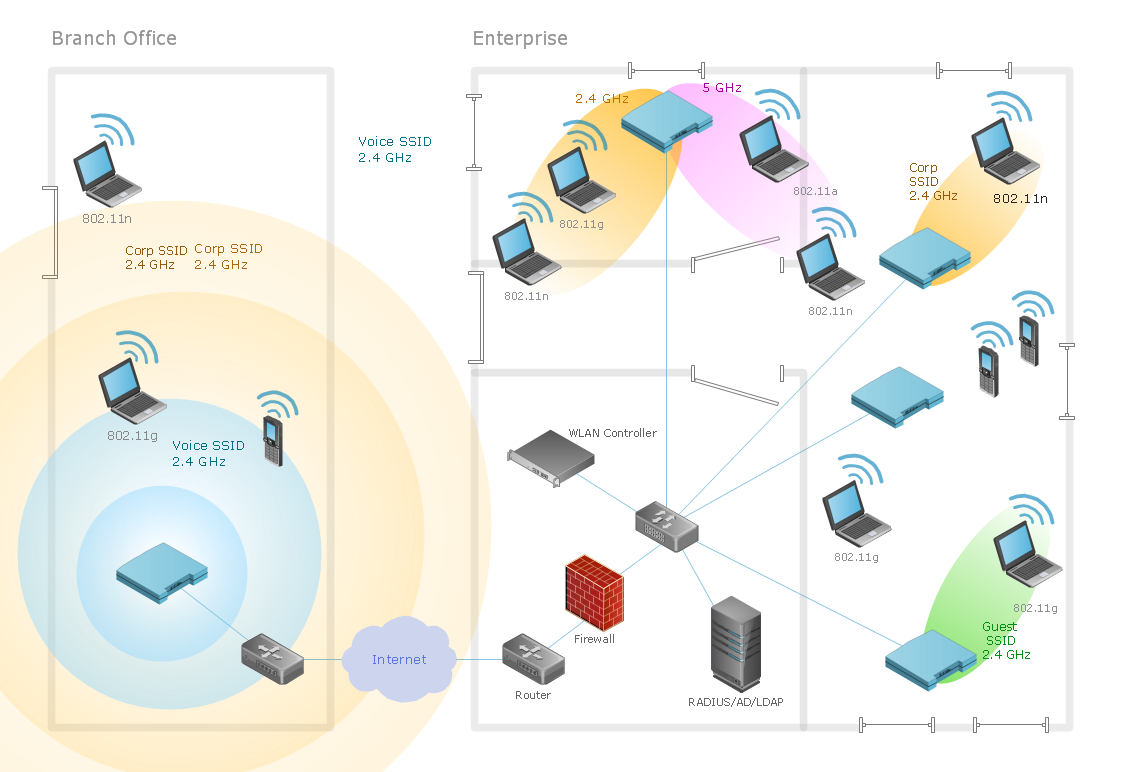
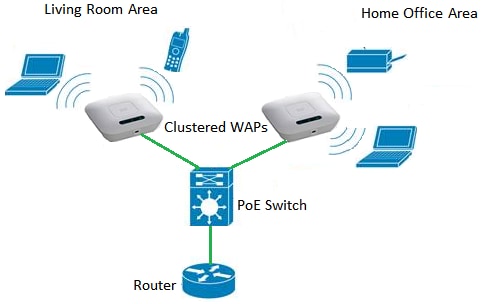
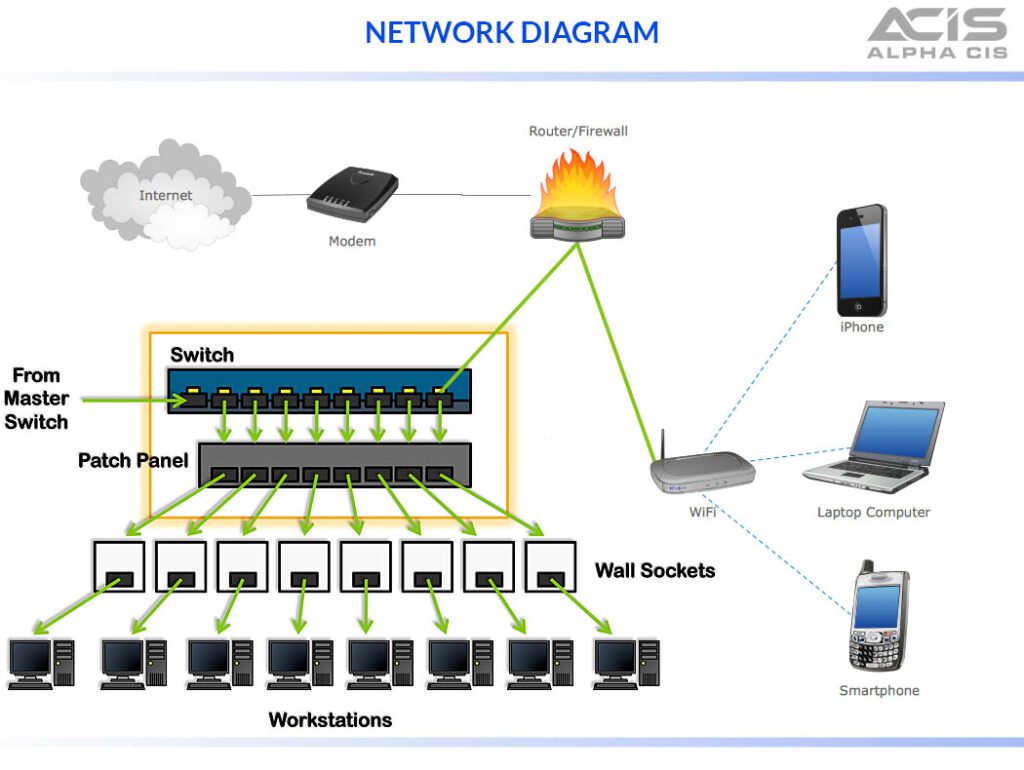
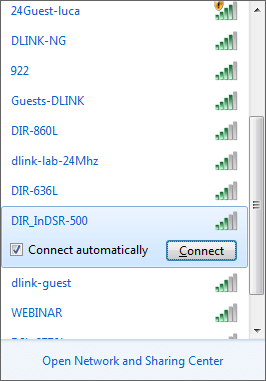
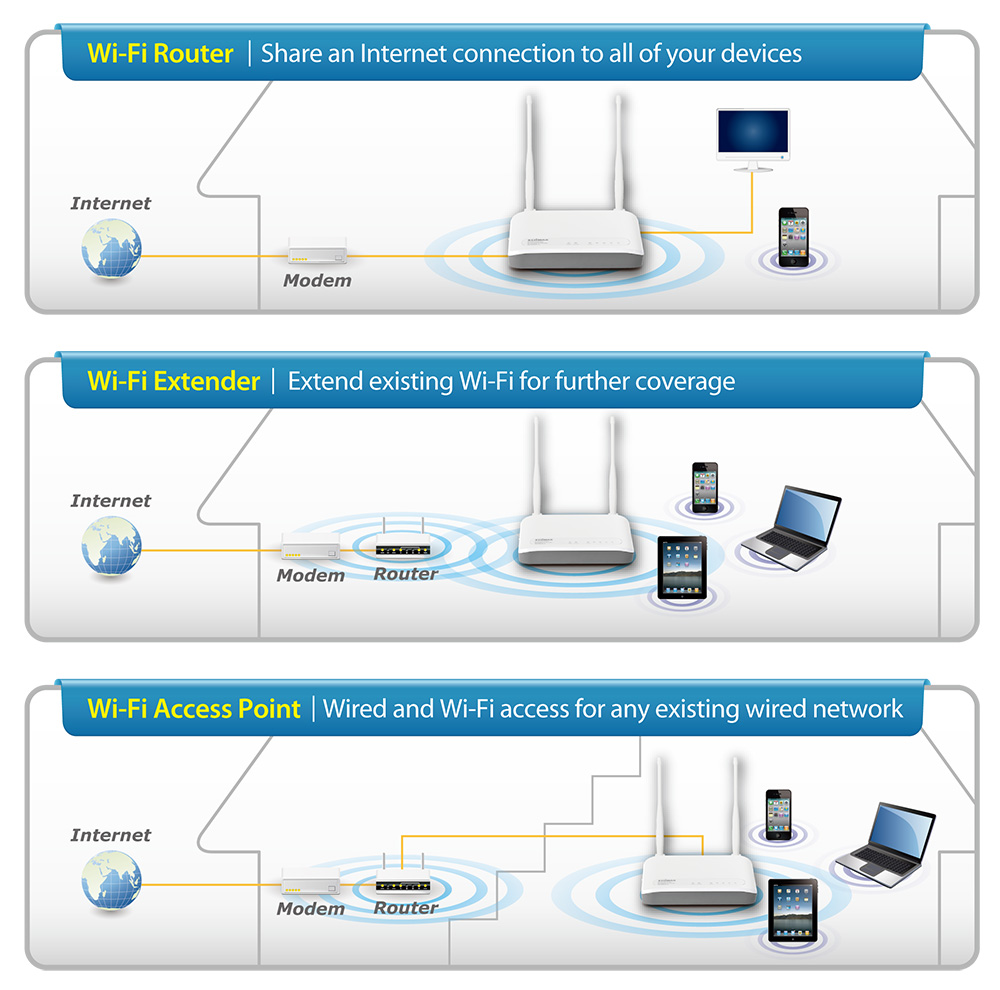
Before we dive into the intricacies of network configuration, it's essential to understand the basics. A wireless network, also known as Wi-Fi, is a type of local area network (LAN) that allows devices to connect to the internet or communicate with each other without the use of cables. The network consists of a router, which acts as the central hub, and devices such as laptops, smartphones, and tablets that connect to the network.

Router Configuration
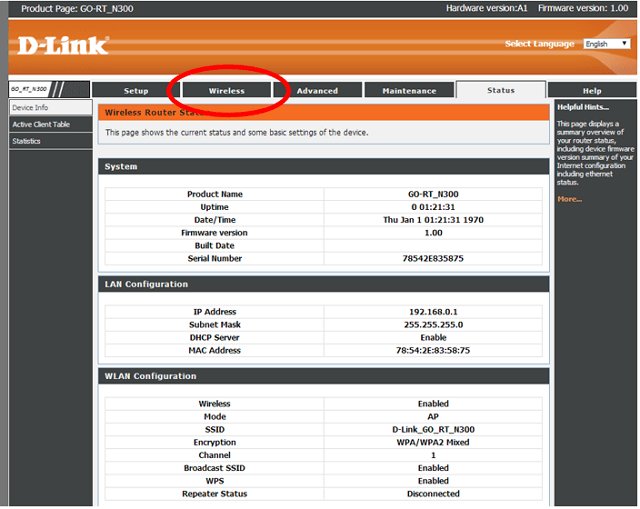
The router is the heart of any wireless network, and proper configuration is crucial for ensuring seamless connectivity. Here are some key aspects to consider when configuring your router:
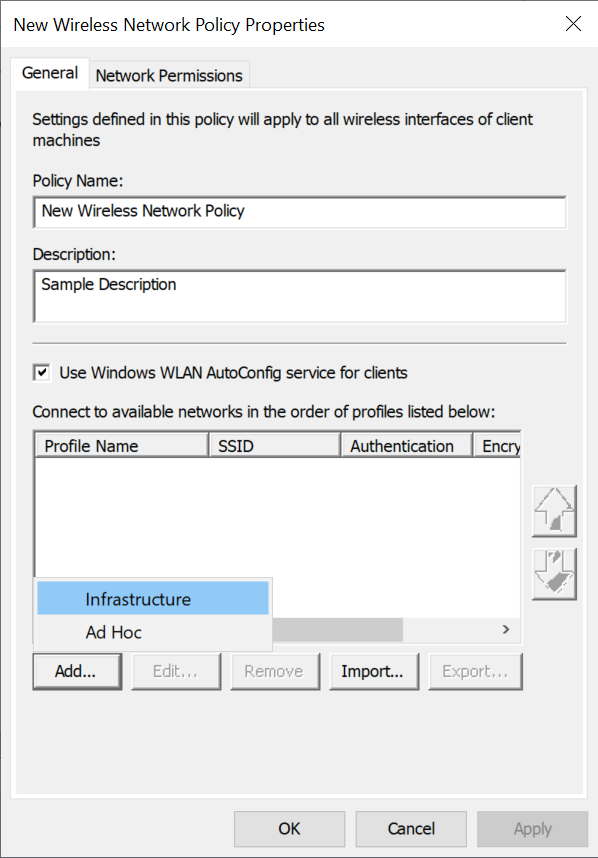
- SSID (Network Name)**: This is the name of your network that appears to devices when they search for available networks.
- Password**: This is the password required to connect to your network. Make sure to choose a strong and unique password to ensure security.
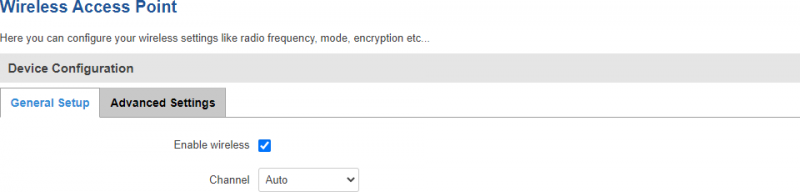
- Channel**: This determines the frequency band on which your network operates. Choose a channel that minimizes interference from other networks.