Google Wi-Fi Router Setup Guide: A Seamless Experience
Are you struggling to get your Google Wi-Fi router setup right? Look no further! In this comprehensive guide, we will walk you through the simple yet essential steps to install and configure your Google Wi-Fi router for a seamless internet experience.
What's in the Box?
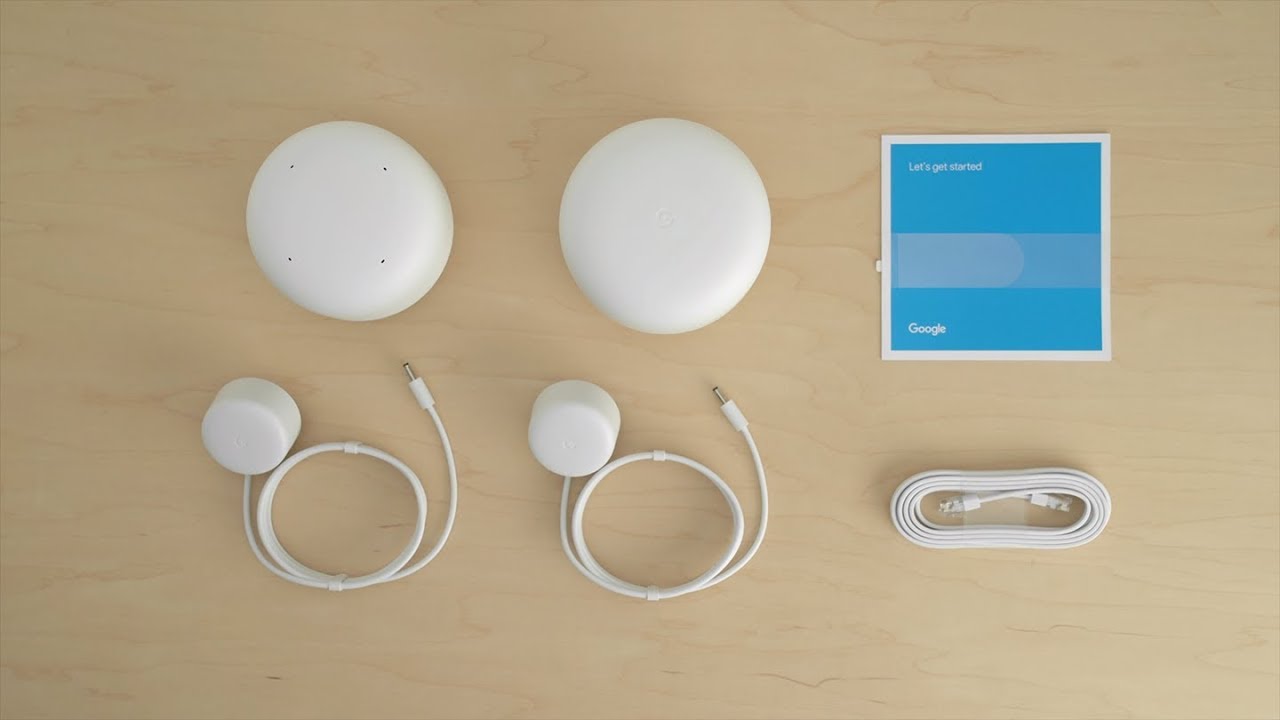
When you first unbox your Google Wi-Fi router, you will find the following components:
- Google Wi-Fi point(s)
- Power cord
- Quick start guide
Step 1: Find a Spot for Your Wi-Fi Point
First things first, you need to find the perfect spot for your Google Wi-Fi point. Ideally, place it in a high traffic area, such as a living room or kitchen, for optimal coverage. Make sure it's at least 10 inches away from any walls or obstructions to ensure a strong signal.
Step 2: Plug in Your Wi-Fi Point
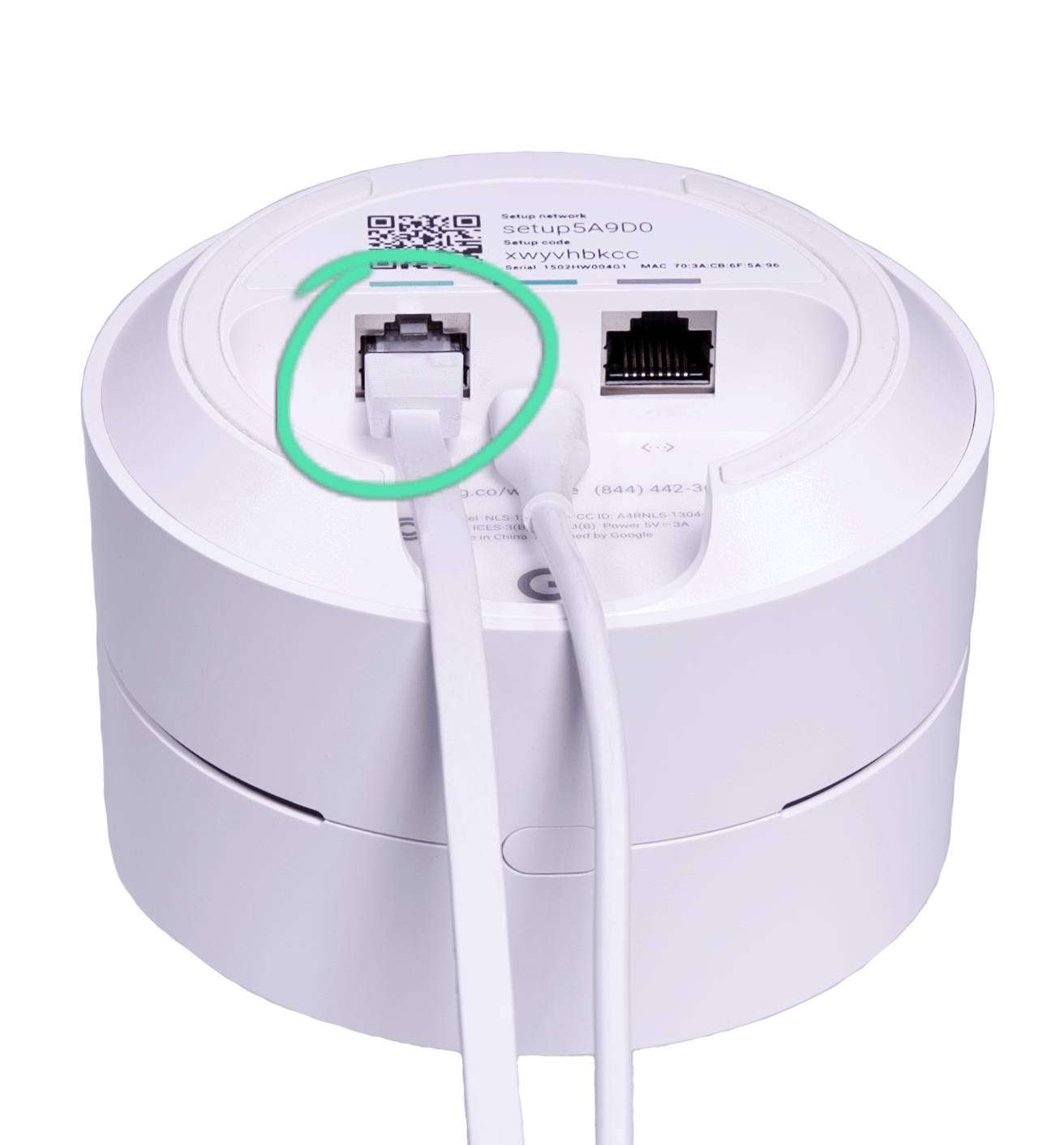
Now that you've found the perfect spot, plug in your Google Wi-Fi point. Make sure it's securely plugged into a power outlet and turned on.
Step 3: Get the App
Download and install the Google Home app on your smartphone or tablet. The app will guide you through the setup process and allow you to manage your Google Wi-Fi network.