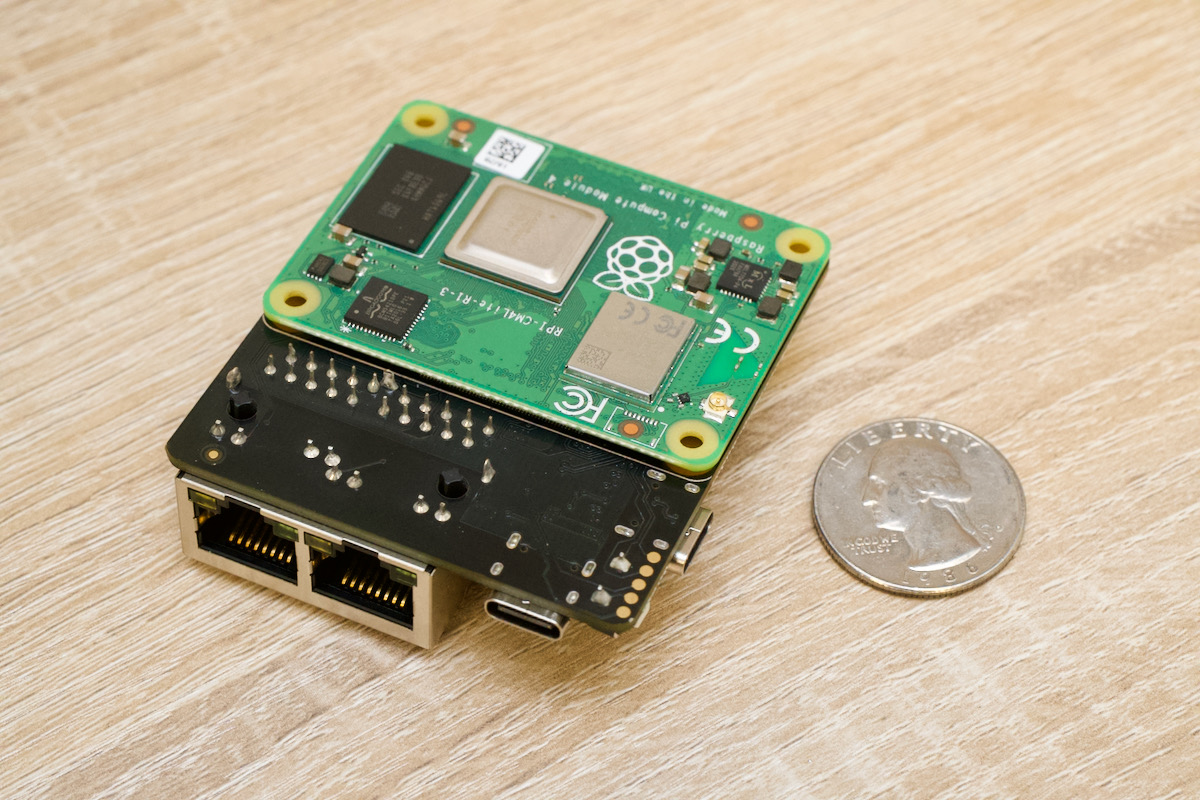
How to Configure a Raspberry Pi as a Router
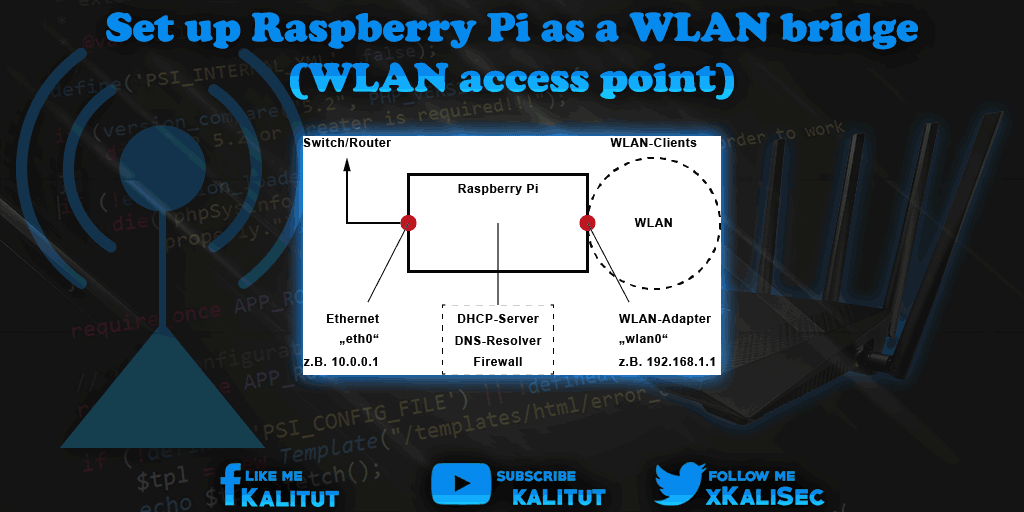
In today's digital age, having control over your home network and internet connection has become a crucial aspect of modern life. Traditional commercial routers often come with limited customization options, but the Raspberry Pi offers a cost-effective and versatile solution to this problem. With the help of various software and tools, you can transform your Raspberry Pi into a powerful custom router that meets your specific needs.
Why Choose Raspberry Pi as a Router?
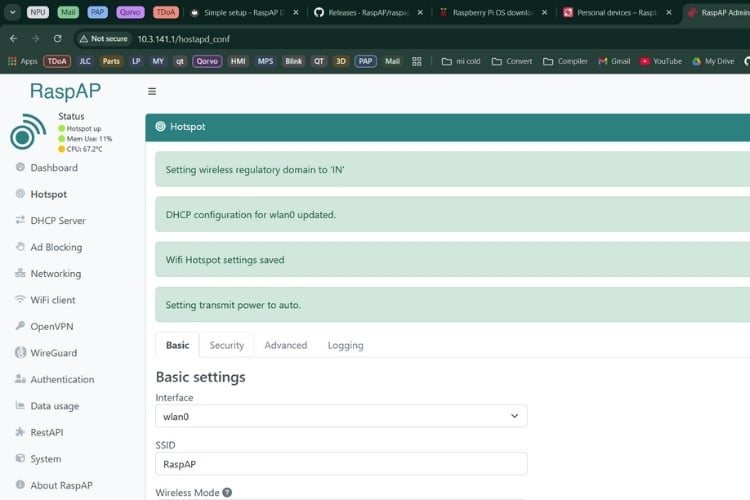
The Raspberry Pi is an ideal candidate for building a custom router due to its low cost, compact design, and open-source operating system. With a Raspberry Pi, you can create a router that not only shares your internet connection but also provides advanced features like VPN connectivity, ad-blocking, and bandwidth management. This DIY setup offers unparalleled flexibility and customization options, making it an attractive alternative to traditional commercial routers.
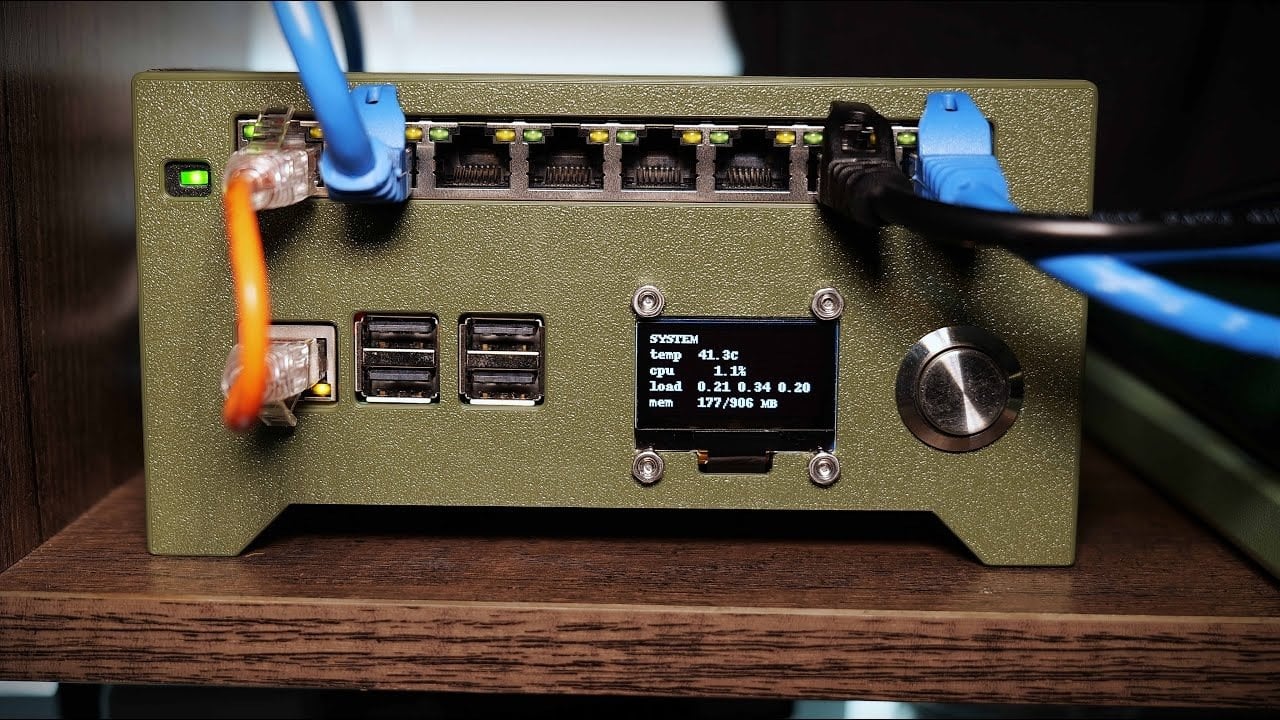
Step 1: Prepare Your Raspberry Pi
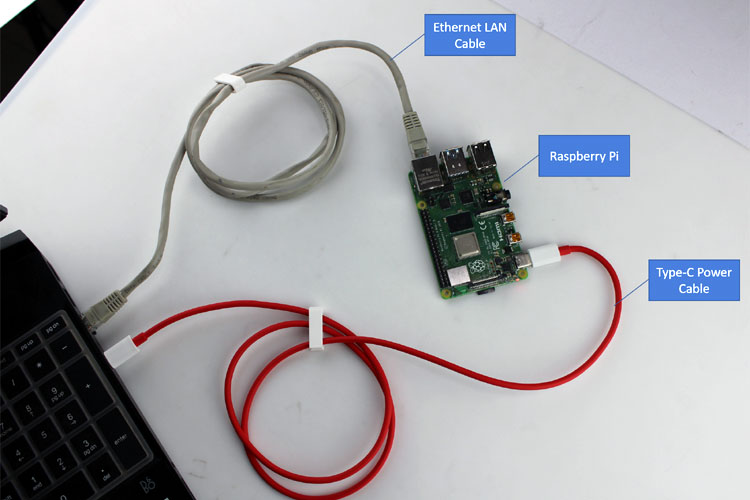
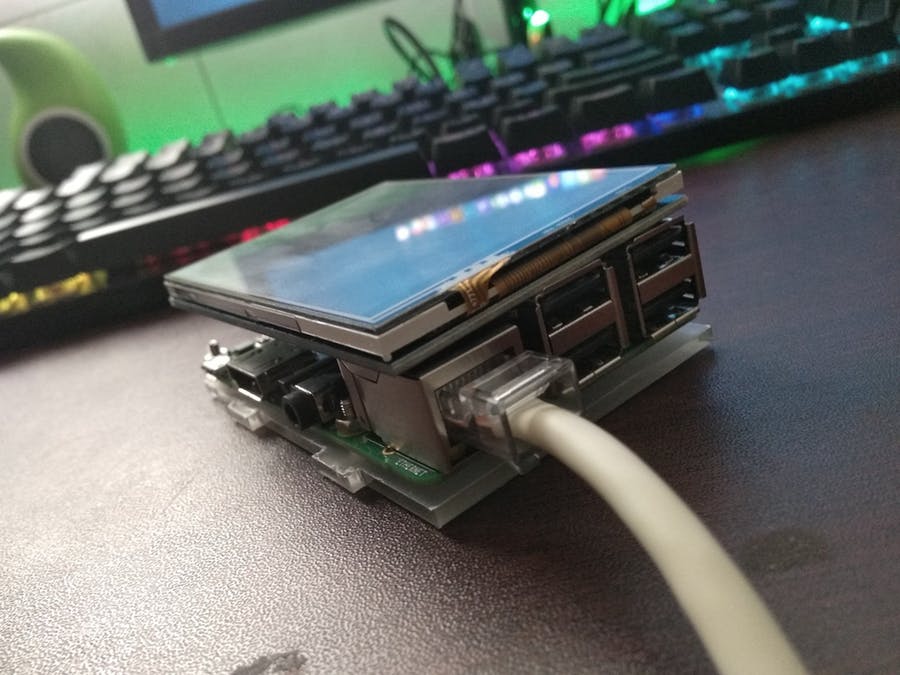
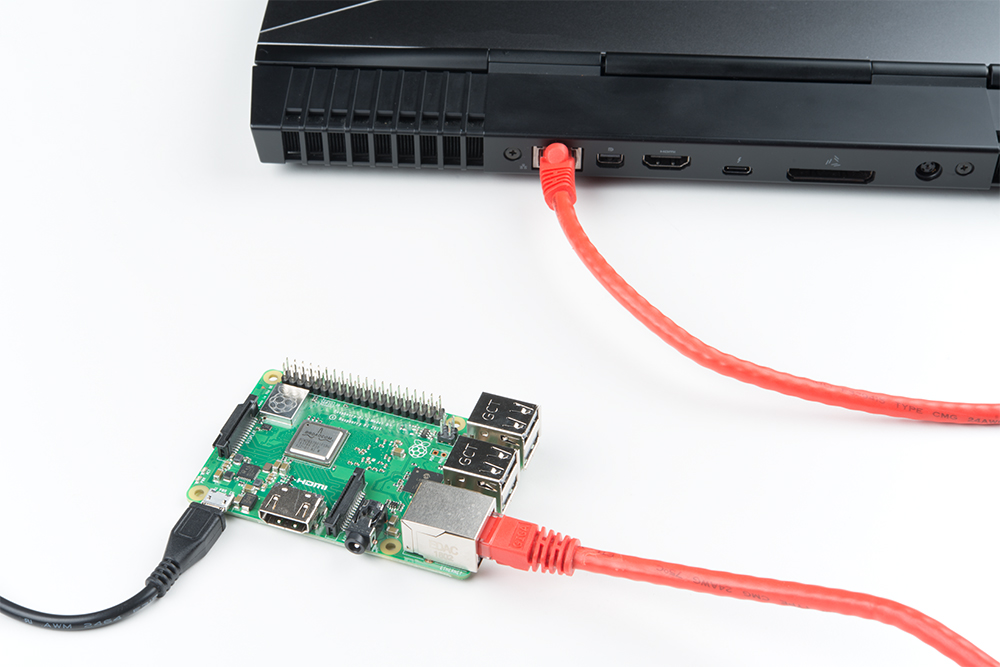
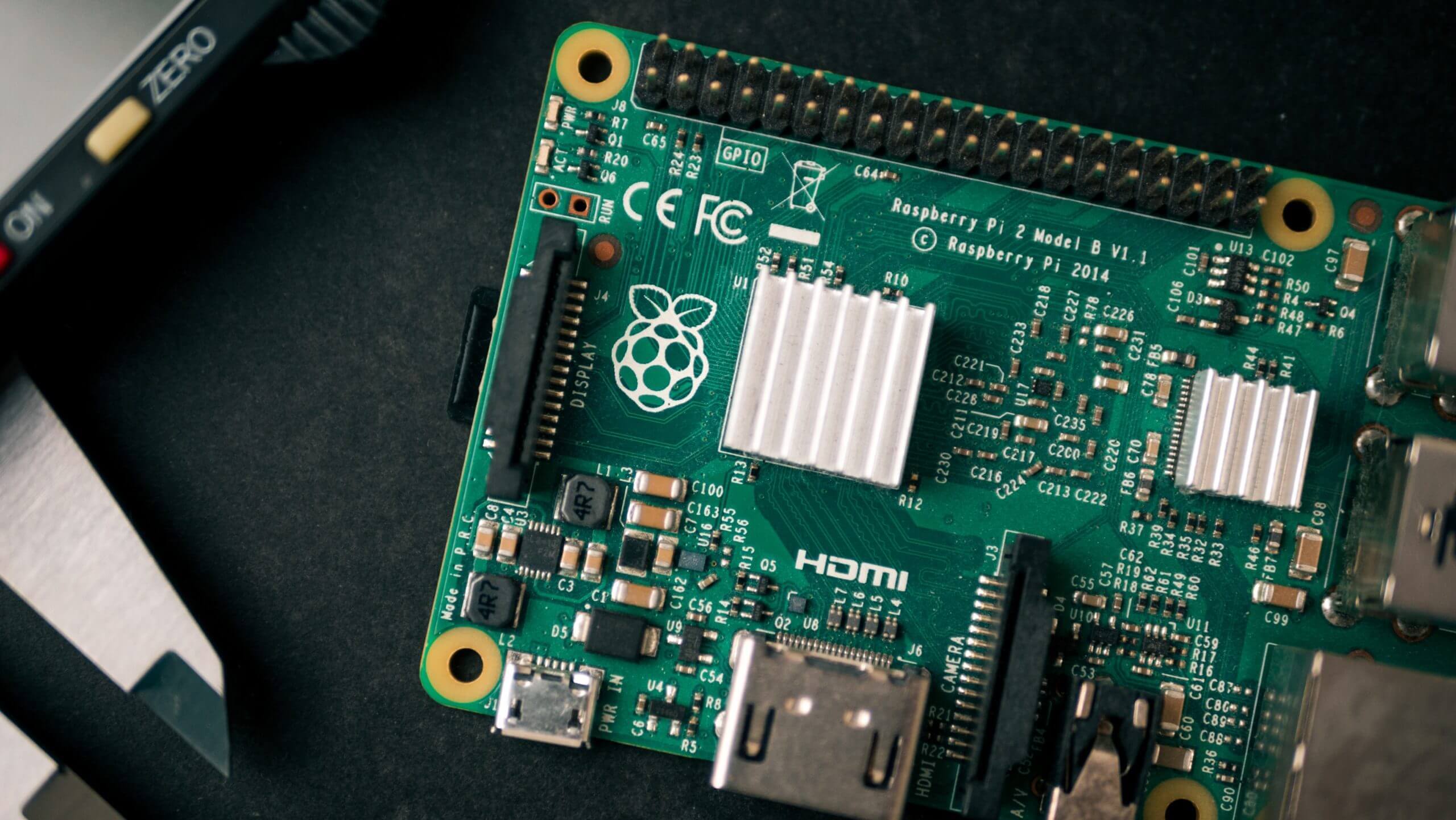
To get started, you'll need to connect your Raspberry Pi to a power source and boot it up. You can use a USB cable to connect the Pi to a keyboard and mouse for easier setup. Ensure that your Pi is up-to-date by running the update command in the terminal: `sudo apt-get update && sudo apt-get upgrade`