Configuring Your G Router with QoS for a Seamless Online Experience
Are you tired of laggy gaming sessions, delayed video calls, and interrupted streaming services? If so, it's time to consider configuring your G router with Quality of Service (QoS). This powerful feature allows you to prioritize essential traffic, ensuring that critical applications receive the bandwidth they need to operate smoothly.
What is Quality of Service (QoS)?
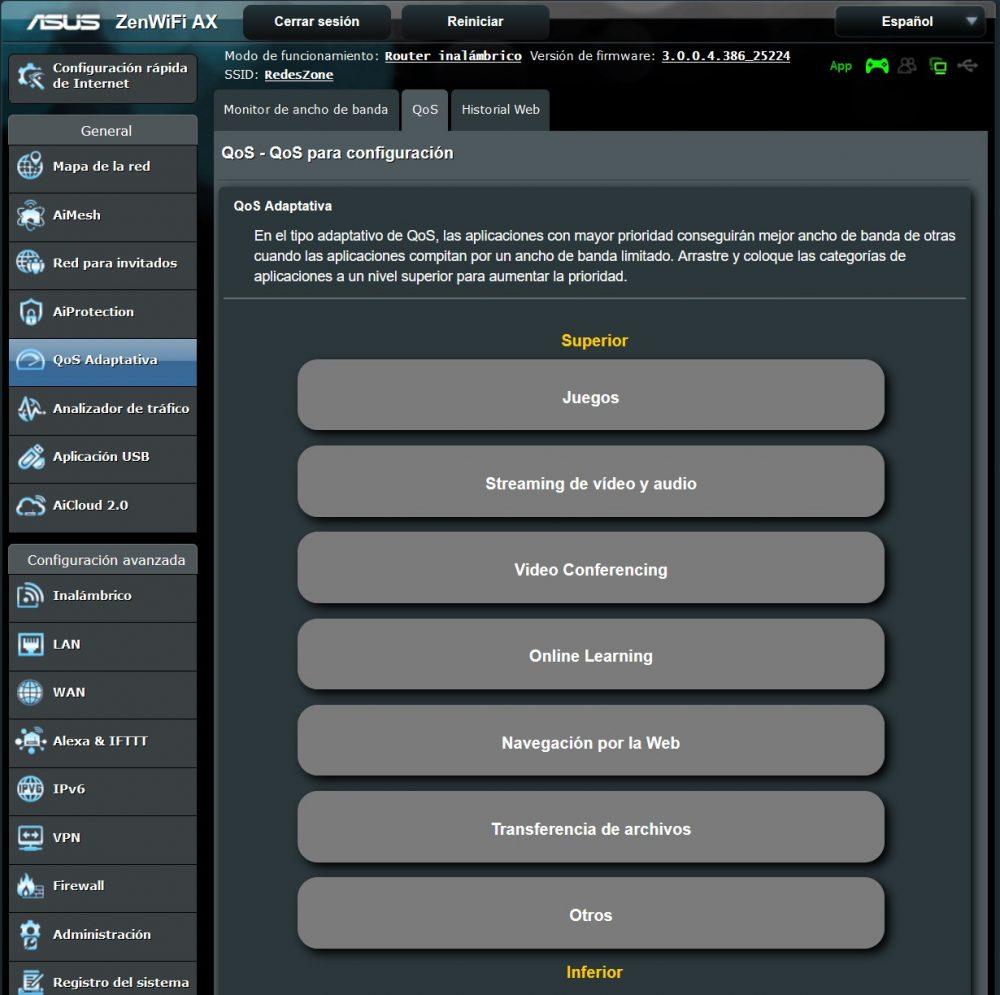
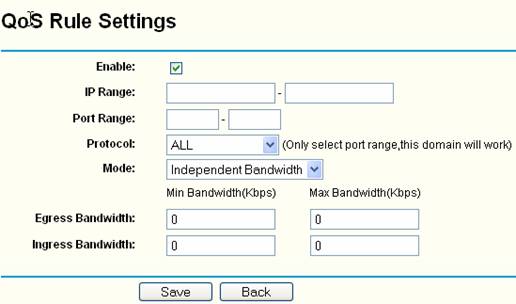
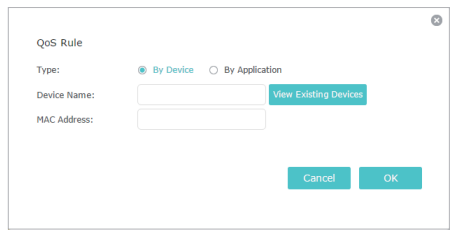
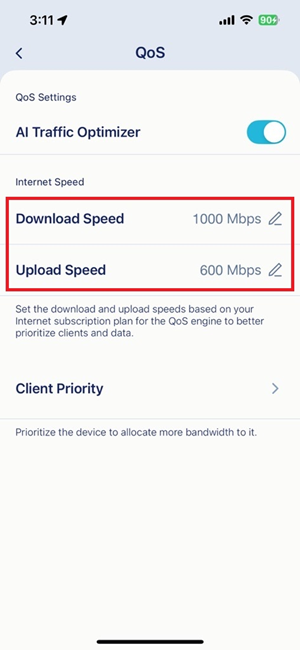
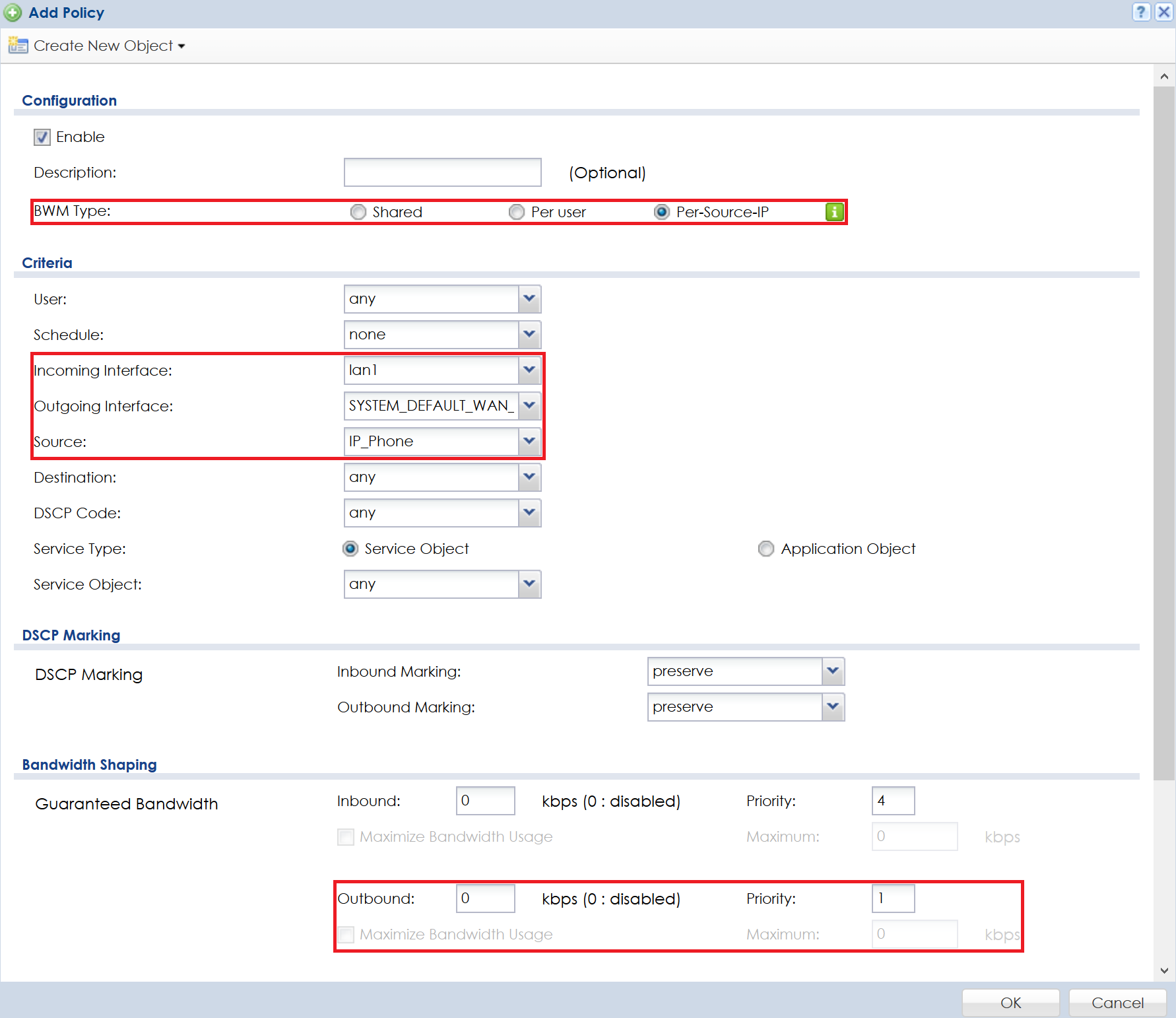
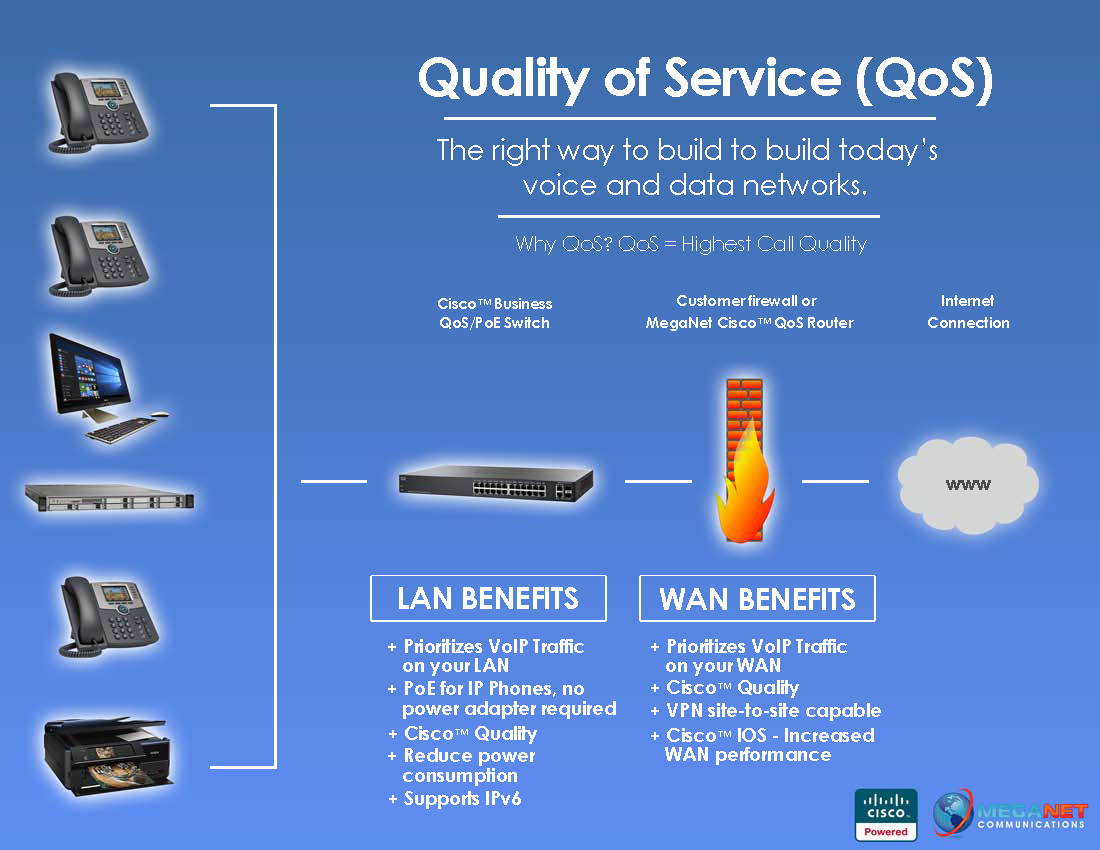
QoS is a feature on routers that enables you to manage and prioritize internet traffic. By configuring QoS, you can allocate bandwidth to important applications, such as online gaming, video conferencing, and streaming services. This ensures that these applications receive the necessary resources to function optimally, while less important traffic takes a backseat.
Benefits of Configuring Your G Router with QoS
- Improved online gaming experience: By prioritizing gaming traffic, you can reduce lag and ping, making your gaming sessions more enjoyable.
- Enhanced video calls and conferencing: QoS ensures that video traffic receives the necessary bandwidth, reducing delays and ensuring clear video and audio transmission.
- Reduced stream buffering: By allocating sufficient bandwidth to streaming services, you can eliminate buffering and pause-less playback.
- Increased productivity: QoS enables you to allocate bandwidth to critical work applications, ensuring that you can work efficiently and effectively.