How to Set Up a Home Wireless Network: A Step-by-Step Guide
Setting up a home wireless network can seem like a daunting task, but with the right guidance, it's easier than ever. In this article, we'll take you through the step-by-step process of setting up a wireless network in your home, covering everything from establishing a connection to securing your network.
Understanding the Basics
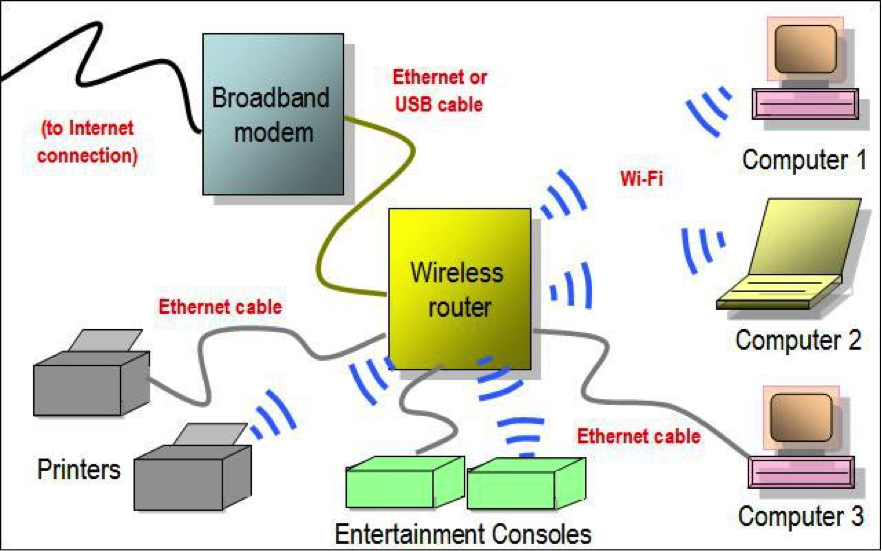
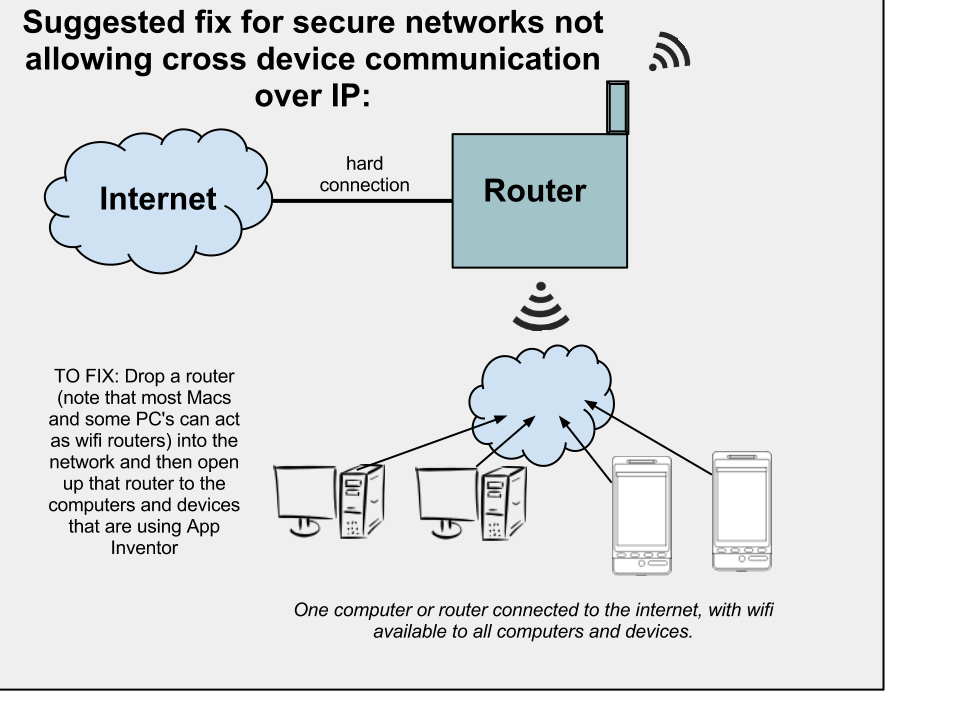
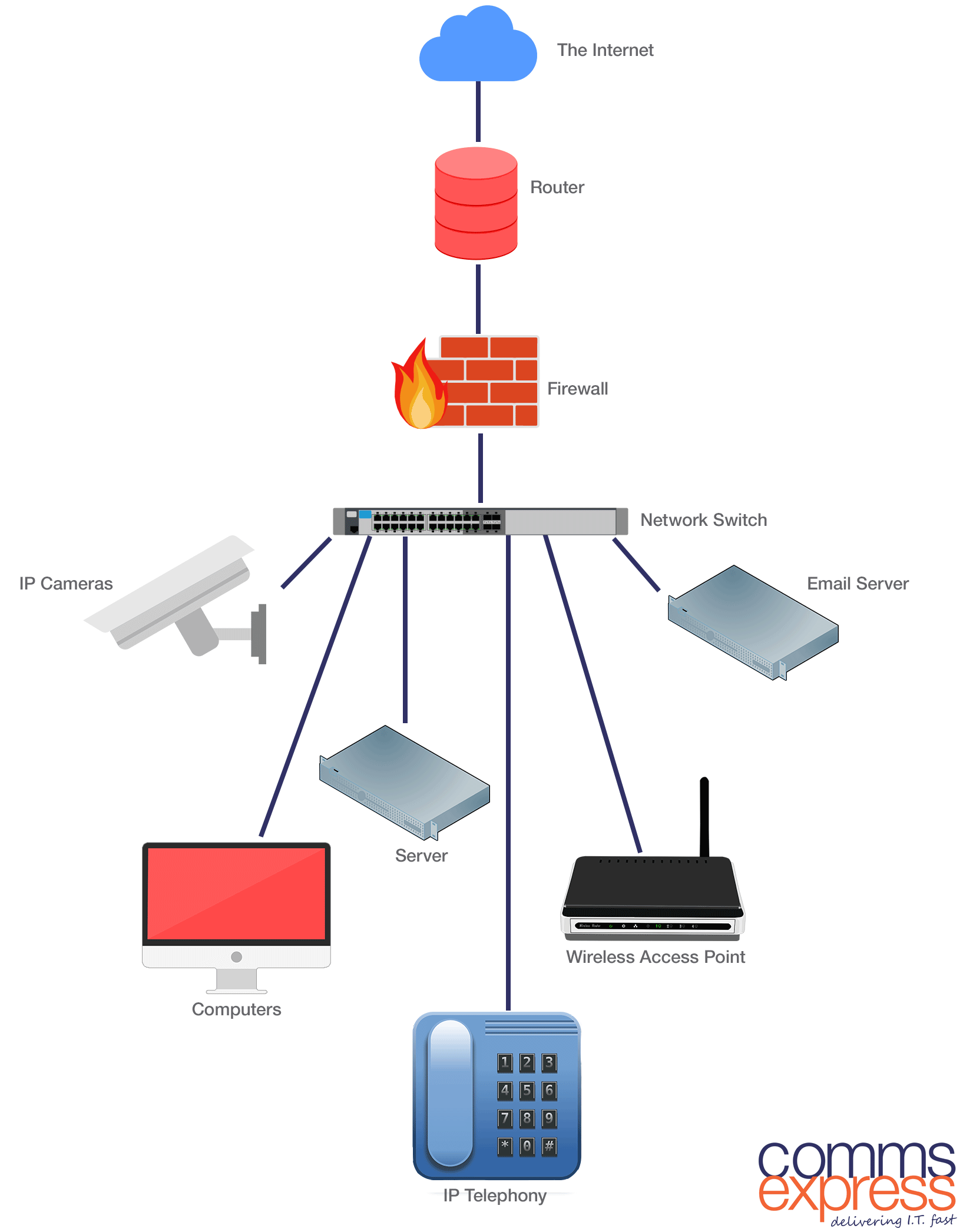
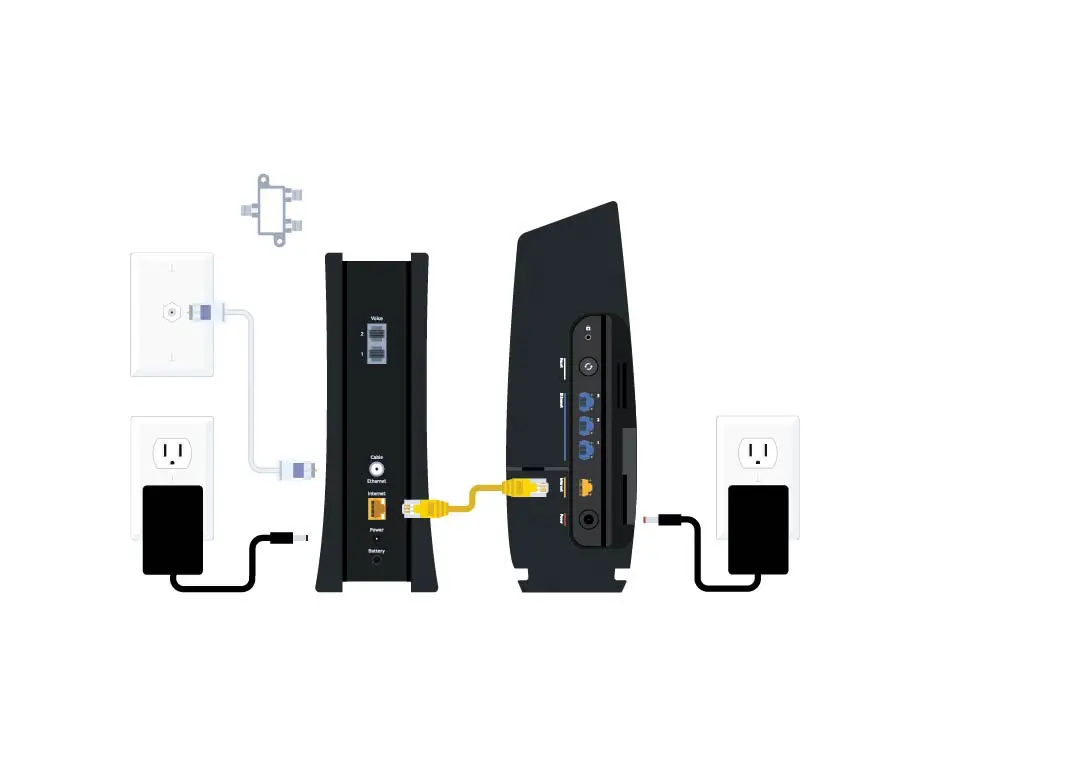
Before you begin, it's essential to understand the basics of a home wireless network. The three primary components you'll need are:
- A Modem: connects you to the internet service provider (ISP)
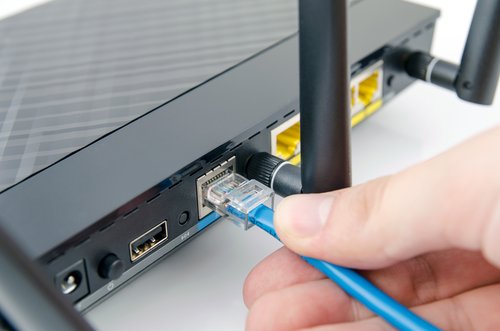
- A Wireless Router: connects devices to the network and provides Wi-Fi connectivity
- Devices: laptops, smartphones, tablets, and other devices that connect to the network
Step 1: Choose Your Internet Service Provider

The first step in setting up a wireless network is to choose your internet service provider (ISP). Research and select a reliable ISP that offers a suitable plan for your needs.
Step 2: Obtain Your Wi-Fi Equipment
Once you've chosen your ISP, obtain your wireless router and modem from the provider or purchase one from a reputable retailer. Make sure the router is compatible with your devices and meets your internet speed requirements.