Setting up a Wireless Network at Home: A Step-by-Step Guide
Are you tired of dealing with a slow or unreliable internet connection at home? Setting up a wireless network at home can seem like a daunting task, but it's easier than you think. With the right equipment and a little patience, you can have a reliable and fast Wi-Fi network up and running in no time.
Understanding the Essential Components
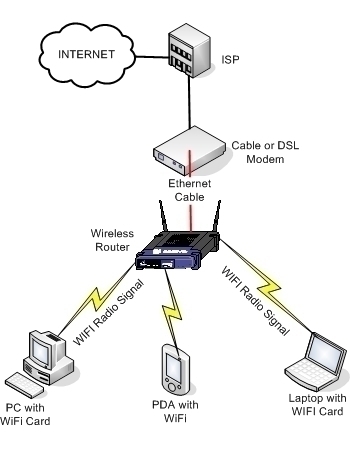
Before we dive into the setup process, let's take a look at the essential components you'll need to create a wireless network at home. These include:
- Modem: This is the device that connects your home internet to the internet service provider. It's usually provided by your ISP (Internet Service Provider).
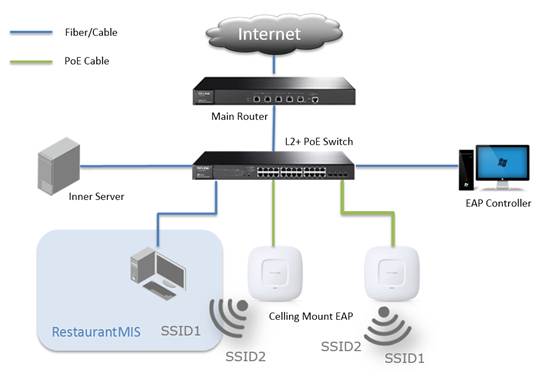
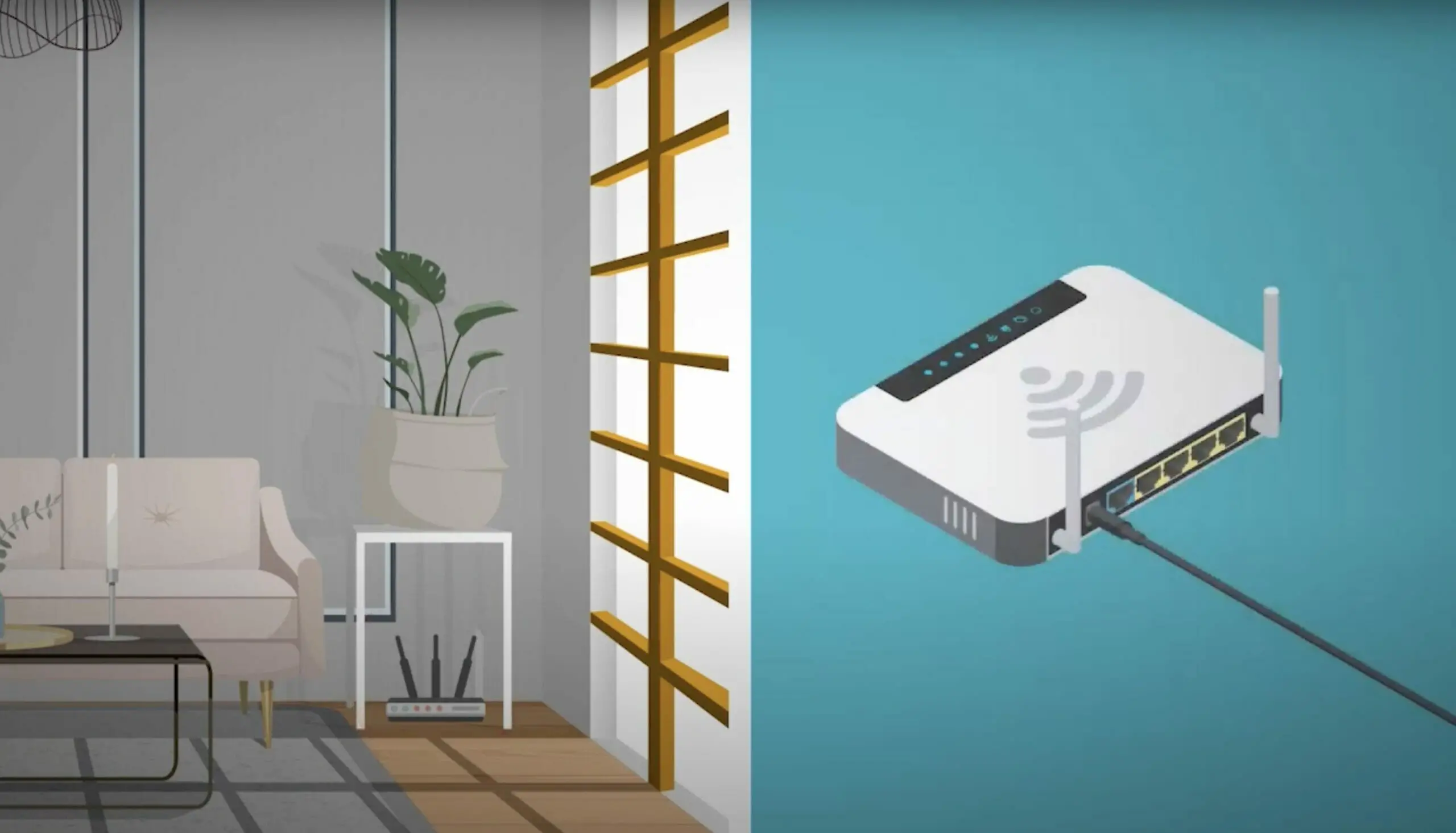
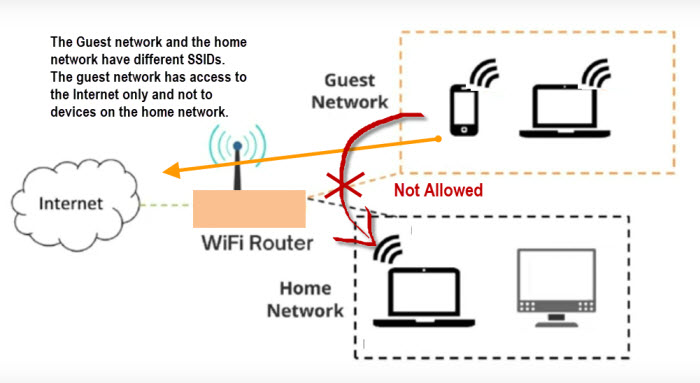
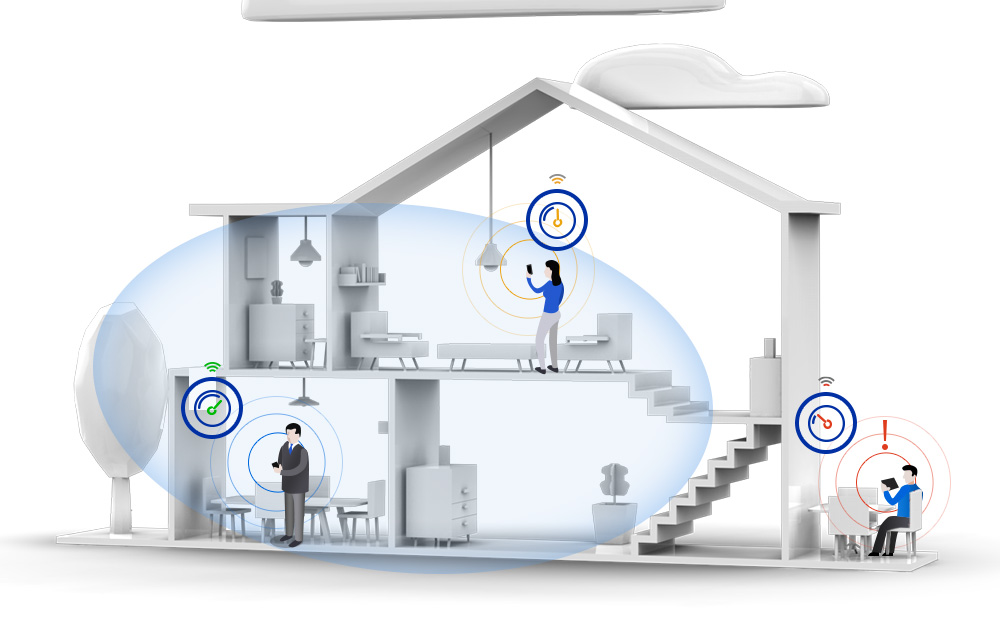
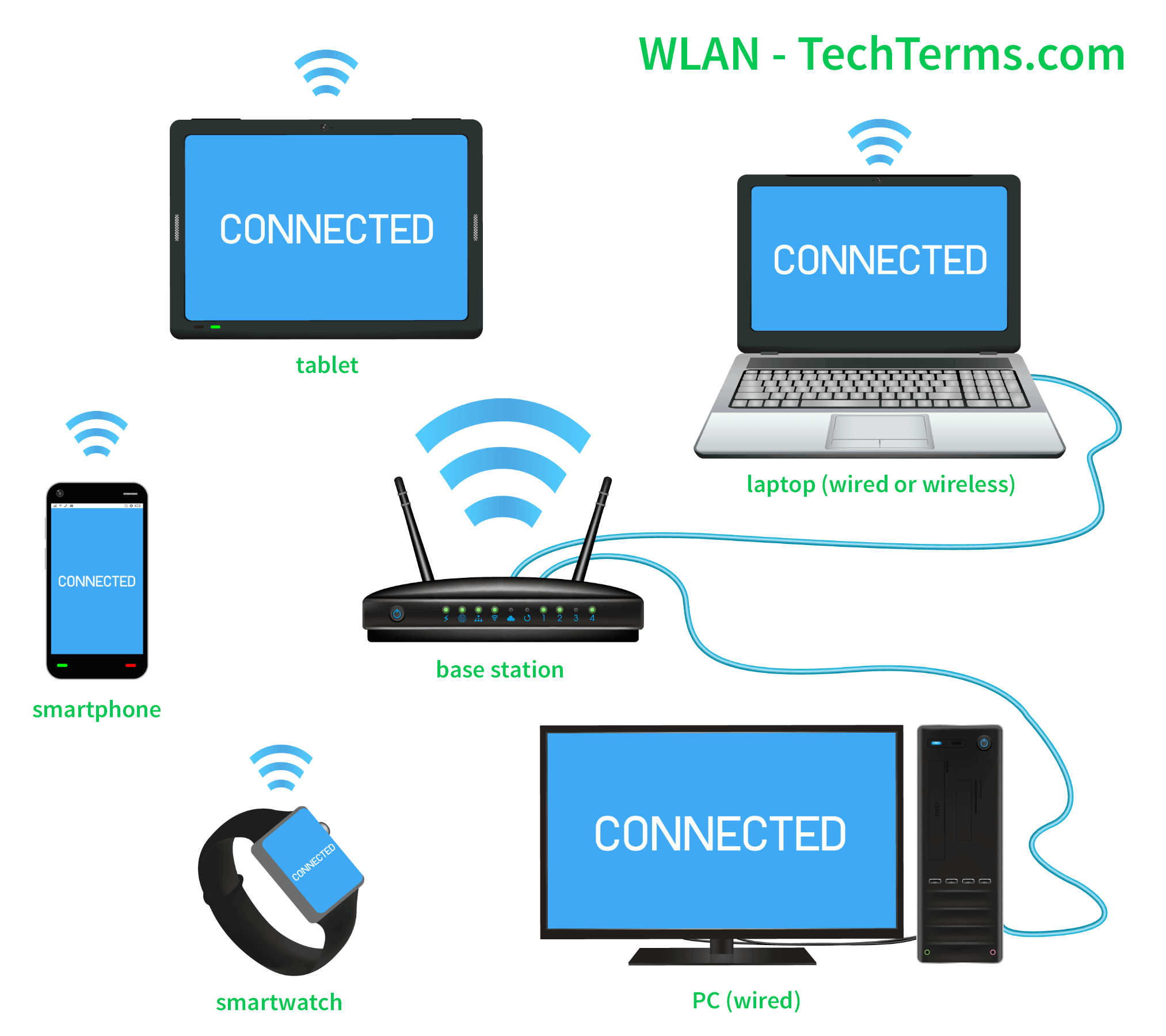
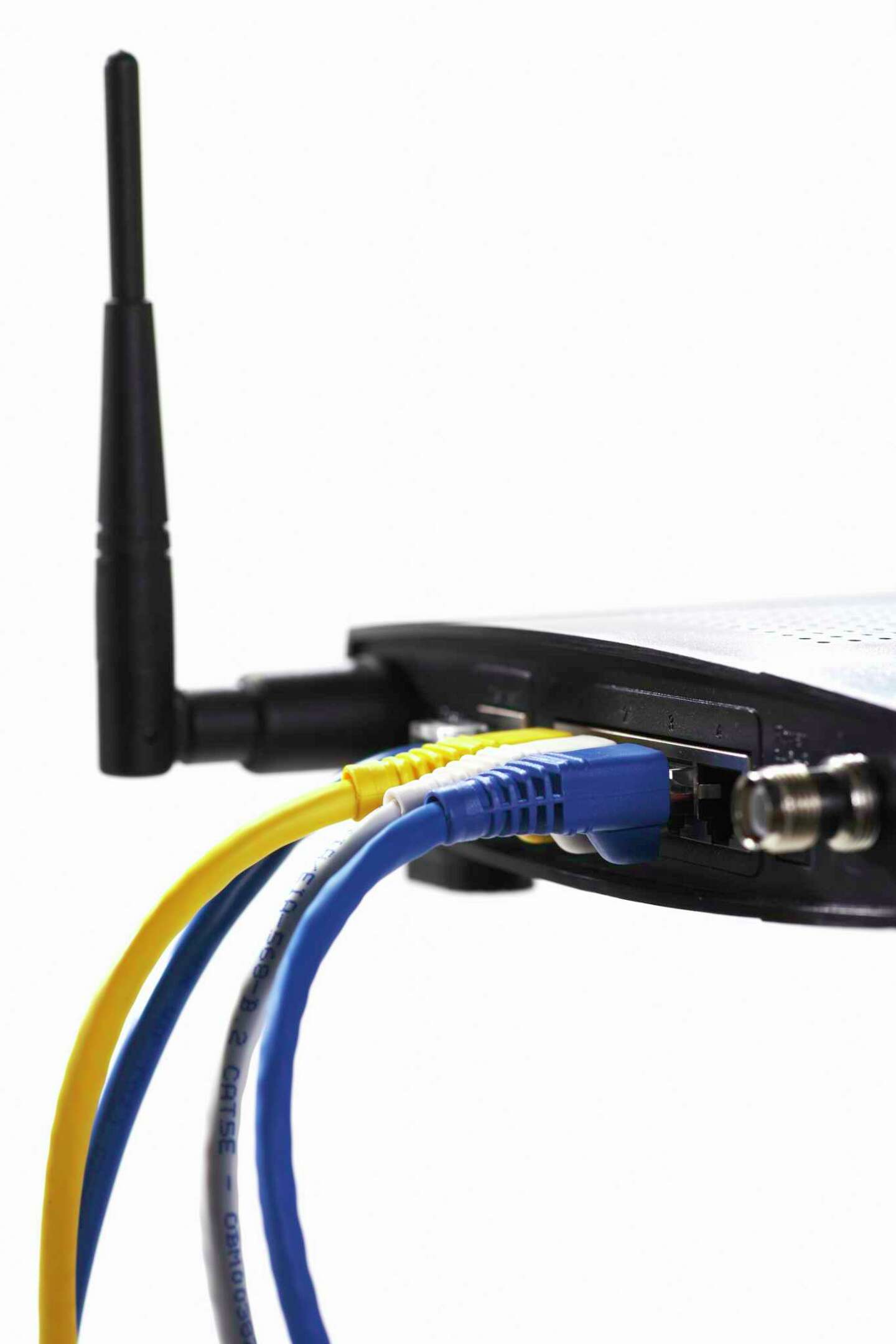
- Wi-Fi Router: This device connects to the modem and redistributes the internet signal to all devices in your home via Wi-Fi or wired connections.
- Devices: This can include laptops, smartphones, tablets, smart home devices, and more.
Setting up the Modem and Router

Once you have all the necessary equipment, let's move on to setting up the modem and router. Here's a step-by-step guide:
Step 1: Connect the Modem to the Wall Outlet
First, connect the modem to a power outlet and let it boot up. Make sure it's properly connected and the lights are on.
















![[Wireless Router] How do I enter my ASUS router's setting page using ...](https://www.nwtel.ca/sites/default/files/Support/Internet/SmartRG-516_F1A2512-package-contents-labelled--web_0.png "[Wireless Router] How do I enter my ASUS router's setting page using ...")