Netgear Router Access Point Setup Tutorial: Extend Your Wireless Network Coverage
Are you looking to expand your wireless network coverage and improve connectivity in areas where your primary router's signal is weak? In this comprehensive guide, we'll walk you through the step-by-step process of setting up your Netgear router as an access point (AP) to achieve seamless internet connectivity and extended network coverage.
What is a Netgear Router Access Point?
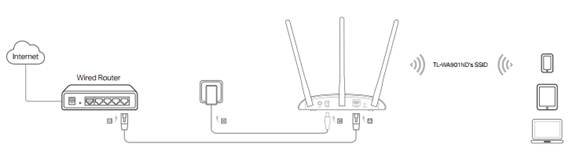
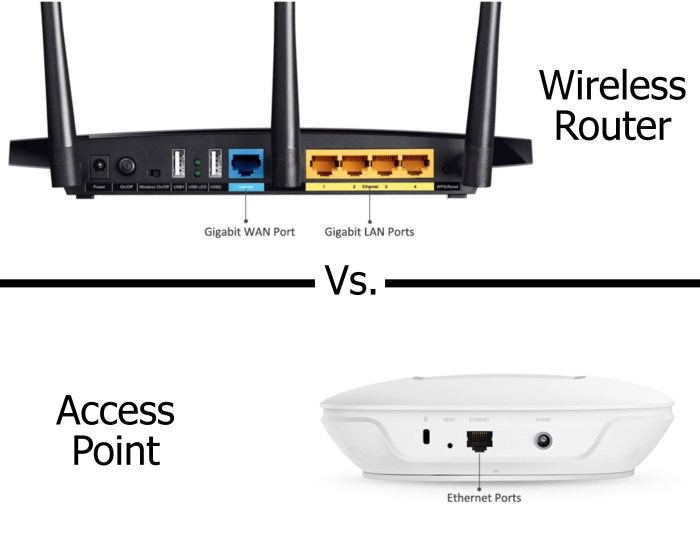
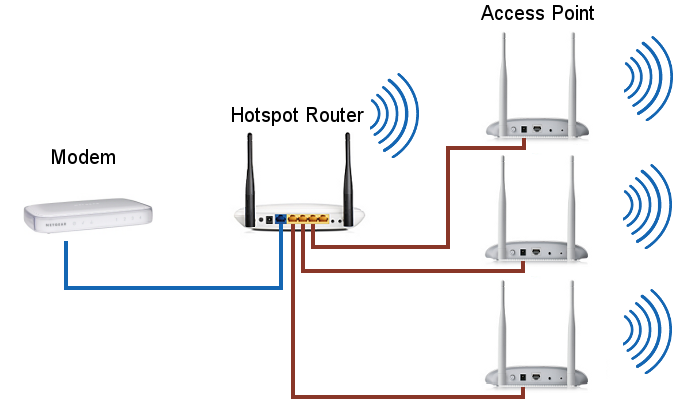
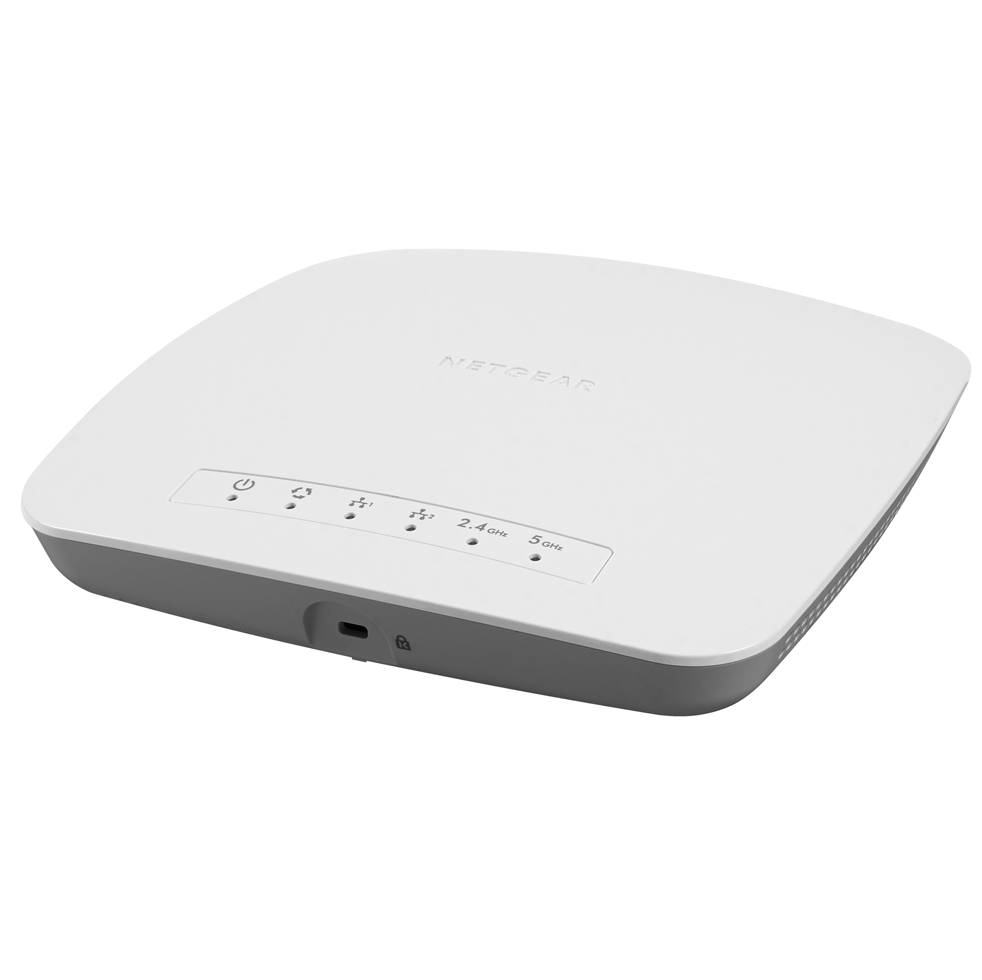
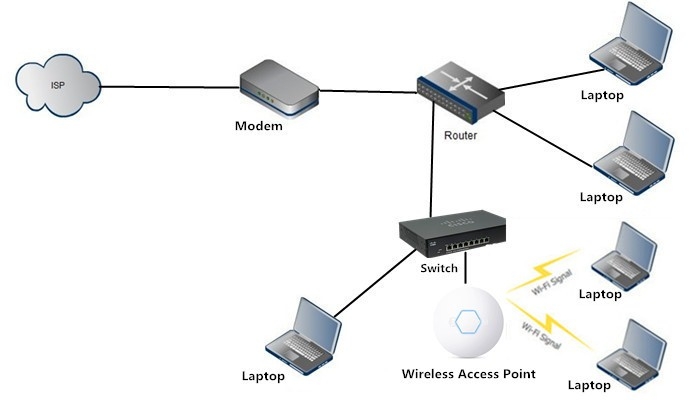
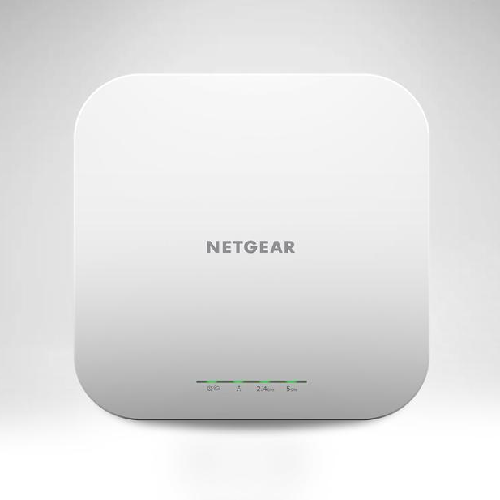
An access point is a wireless networking device that allows you to expand your existing wired network into a wireless network, creating a bridge between your router and devices that require Wi-Fi connectivity. By leveraging the capabilities of your Netgear router as an access point, you can unlock extended wireless coverage, create dedicated networks, and enhance the overall performance and efficiency of your home or office network.
Important Considerations Before Setup

- Make sure you have a Netgear router that supports access point mode.
- Check if your ISP gateway supports bridge mode, as this is a requirement for access point setup.
- Ensure you have a computer with Ethernet cable connectivity to your router.
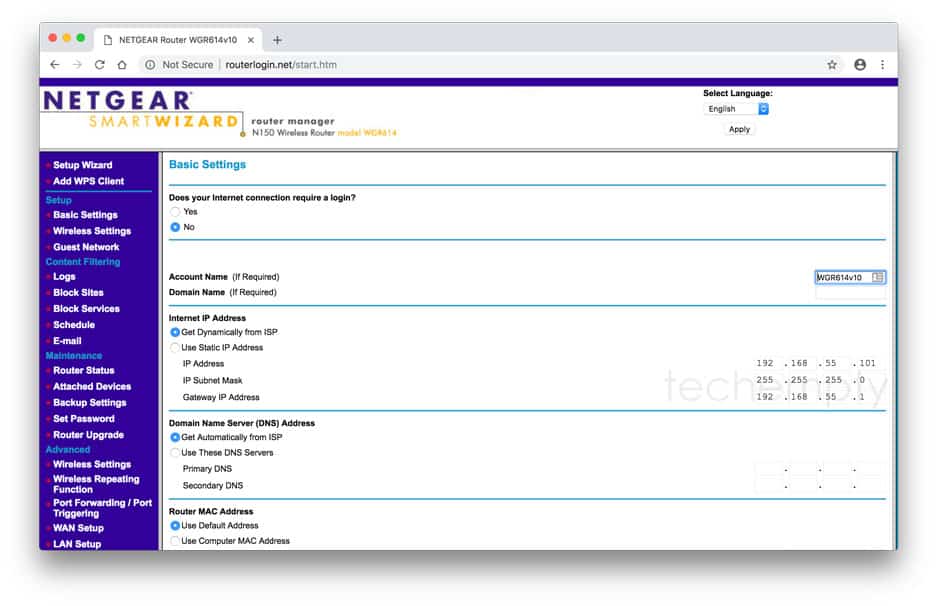
- Familiarize yourself with the default login credentials for your Netgear router.