Netgear Router Access Point Configuration: A Comprehensive Guide
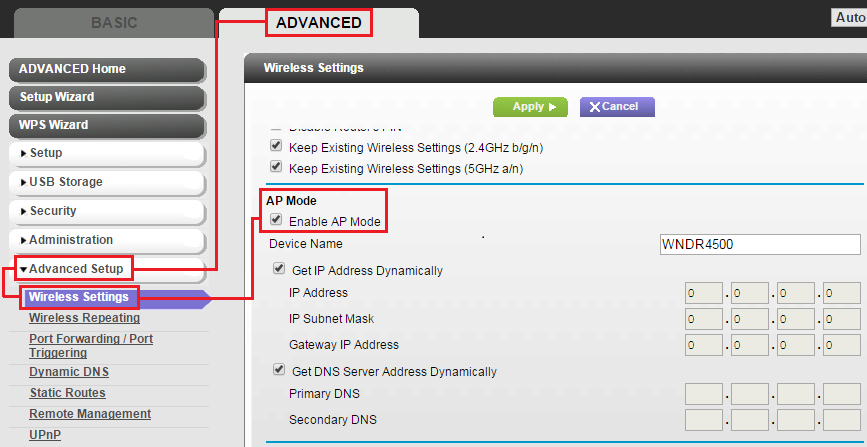
Setting up your Netgear router to work as an access point is a straightforward process that can greatly enhance the wireless coverage of your network. In this article, we'll walk you through the step-by-step instructions on how to configure your Netgear router as an access point, ensuring a seamless internet experience for all your devices.
What is an Access Point?
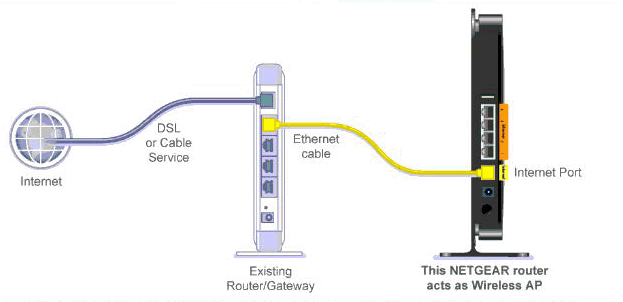
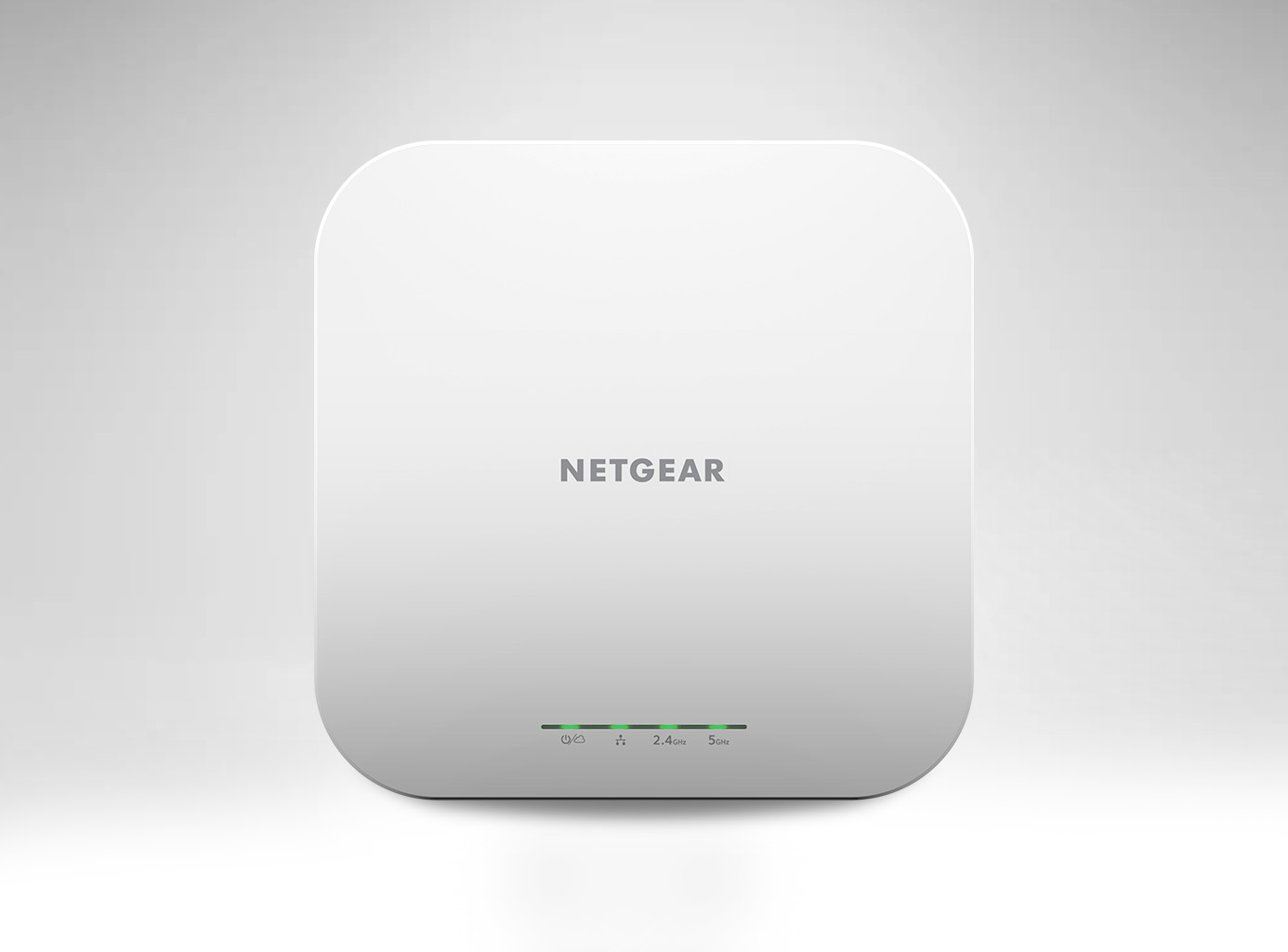
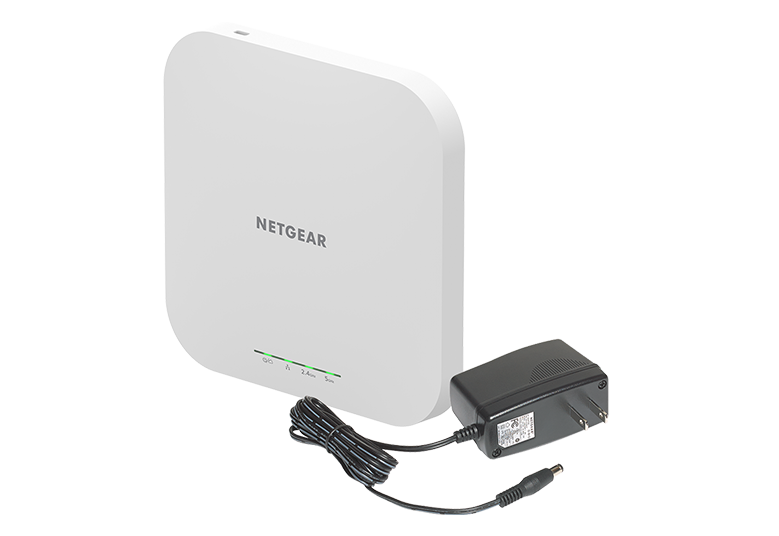
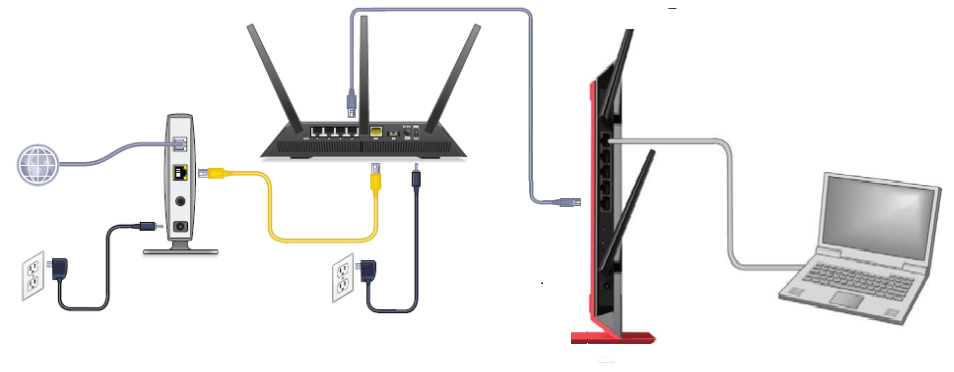
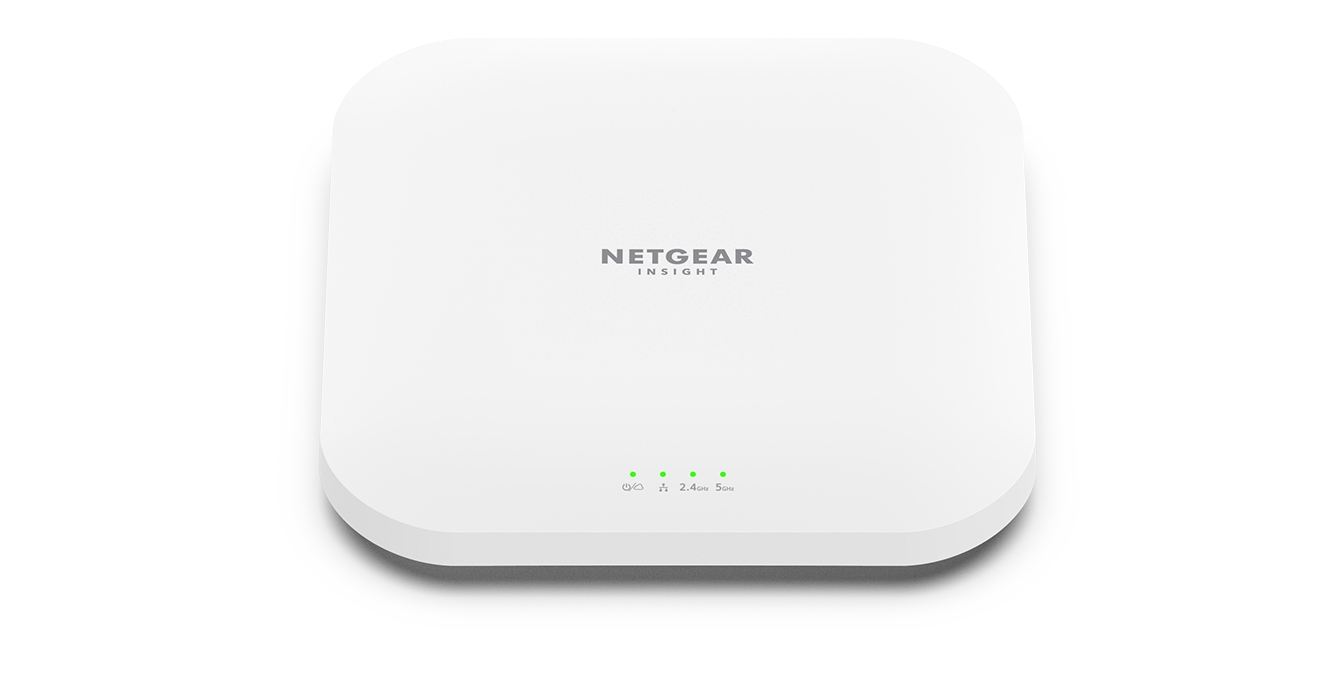
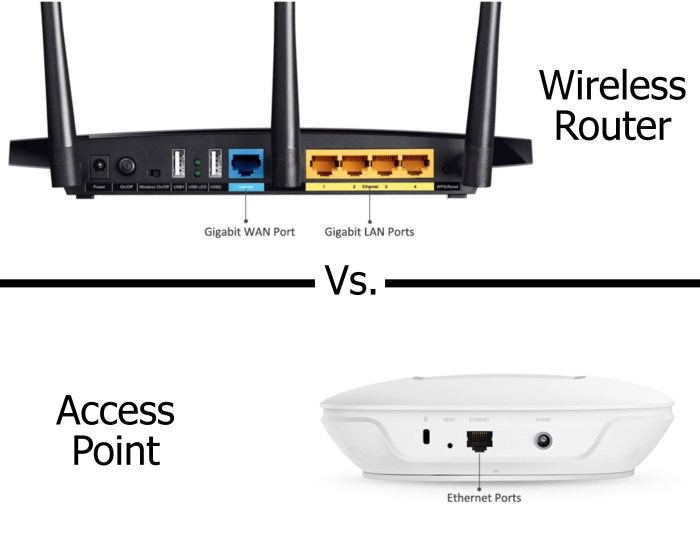
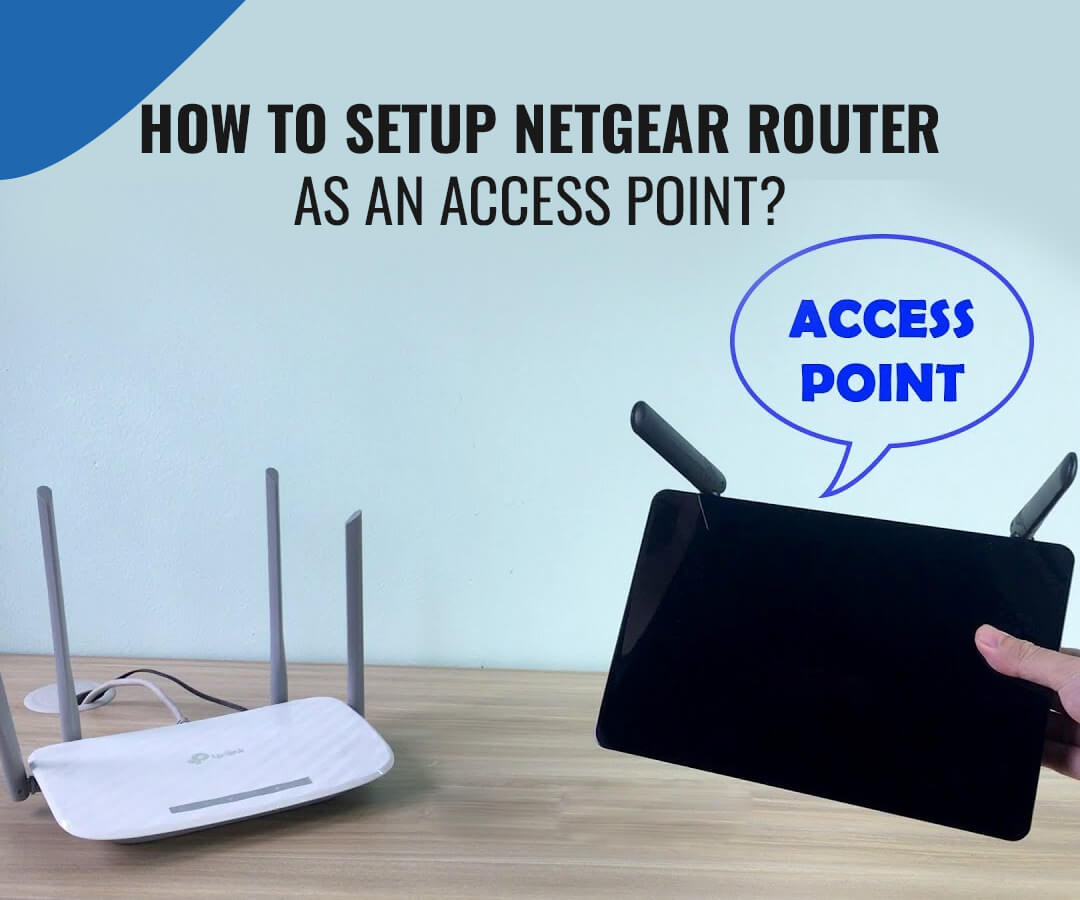
An access point is a device that allows you to extend the wireless coverage of your network by rebroadcasting the signal from an existing router. This is particularly useful in large homes or offices where a single router may not provide sufficient coverage.
Benefits of Using an Access Point with Netgear Router
- Enhanced wireless coverage: An access point can help to fill in gaps in your network, providing a stronger and more reliable signal to devices that are farther away from the main router.
- Reduced dead spots: By rebroadcasting the signal from the main router, an access point can help to eliminate dead spots and ensure that all areas of your home or office have a strong and consistent signal.
- Improved network performance: By distributing the load of network traffic across multiple access points, you can improve the overall performance of your network and reduce congestion.