How to Set Up Your Linksys Router with a Modem: A Step-by-Step Guide
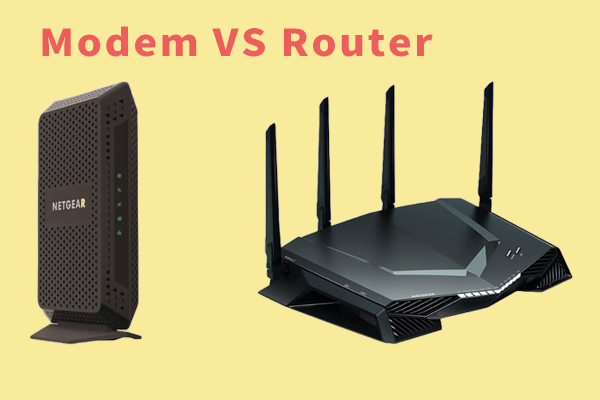
Setting up a Linksys router with a modem can seem like a daunting task, but it's actually quite straightforward. In this article, we'll walk you through the process of connecting your modem to the Linksys router and configuring the settings for a fast and reliable internet connection.
Step 1: Connect Your Modem to the Router
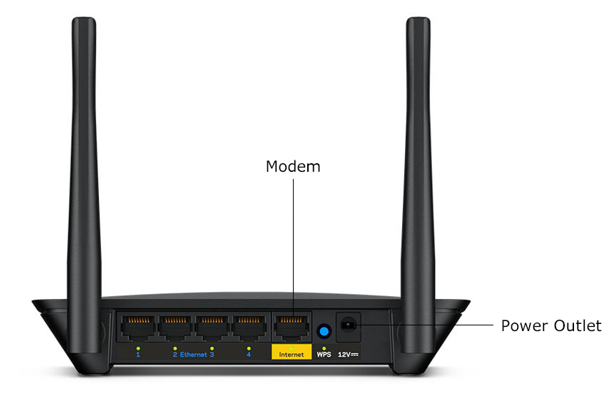
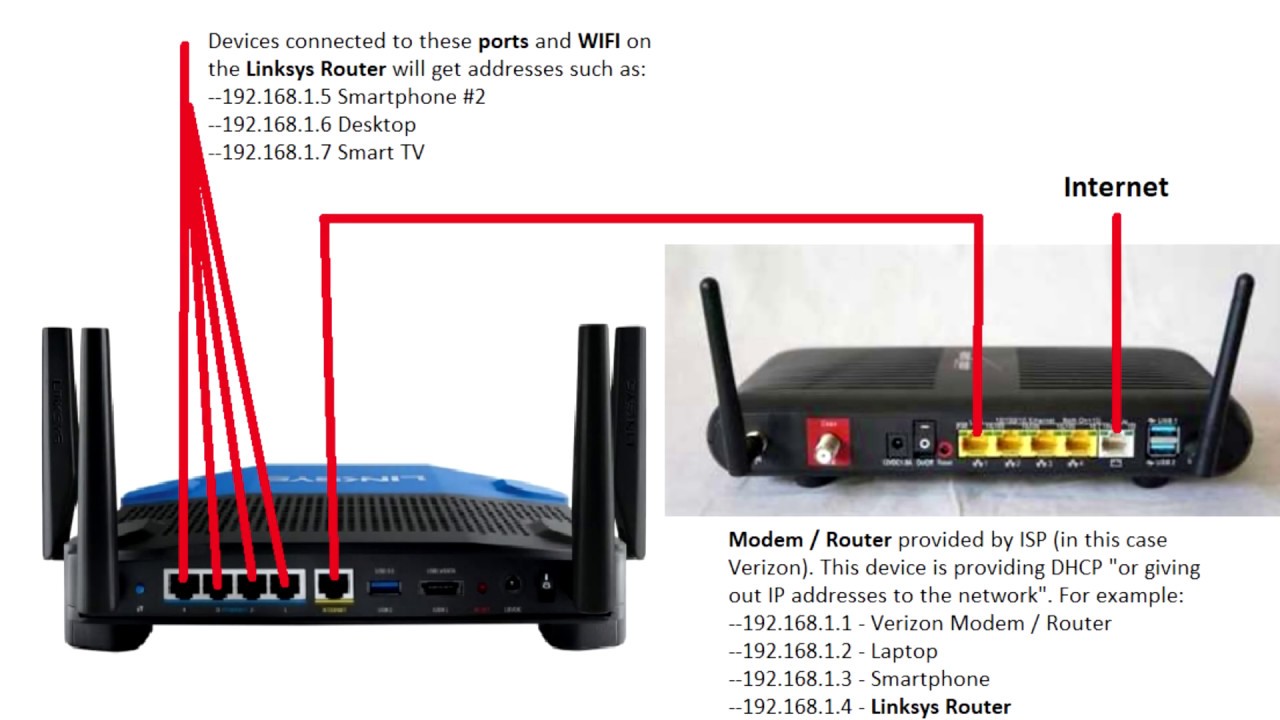
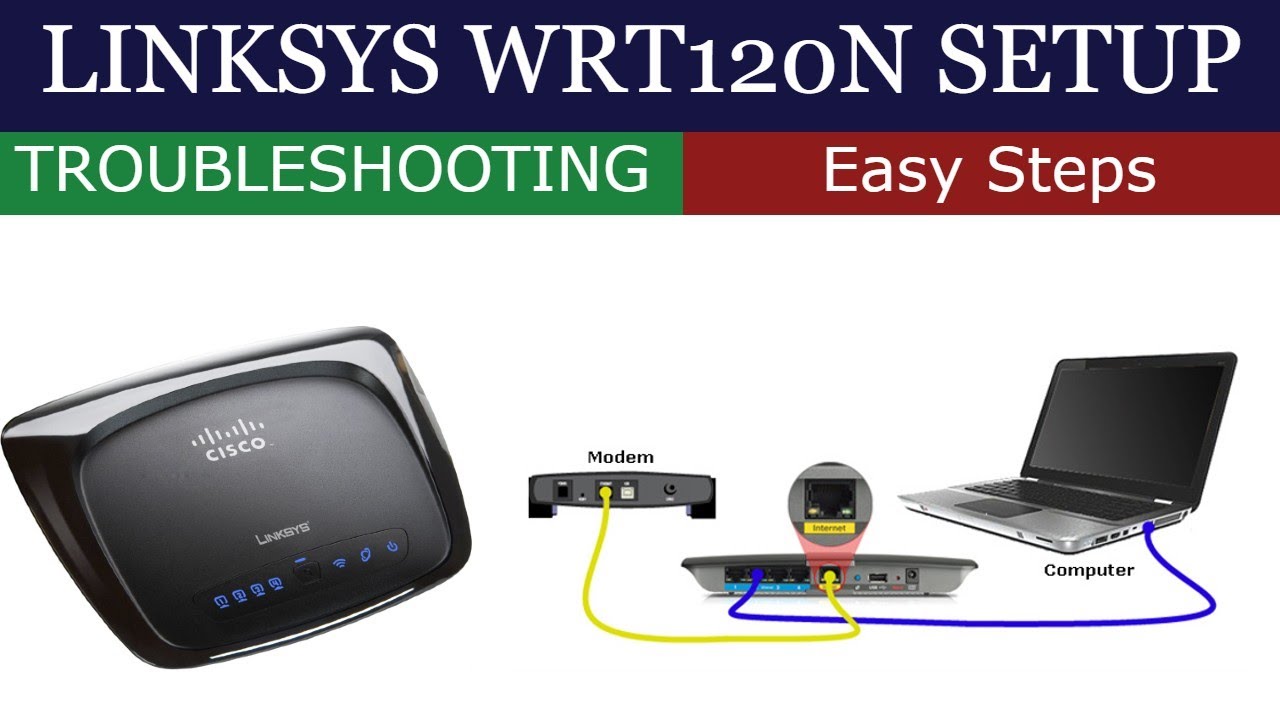
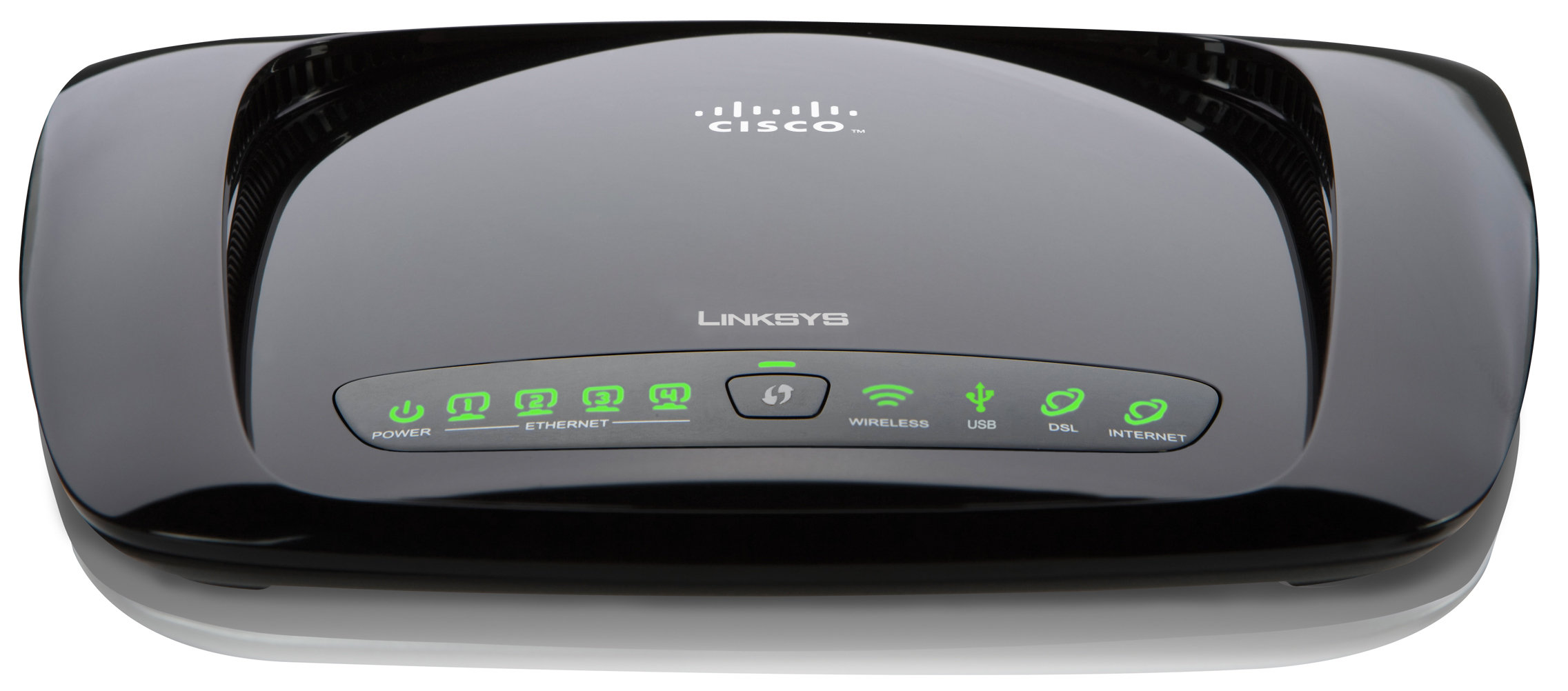
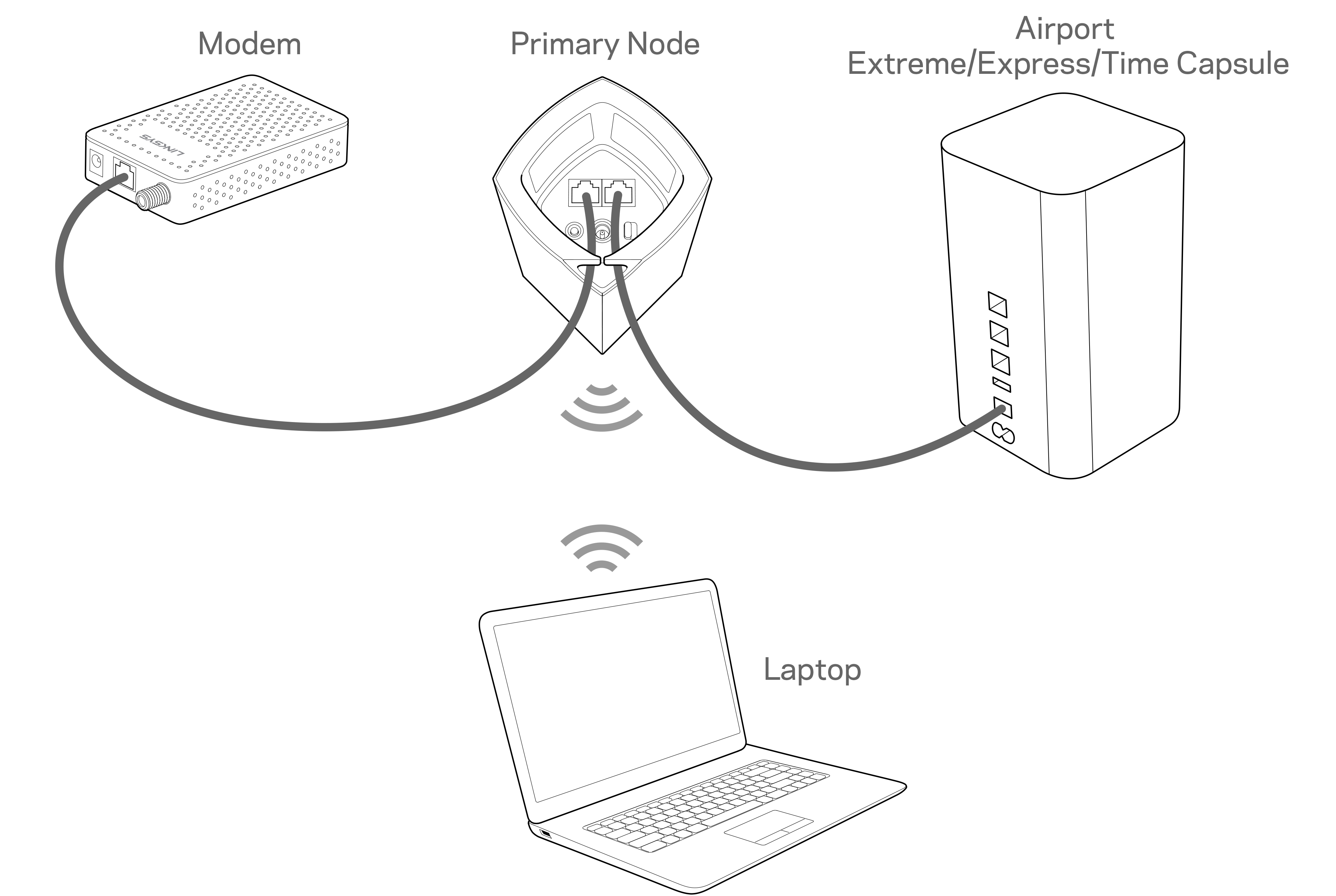
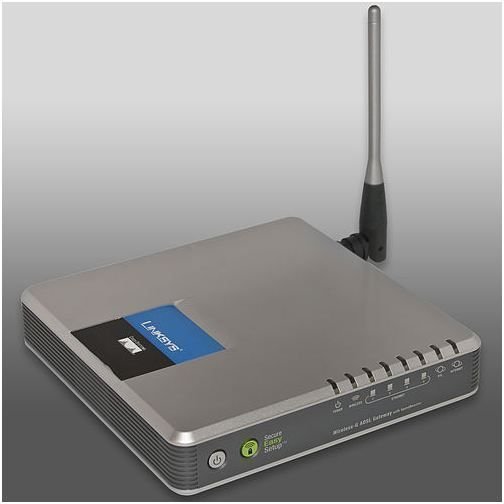
The first step in setting up your Linksys router with a modem is to connect the two devices. You'll need an Ethernet cable to connect your modem to the WAN (Internet) port on the router. Make sure the Ethernet cable is securely connected to both devices.
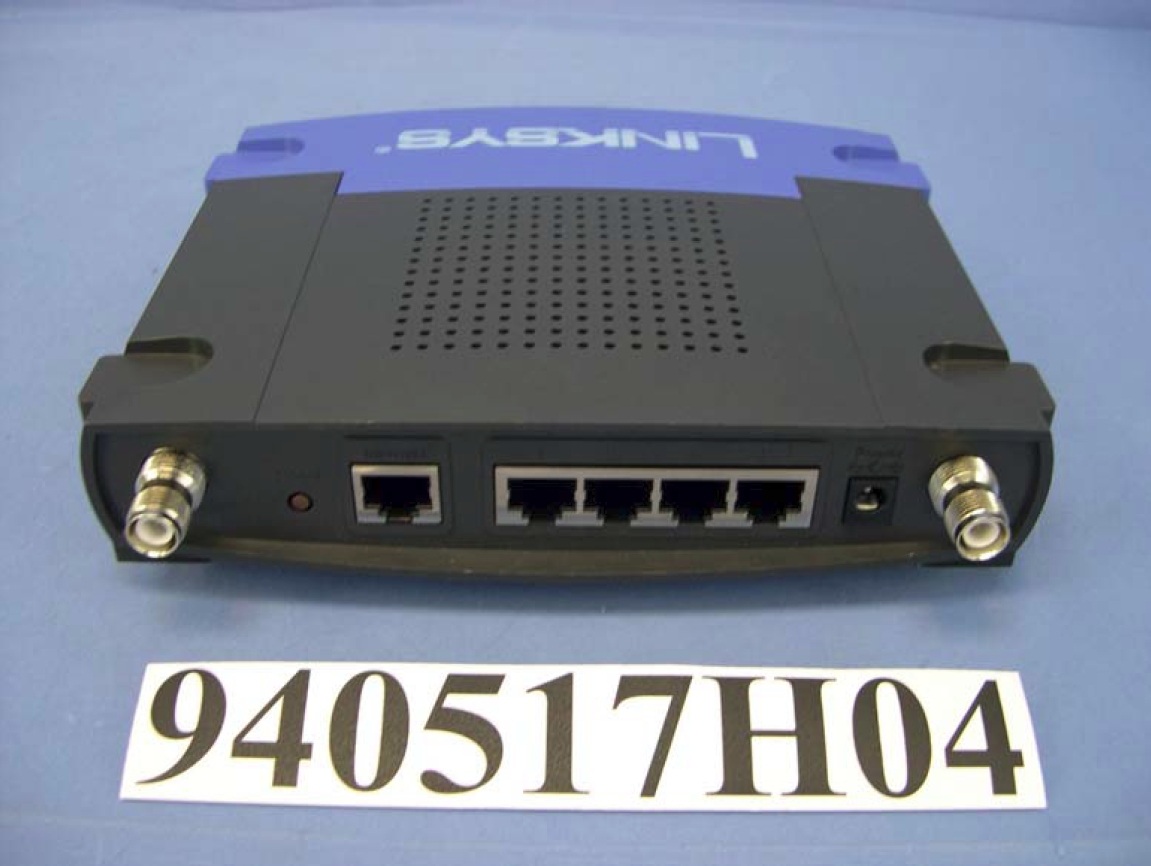
- Identify the WAN (Internet) port on the router, usually labeled with a legend or icon.
- Connect one end of the Ethernet cable to the WAN (Internet) port on the router.
- Connect the other end of the Ethernet cable to the modem.
Step 2: Connect Your Computer to the Router
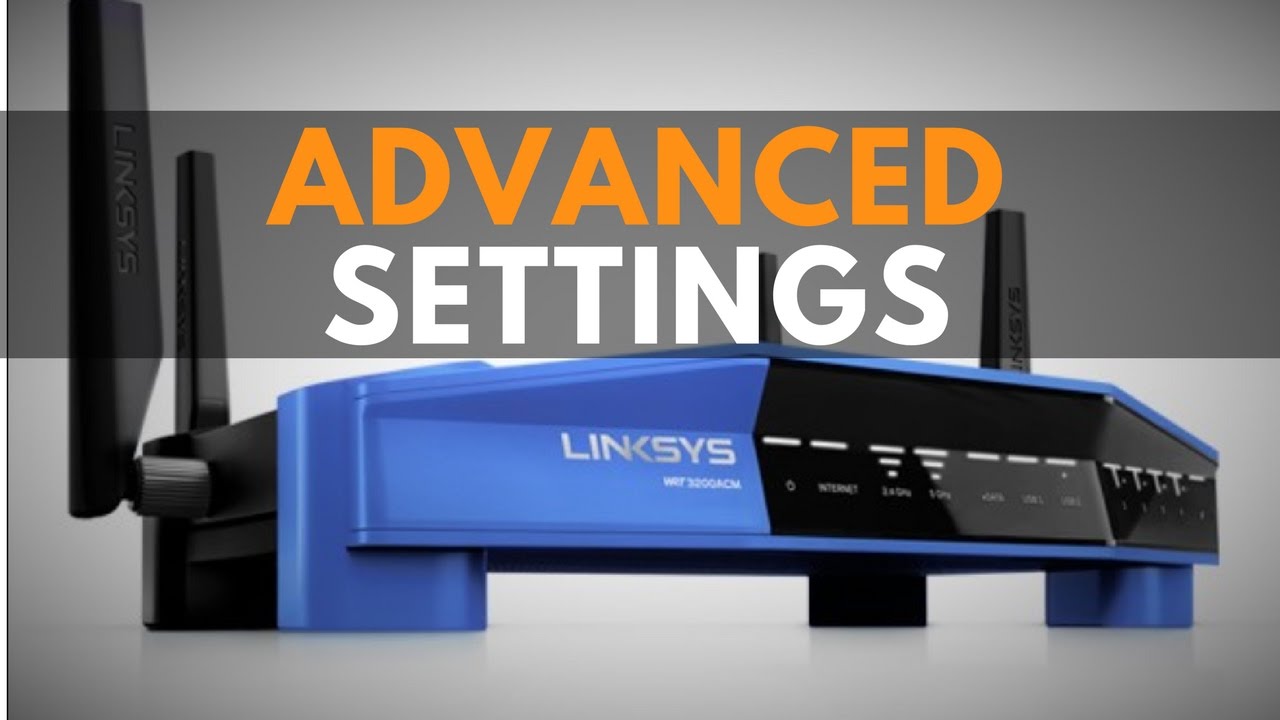
Next, you'll need to connect your computer to the router. Use another Ethernet cable to connect your computer to any of the LAN ports on the router. This will allow you to access the router's web interface and configure the settings.