Unlock the Power of G Router Quality of Service (QoS) Setup
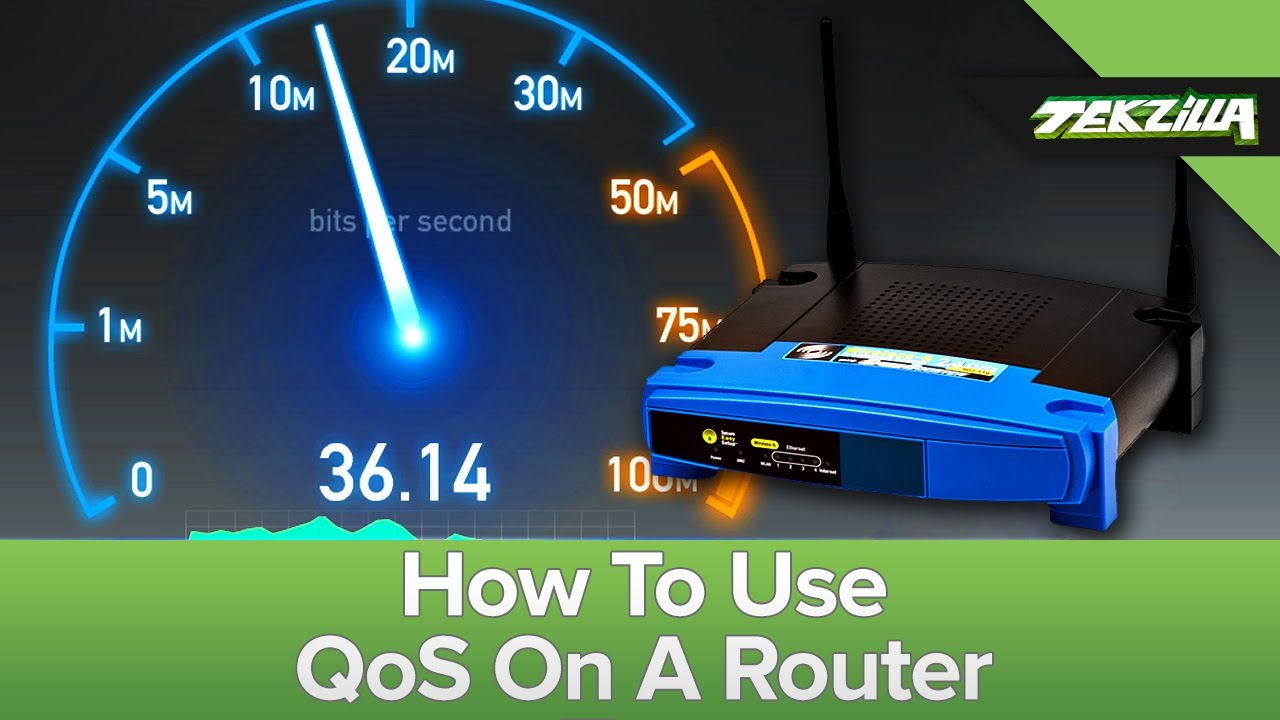
Configuring Quality of Service (QoS) on your router can greatly improve your internet experience by prioritizing essential traffic. In this comprehensive guide, we will walk you through the steps to set up QoS effectively, ensuring that important applications like video calls and gaming receive the bandwidth they need.
What is Quality of Service (QoS)?
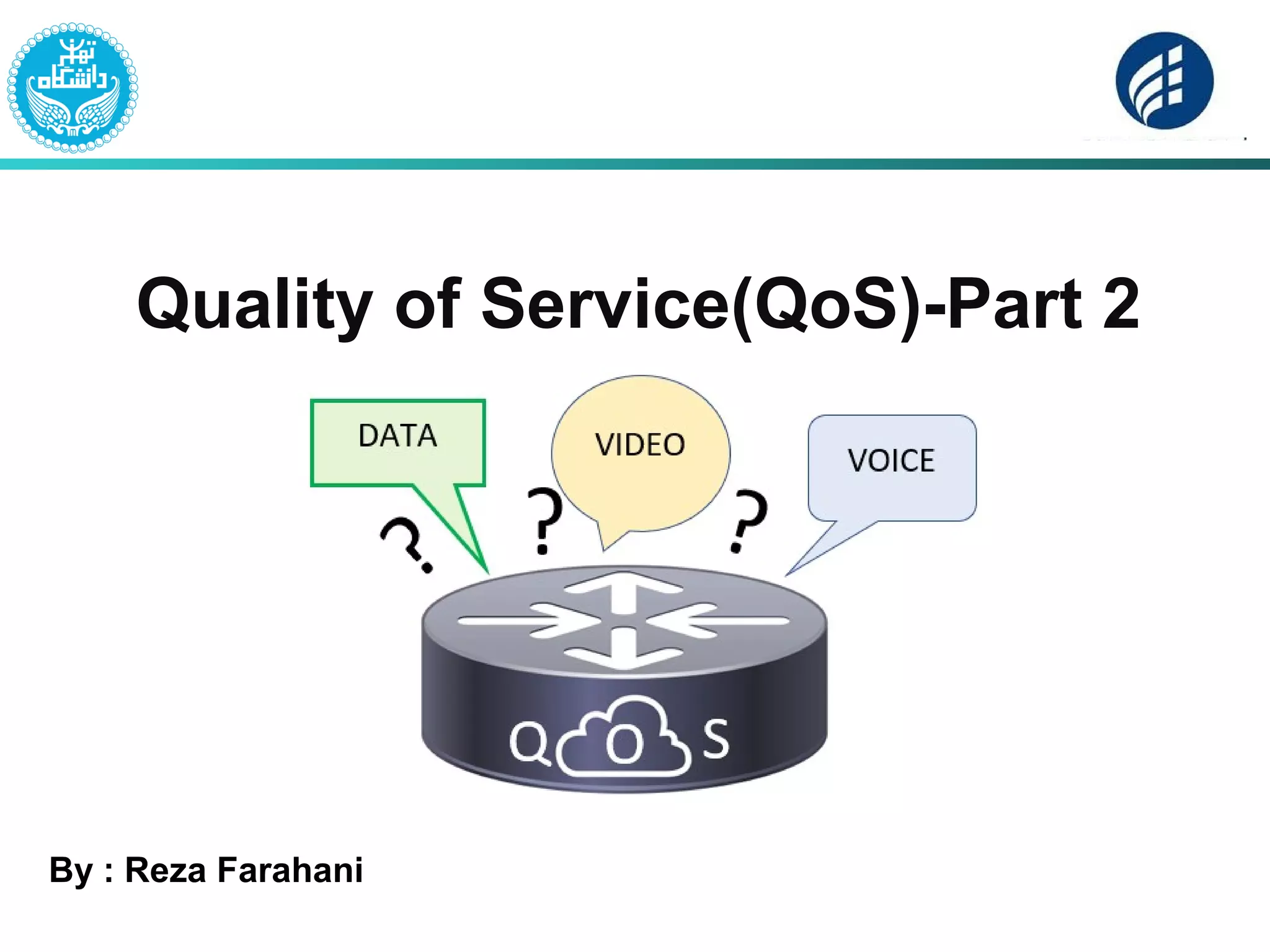
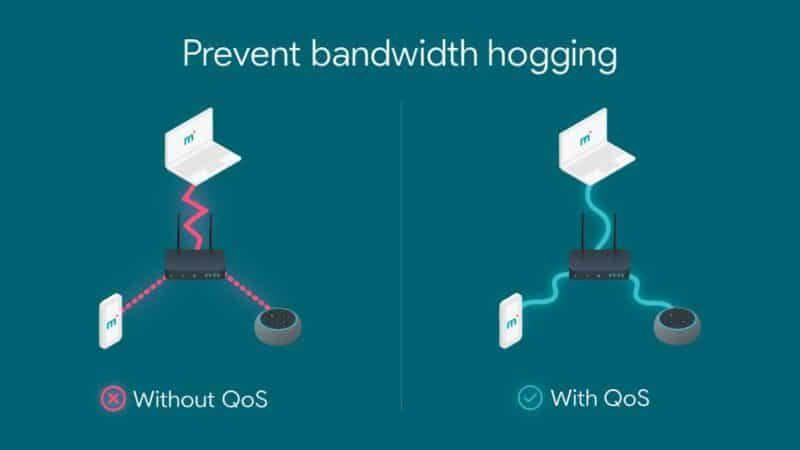
Quality of Service (QoS) is a feature built into most modern routers that lets you control which devices or activities get first access to your available bandwidth. By prioritizing critical applications and devices, you can ensure a smooth and reliable internet experience, even during peak usage hours.
Why is QoS Important for Your G Router?

With the increasing demand for online gaming, video streaming, and other bandwidth-intensive activities, it's essential to optimize your router's performance to ensure a seamless experience. By setting up QoS on your G router, you can:
- Prioritize critical applications like video calls, online gaming, and streaming
- Prevent lag and latency
- Ensure reliable connectivity for important devices like smart home devices and security cameras
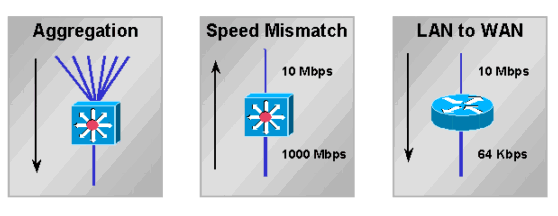
- Improve overall network performance and reduce congestion
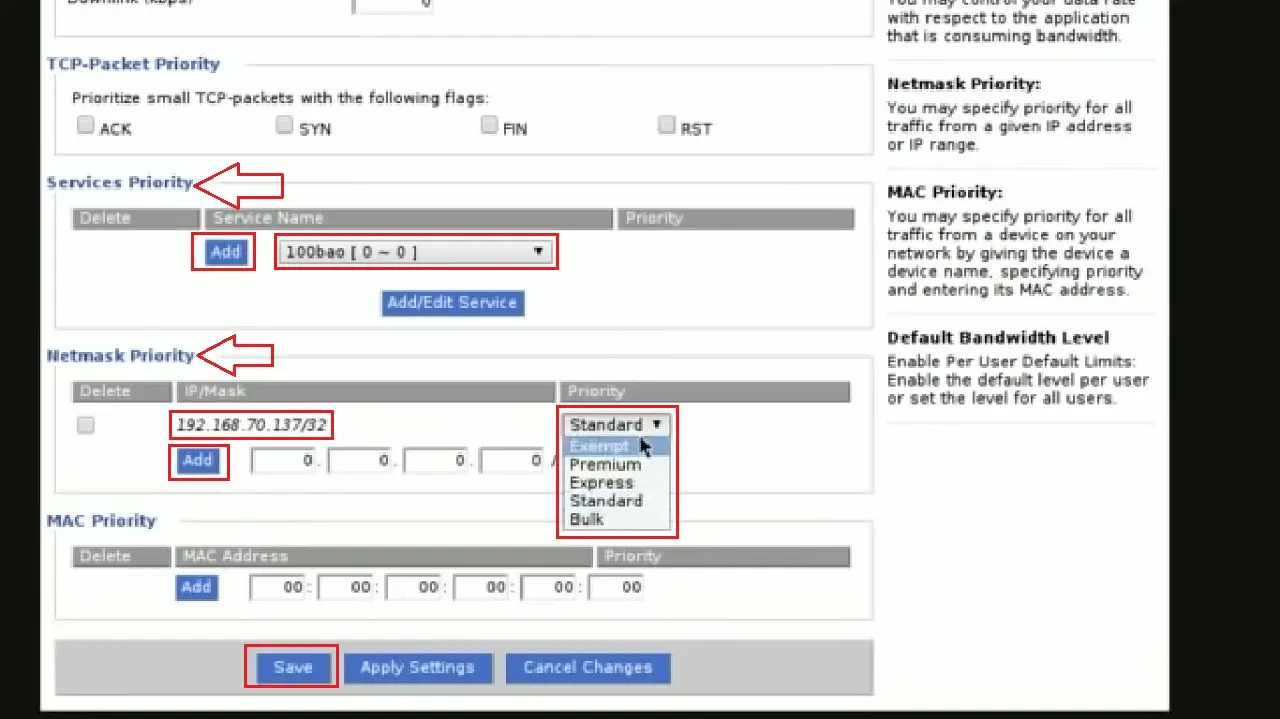
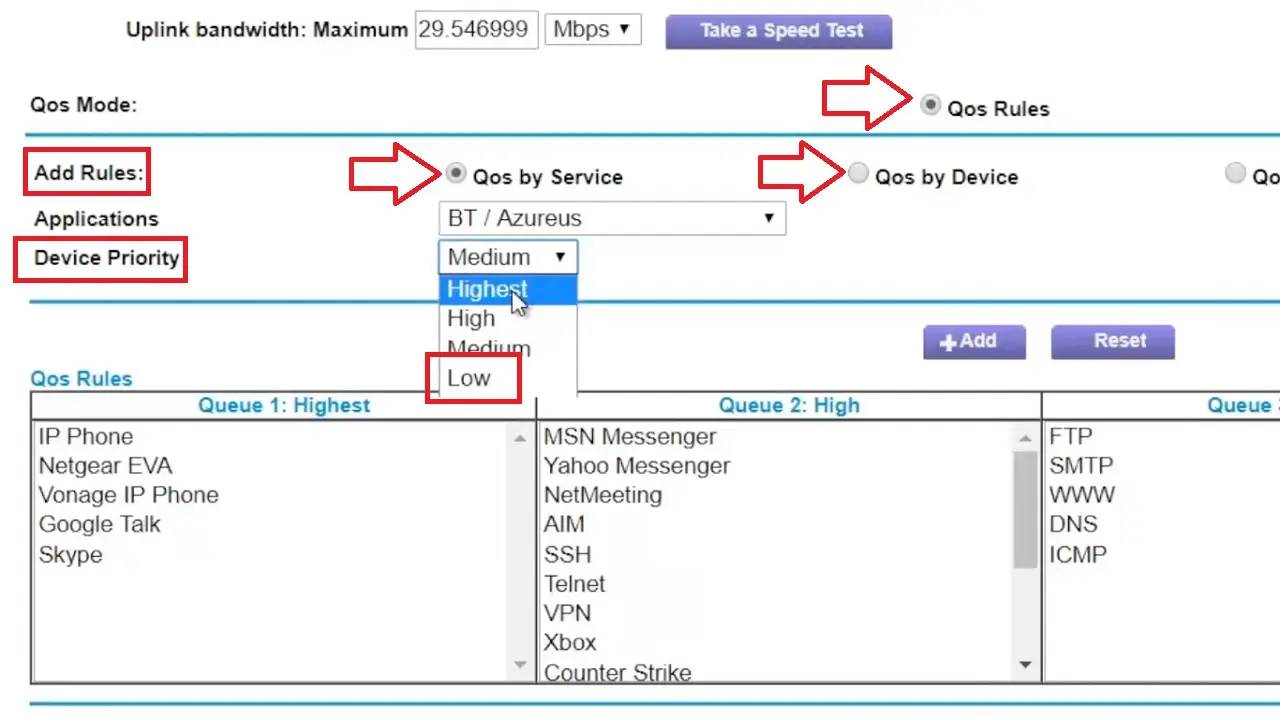
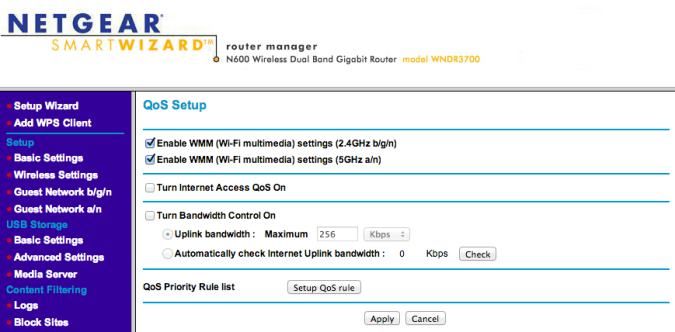
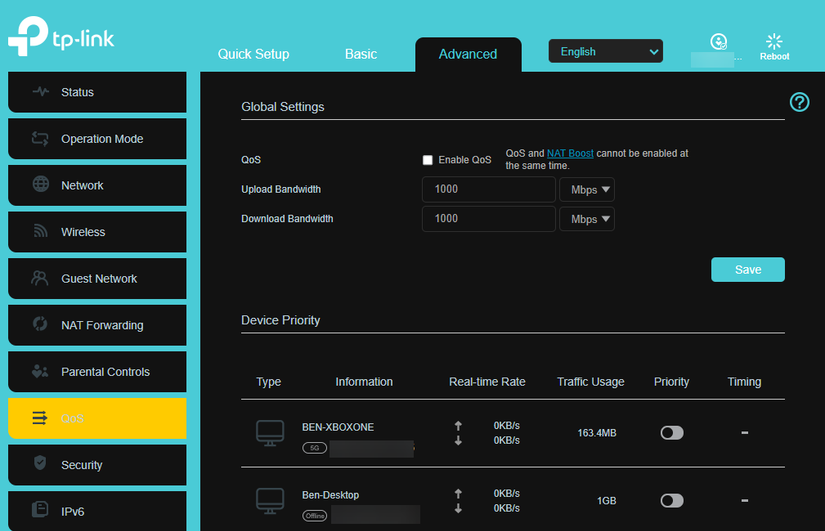
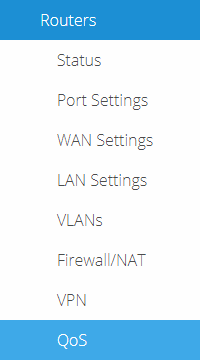
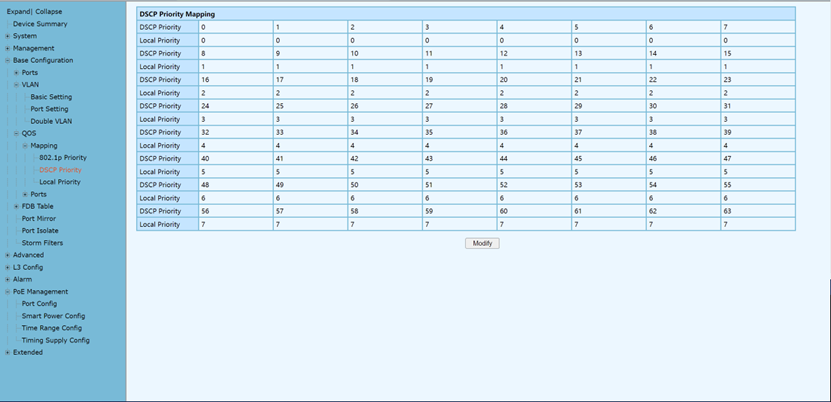
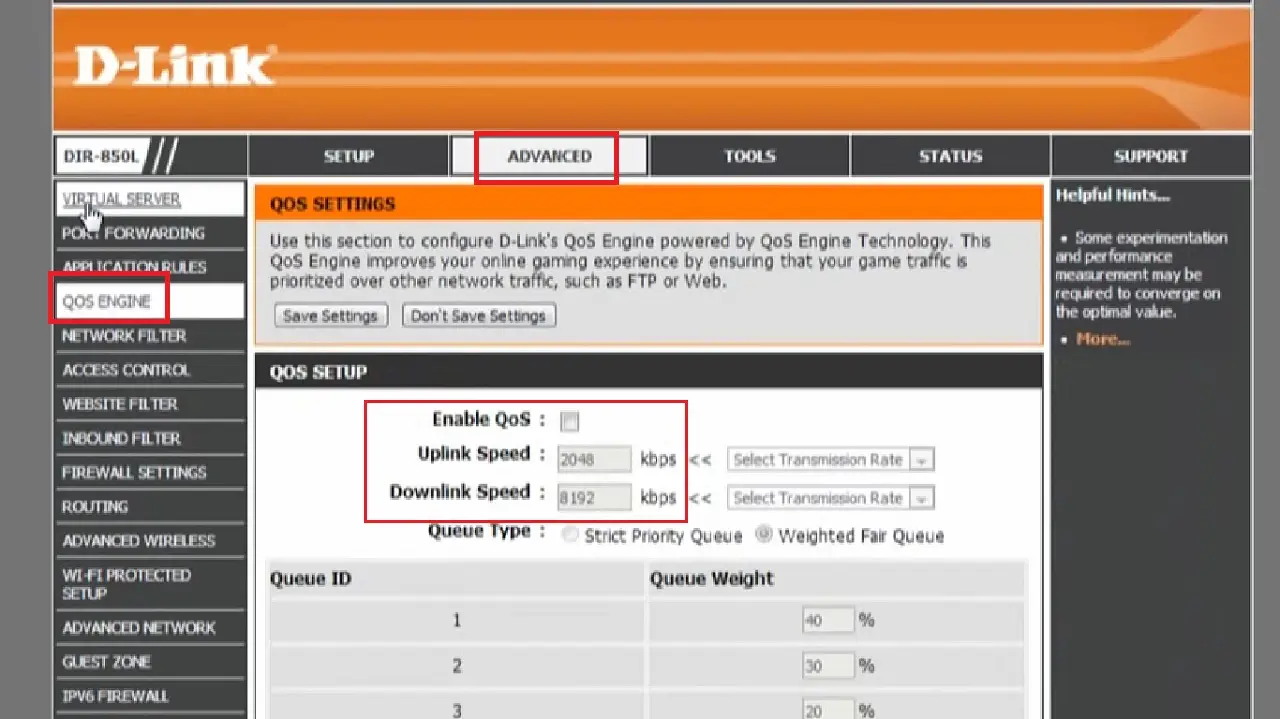
Step-by-Step Guide to Setting Up QoS on Your G Router
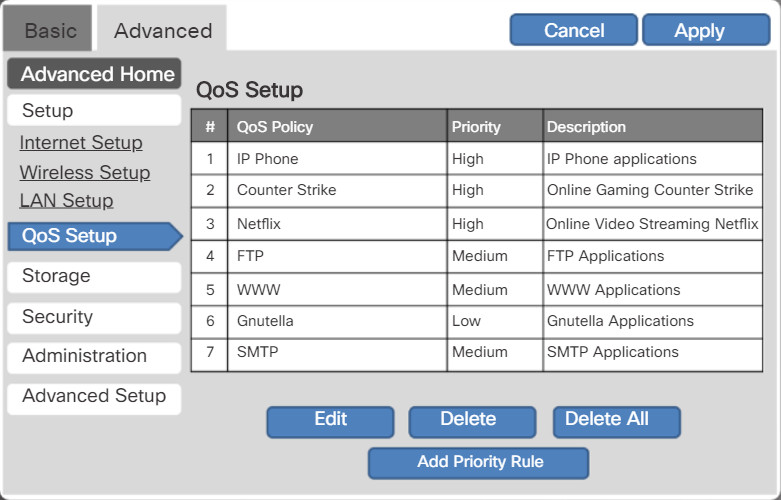
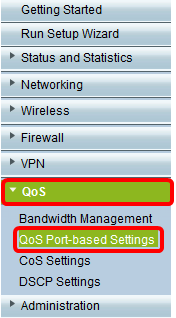
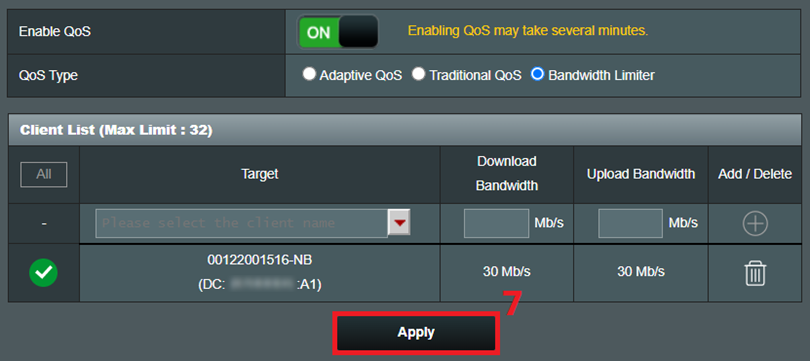
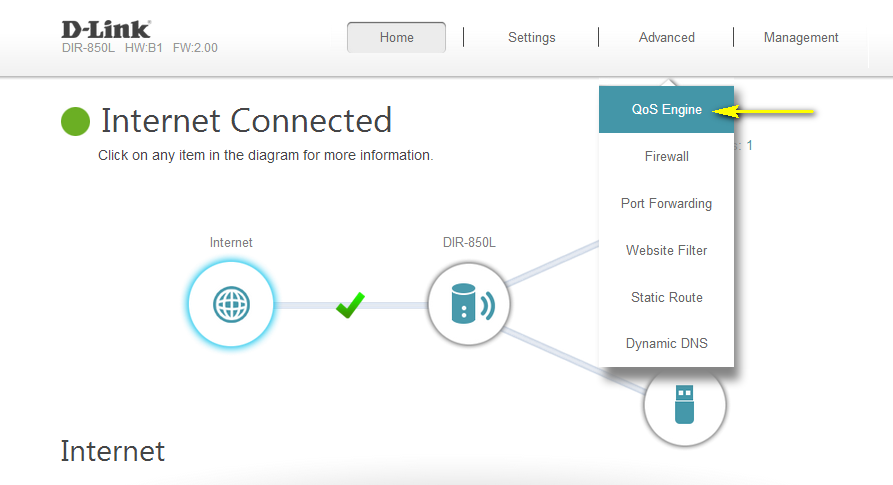
To set up QoS on your G router, follow these steps: