G Network Setup for Business Class Routers: A Comprehensive Guide
Setting up a reliable and secure network for your business is crucial for productivity, efficiency, and customer satisfaction. A business-class router is an essential component of a small business network, providing high-speed connectivity, advanced security features, and robust management capabilities. In this article, we will guide you through the process of setting up a G network for business-class routers, ensuring a seamless and secure browsing experience for your employees and customers.
Types of Routers for Business Class Networks
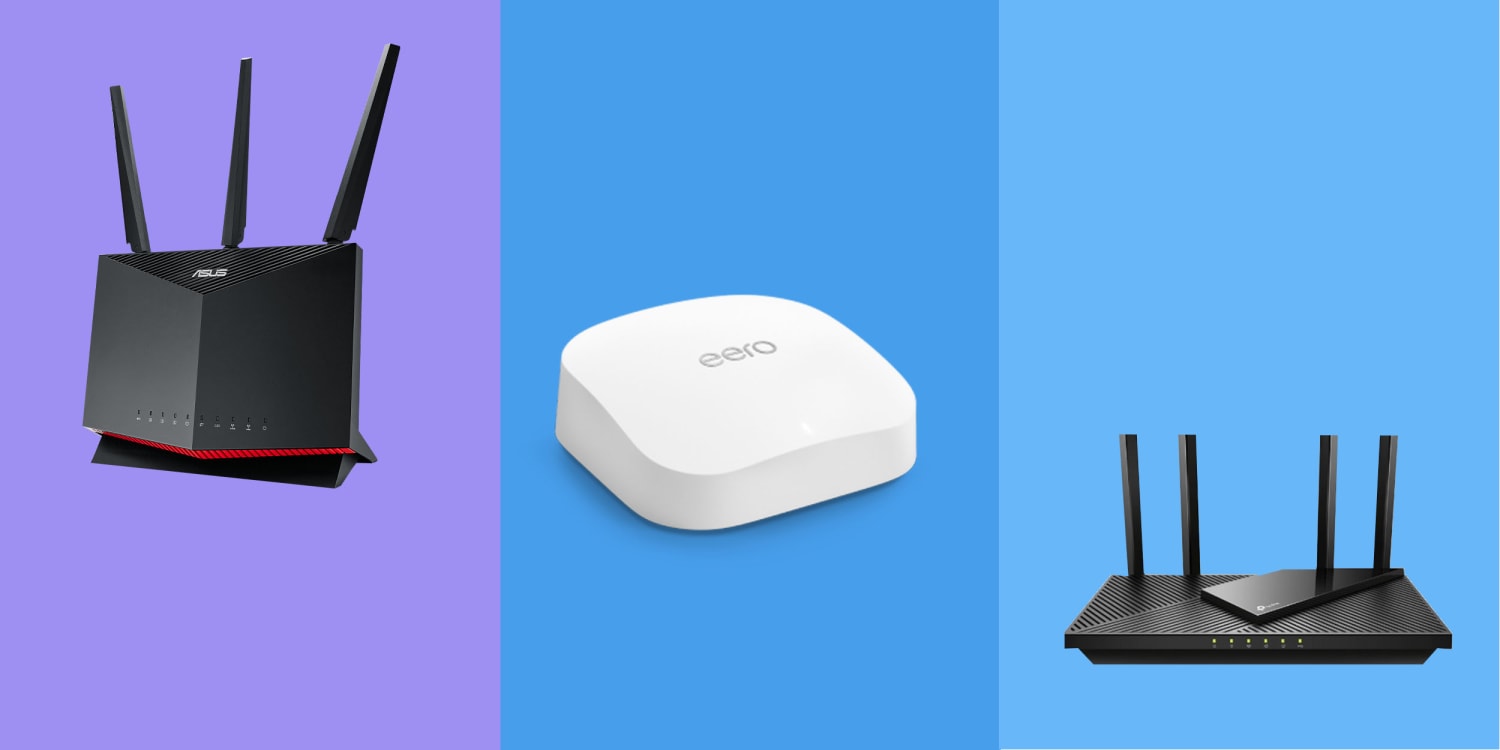
When selecting a router for your business network, consider the number of devices that will be connected, the type of applications you will be using, and the level of security required. There are several types of routers available, including:
- Simple consumer or small-business wireless routers: suitable for small businesses with fewer than a dozen computers and Wi-Fi devices.
- Business-class routers: designed for large businesses, these routers offer advanced security features, high-speed connectivity, and robust management capabilities.
- Wireless access points: used to extend the reach of your wireless network, providing reliable and fast connections for employees and customers.
Configuring Your Business-Class Router
To set up your business-class router, follow these steps:
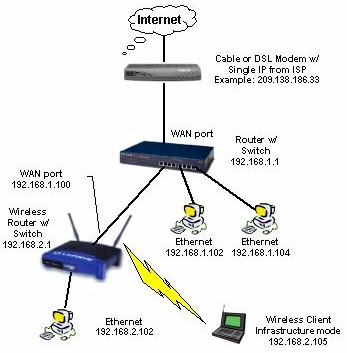
Connect the router to the modem: Plug one end of an Ethernet cable into the modem's WAN/Internet port and the other end into the router's WAN/Internet port.
Configure the router: Open a web browser, type in the router's IP address (check the manual), and follow the setup guide. This usually includes creating a network name (SSID) and password.
Set up wireless security: Configure the router's wireless security settings, including WPA2 encryption and MAC address filtering.
Test the connection: Ensure that all devices connected to the network can access the internet and communicate with each other.