Setting Up a Wireless Router for a Secure Wireless Security System
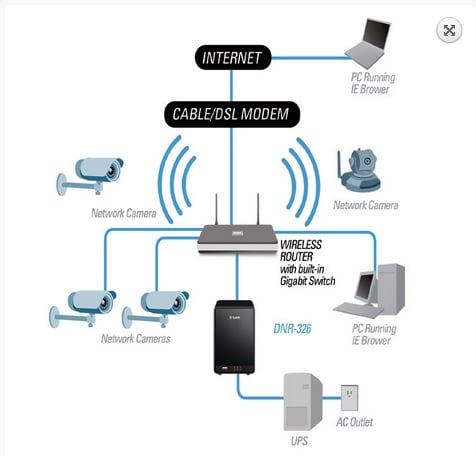
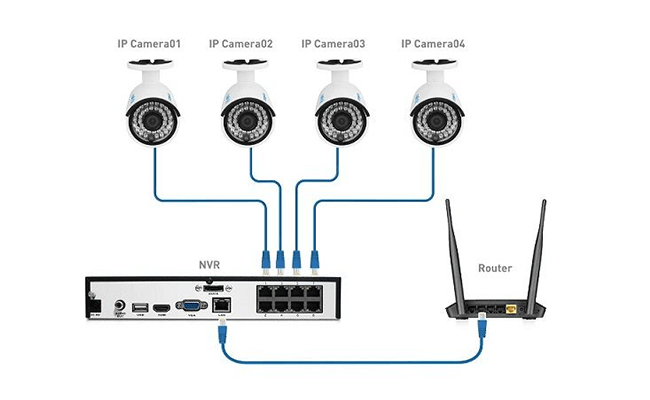
Setting up a wireless router for a wireless security system requires careful attention to detail to ensure that your network is secure and performs well. In this guide, we will walk you through the steps to set up a wireless router for a wireless security system, highlighting the importance of a secure setup and providing tips for device placement, initial setup, and troubleshooting common issues.
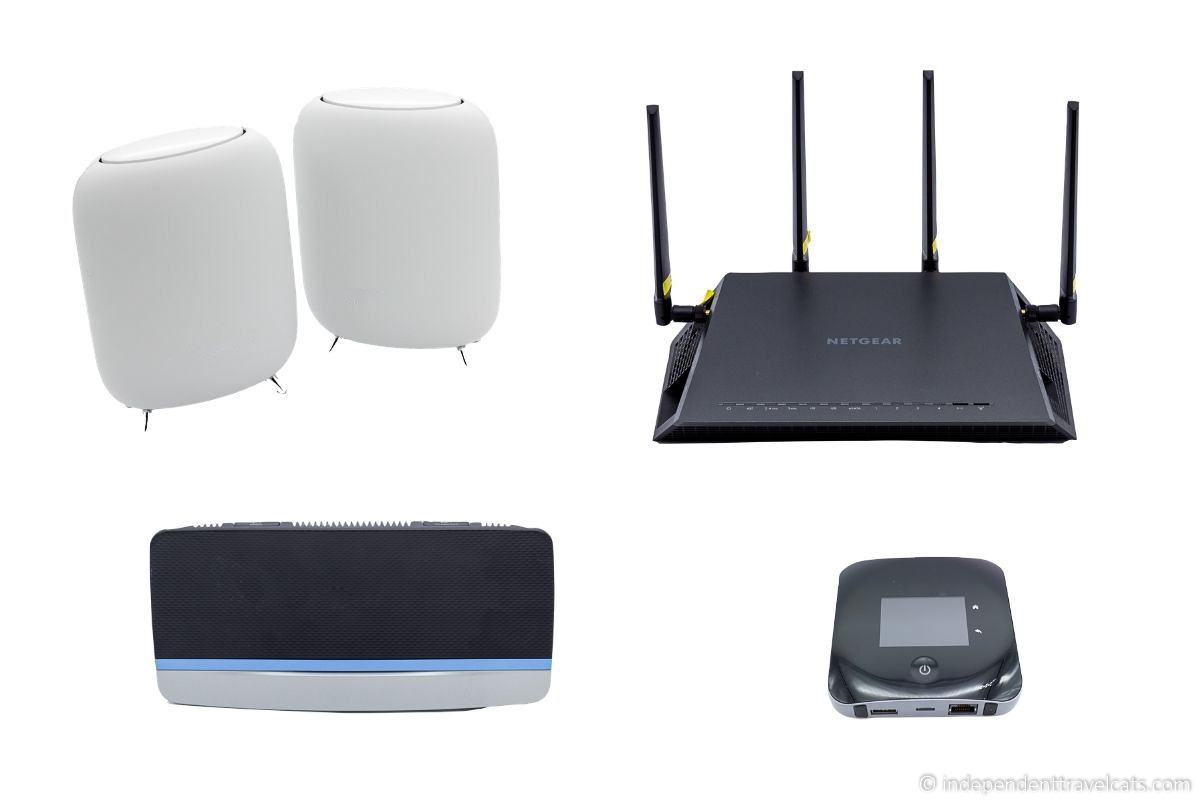
Choosing a Wireless Router
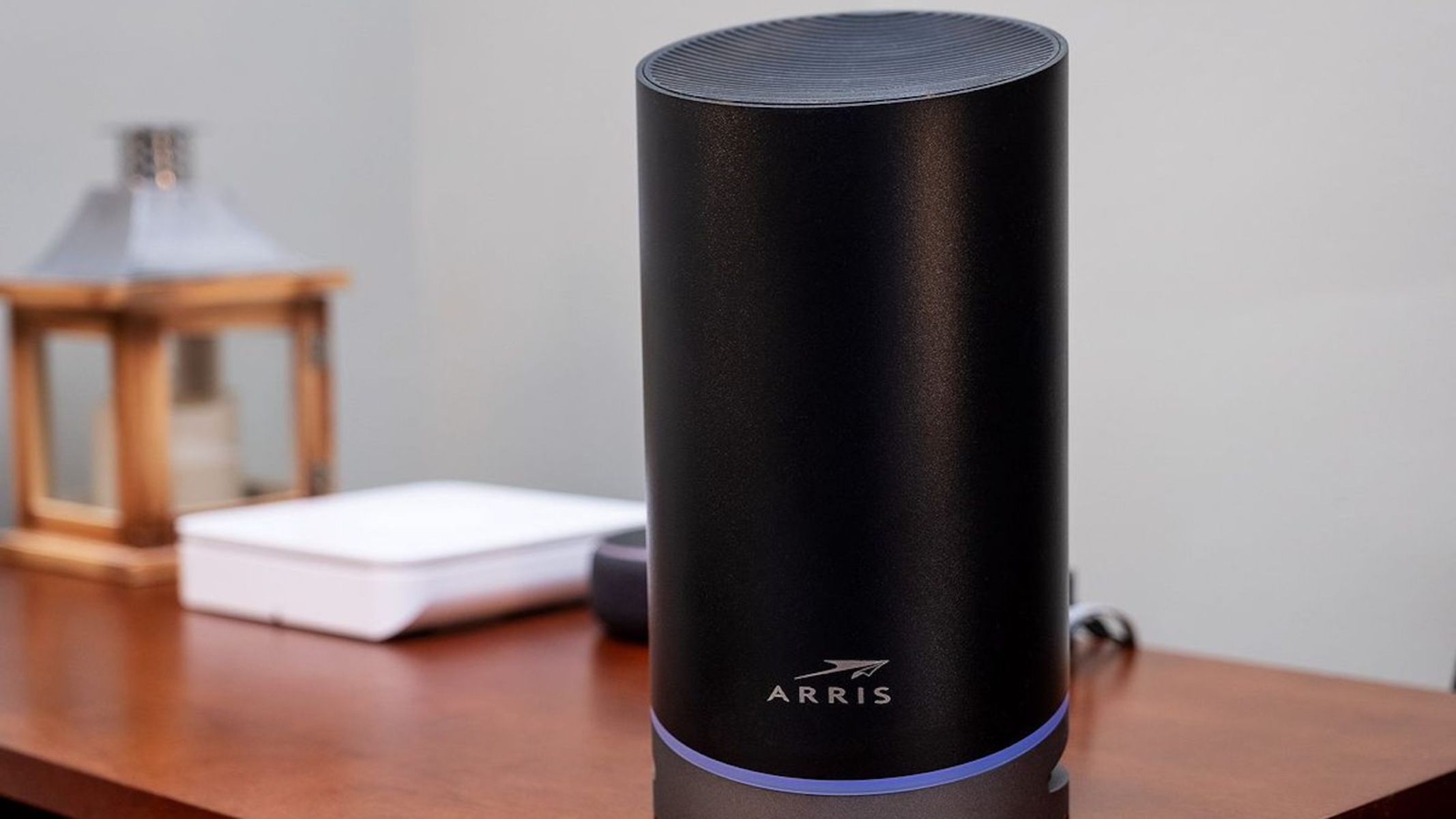
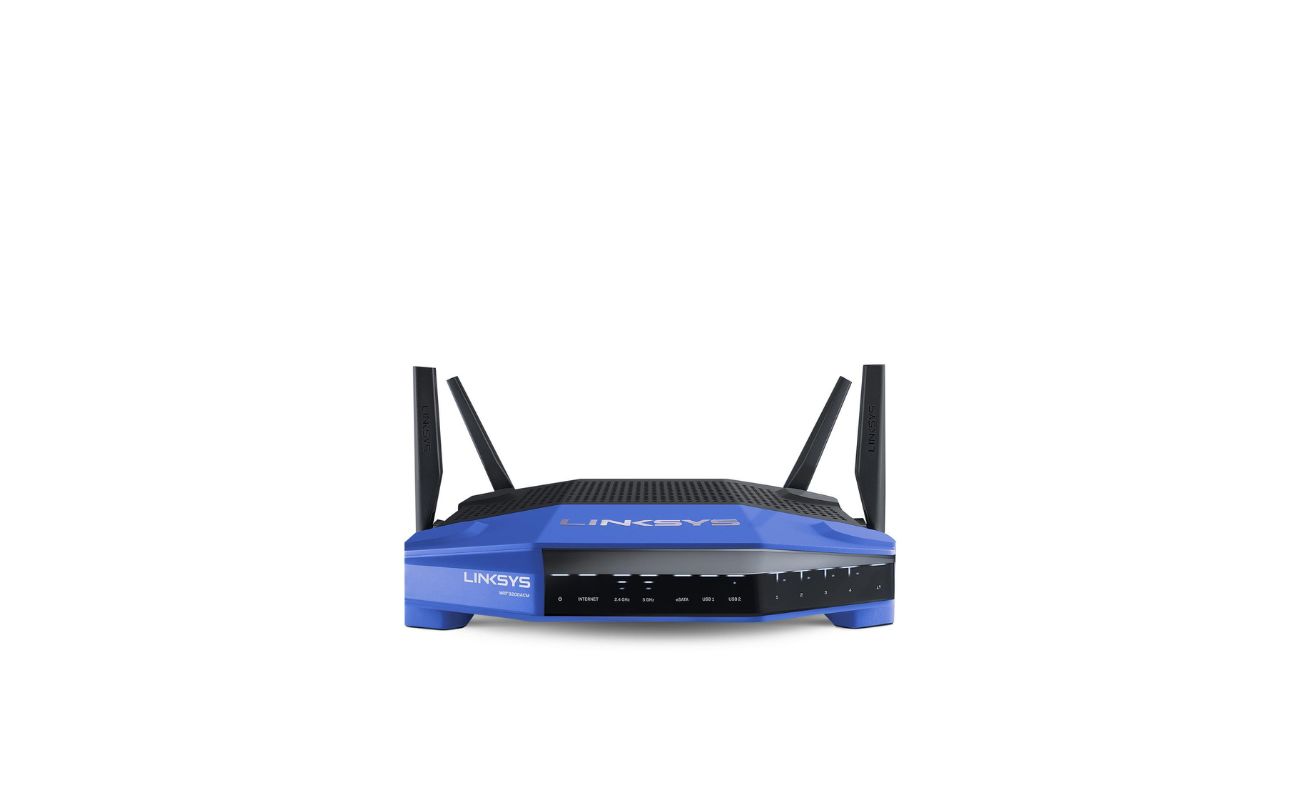
When selecting a wireless router for your wireless security system, consider the following factors:
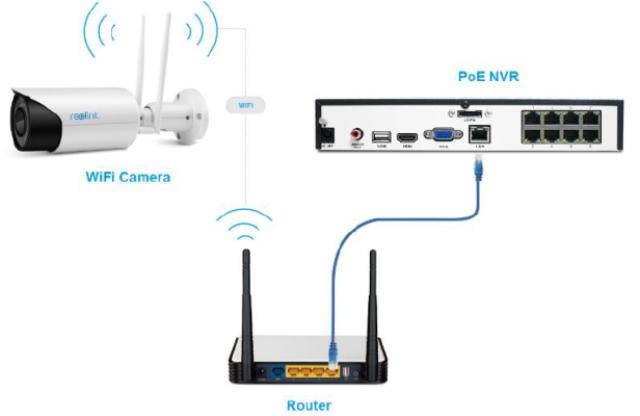
- Compatibility: Ensure that your router supports your security system's protocol and has the necessary features for remote access and video streaming.
- Speed: Choose a high-speed router that can handle multiple devices and provide a strong connection for video streaming and other data-intensive activities.
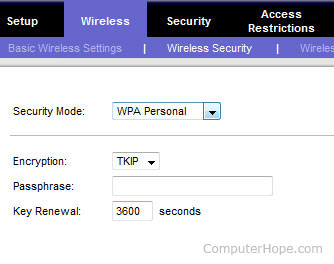
- Security: Opt for a router with robust security features, such as WPA3 encryption, firewall software, and network intrusion detection.
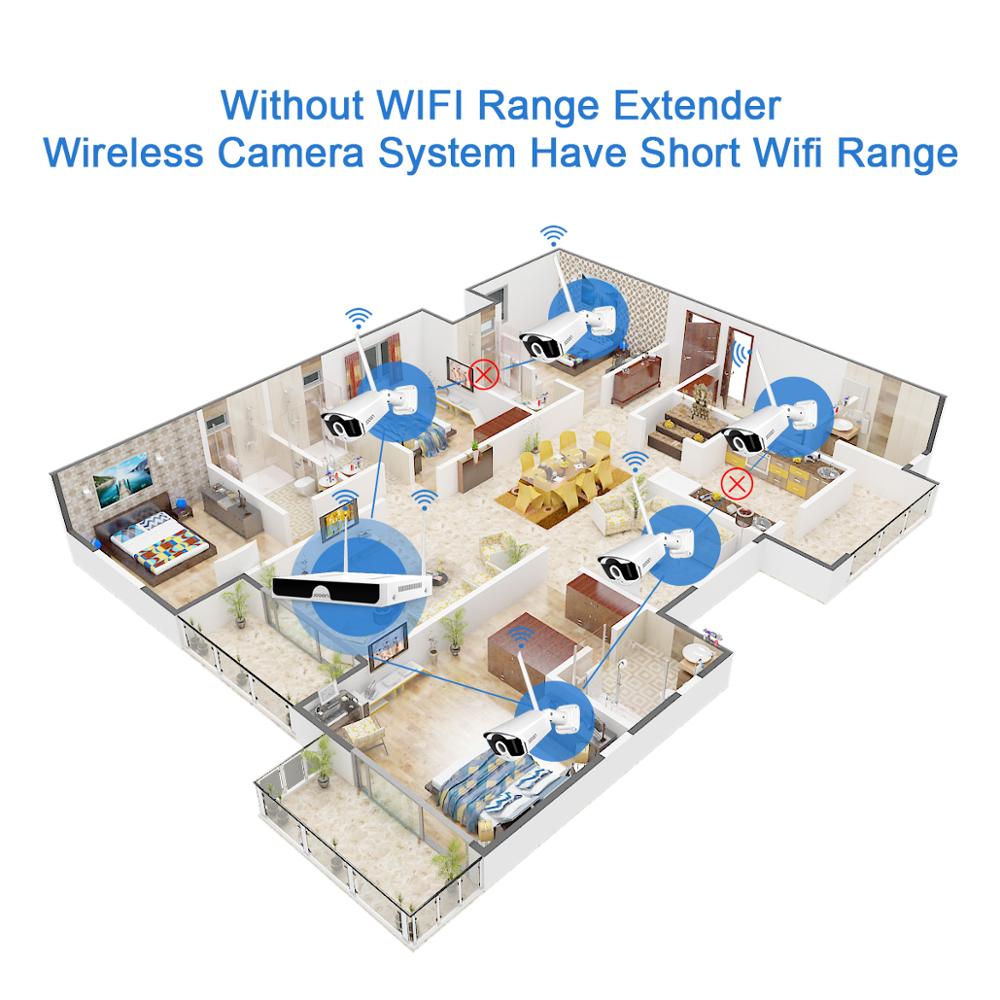
- Range: Consider a router with a strong signal strength to ensure coverage throughout your home or office.
- Ease of setup: Choose a router with an easy-to-use interface and built-in configuration tools for a hassle-free setup experience.
Preparing for Setup
Before setting up your wireless router, prepare the following: