Wireless Router Setup for Wireless Security: Boost Your Home Network's Security
Your router is the hub for all of the devices on your home network, and it plays a crucial role in protecting all of the devices on your network against attack from the Internet. However, improper setup can impact your wireless network's performance and leave you vulnerable to hackers or squatters. In this article, we will guide you on how to set up your wireless router for wireless security and provide expert tips to safeguard your home network.
Understanding Router Security Basics
When you set up a new router, the default settings typically prioritize convenience over security. Manufacturers ship routers with generic passwords and outdated security protocols, leaving your network exposed to potential threats. It's essential to change the default settings and implement robust security measures to protect your home network.

Changing Default Router Settings
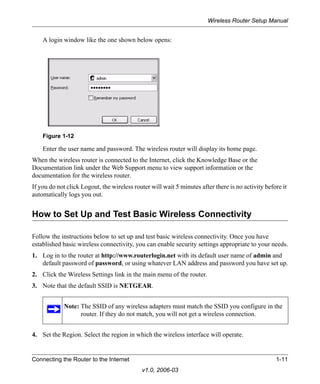
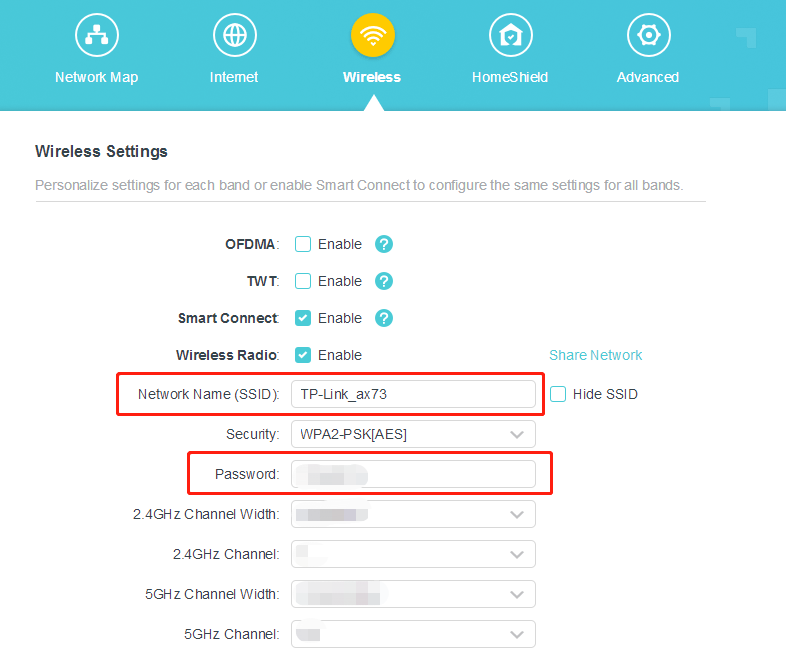
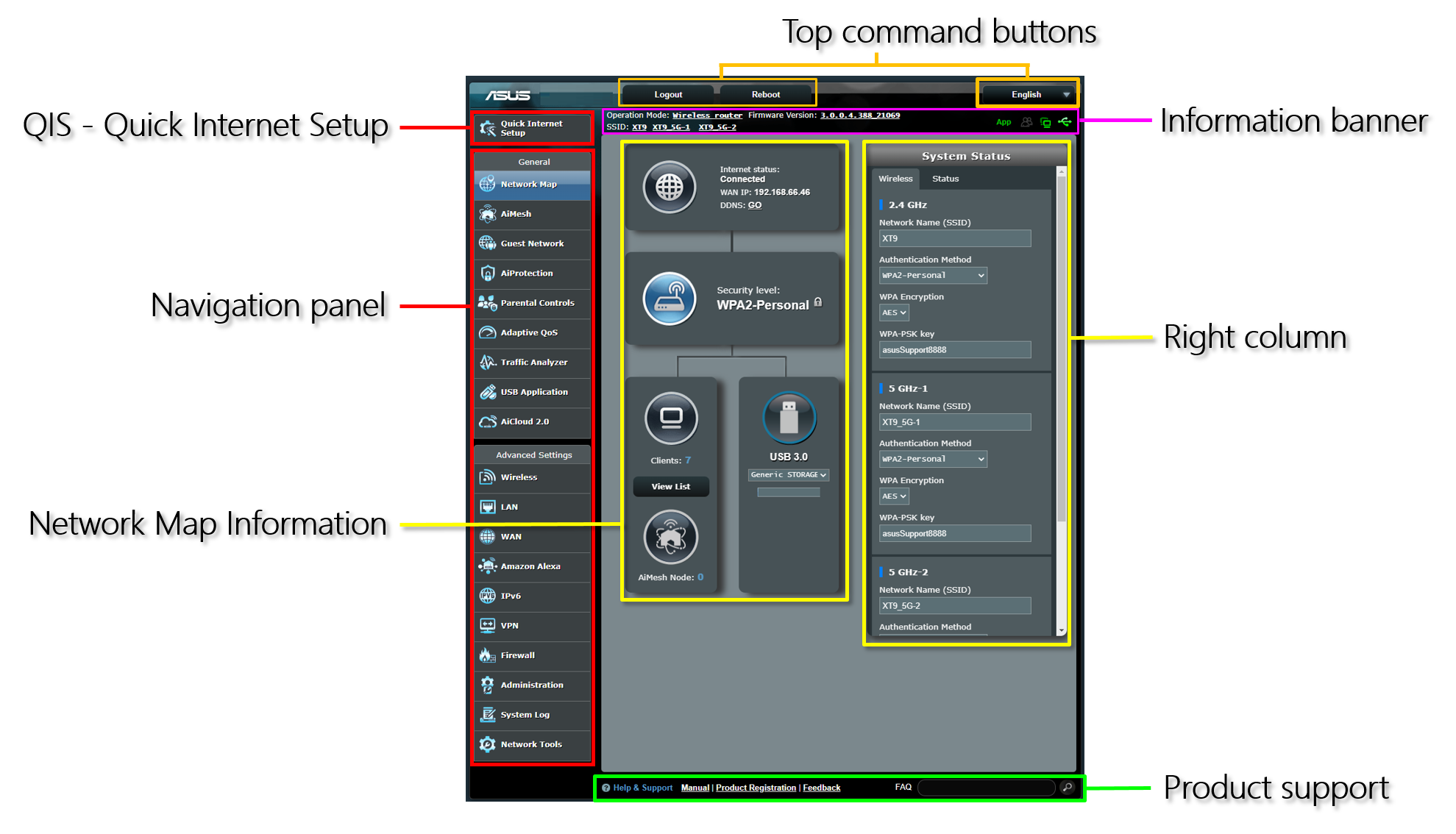
The first step in securing your wireless network is to change the default settings of your router. This includes:
- Changing the administrator password to a strong, unique password
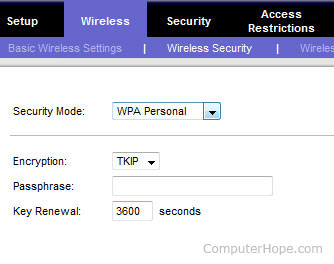
- Enabling WPA3 encryption, which is the latest security protocol designed to safeguard your Wi-Fi traffic
- Disabling remote access to your router to prevent unauthorized access
- Enabling a guest network to separate your main network from visitors