Setting Up and Securing Your Router: A Comprehensive Guide
Setup and security of your router is crucial to ensuring a stable, fast, and protected internet connection in your home or office. In this article, we'll walk you through the process of setting up your router and discuss various security measures you can take to prevent unauthorized access and ensure your safety online.
Understanding Your Router
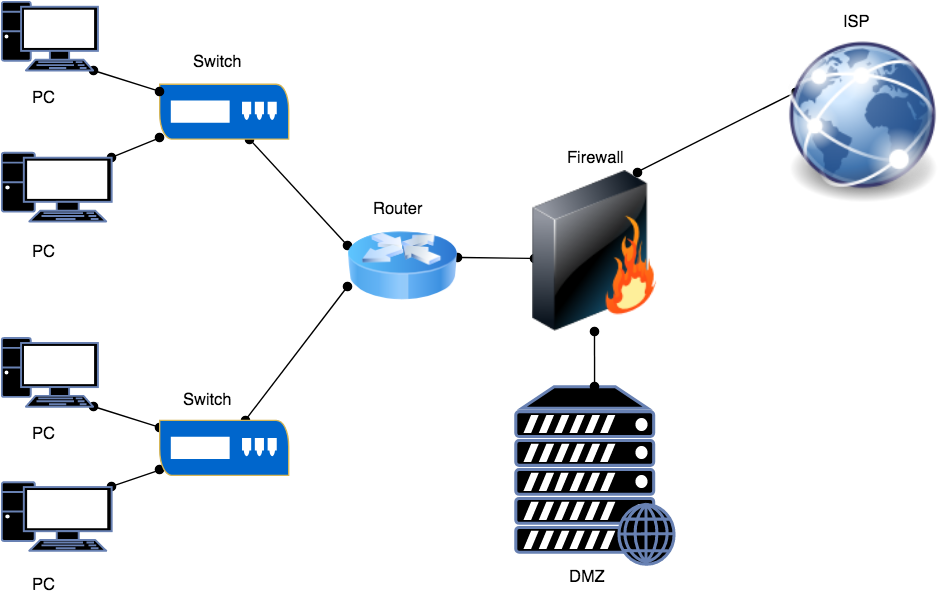
Your router is the central device that connects your devices (such as laptops, smartphones, and smart TVs) to the internet, enabling you to access online resources, stream content, and share data with others. A good router provides a stable and secure connection, which is essential for smooth operation of your home network.
Why Router Security is Important

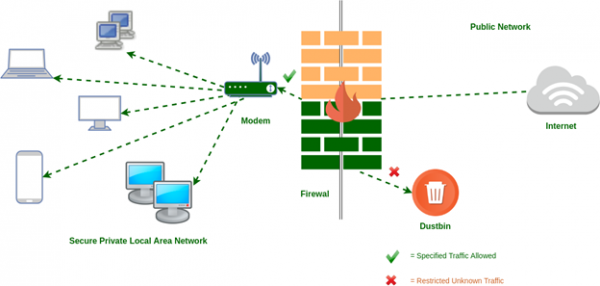
- Protection against hackers and unauthorized access
- Prevention of malware and viruses
- Protection of sensitive information (e.g., passwords, financial data)
- Prevention of data breaches and cyber attacks
Configuring G-Router Setup and Security
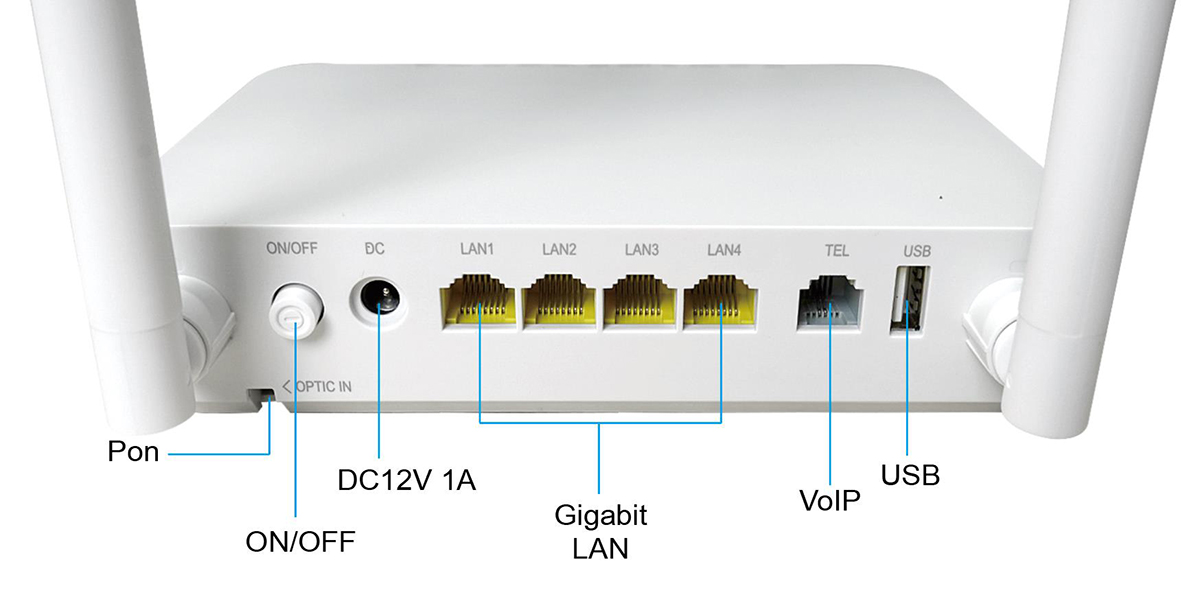
To set up your router, you'll need to access its web interface, typically by typing its IP address in a web browser (e.g., 192.168.1.1). Once logged in, you can:
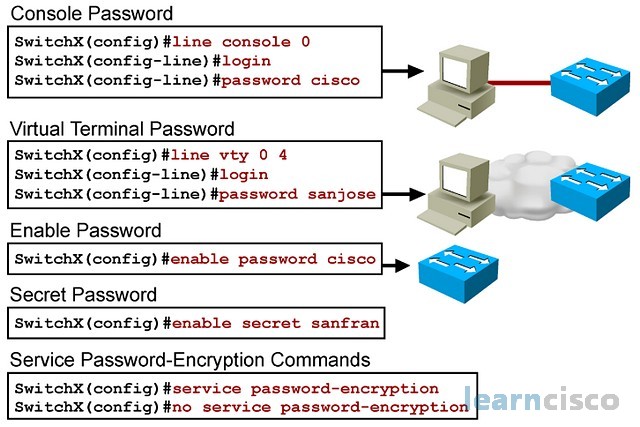
- Change the default admin password and username
- Set up a strong and unique administrative password
- Configure your wireless network settings (SSID, channel, security)
- Enable WPA2 or WPA3 security protocol
- Set up a guest network for visiting devices



.png "How to Set Up and Configure a Router: A User-friendly Guide")