Configuring a G Wireless Network for Network Attached Storage: A Comprehensive Guide
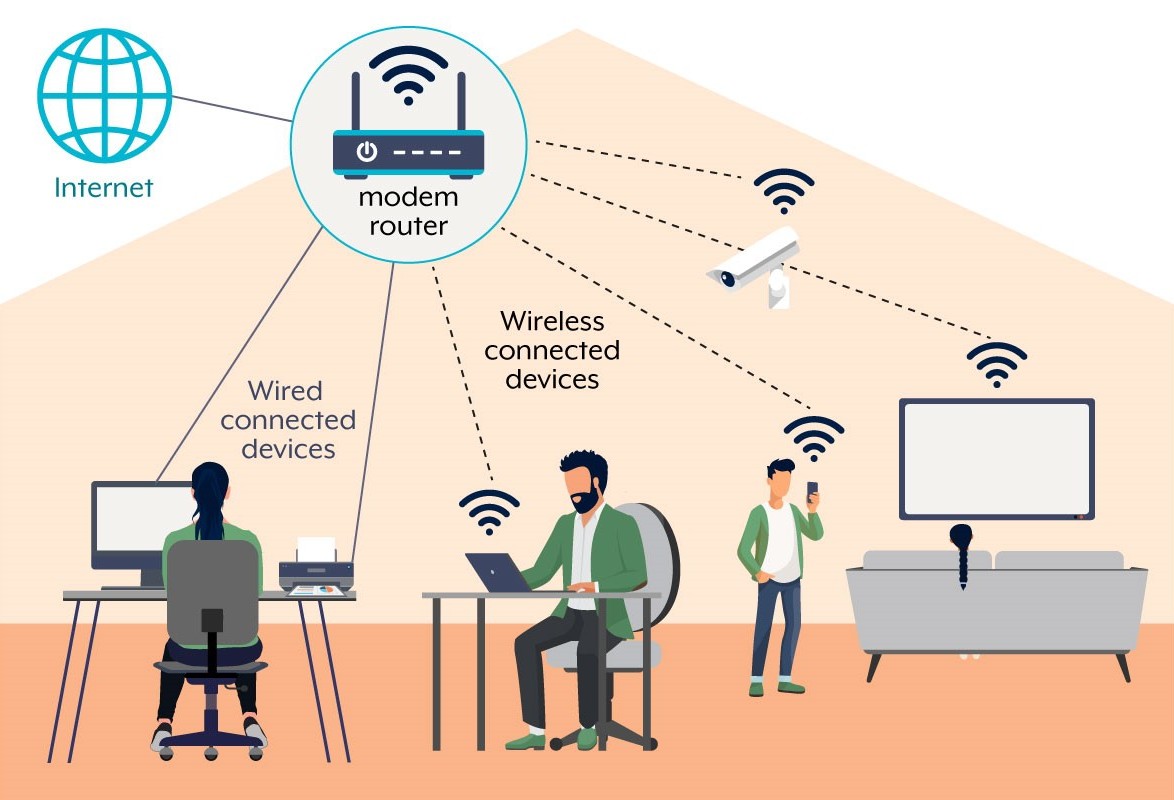
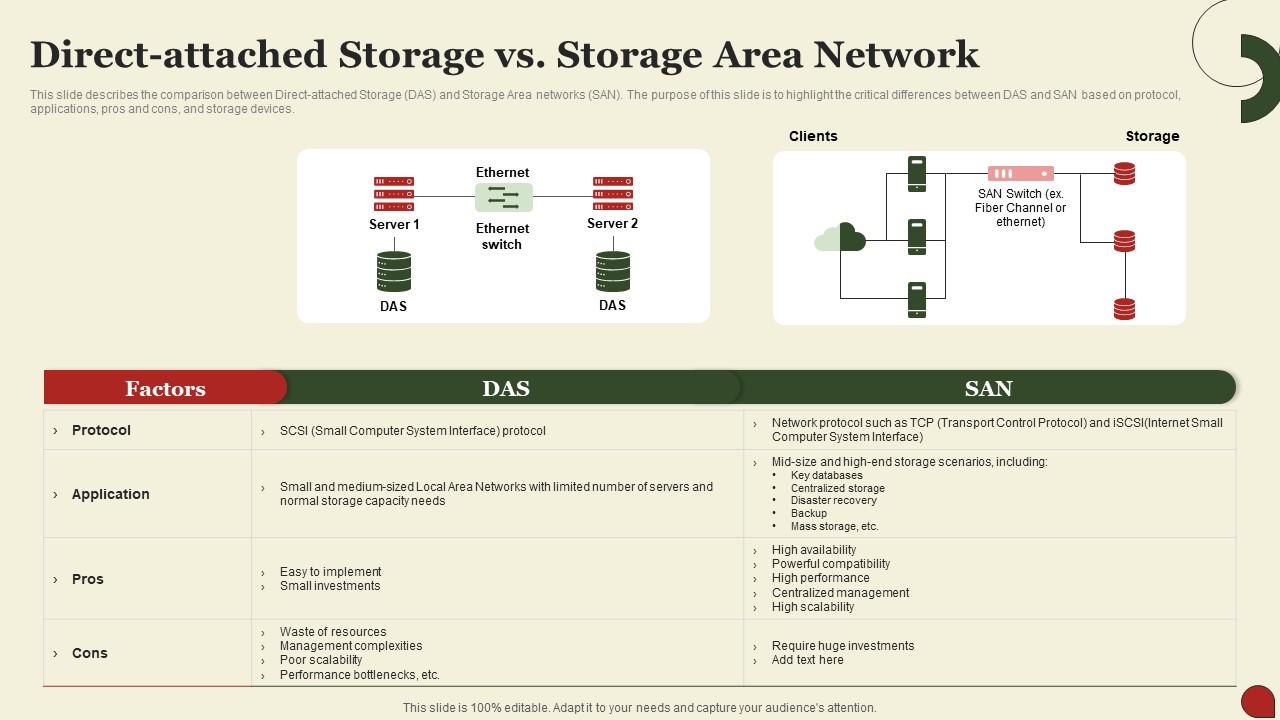
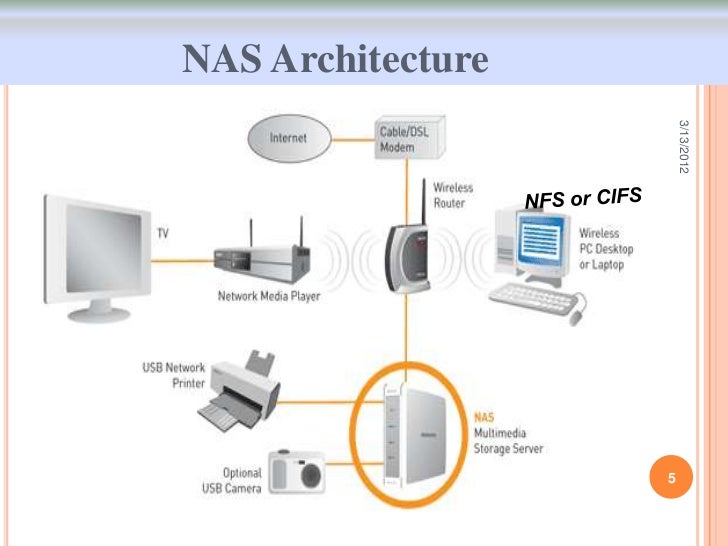
Setting up a Network-Attached Storage (NAS) system with a wireless network can be a convenient and efficient way to share files and access data across multiple devices. In this guide, we will walk you through the process of configuring a G wireless network for NAS, ensuring a seamless and secure storage solution for your home or office network.
Understanding NAS and G Wireless Networks
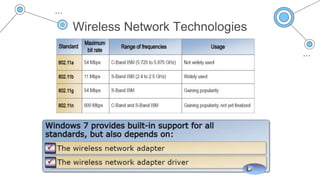
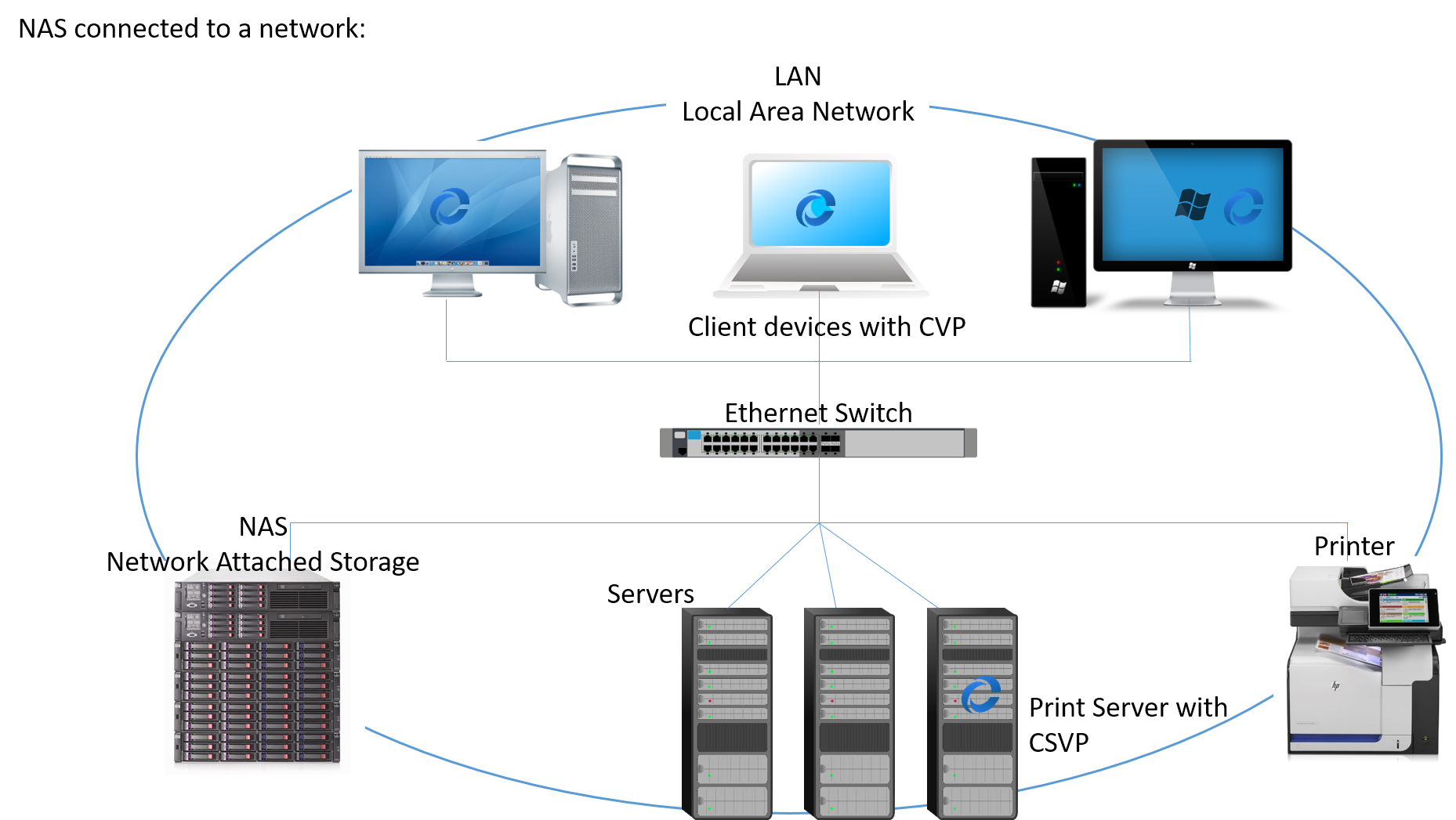
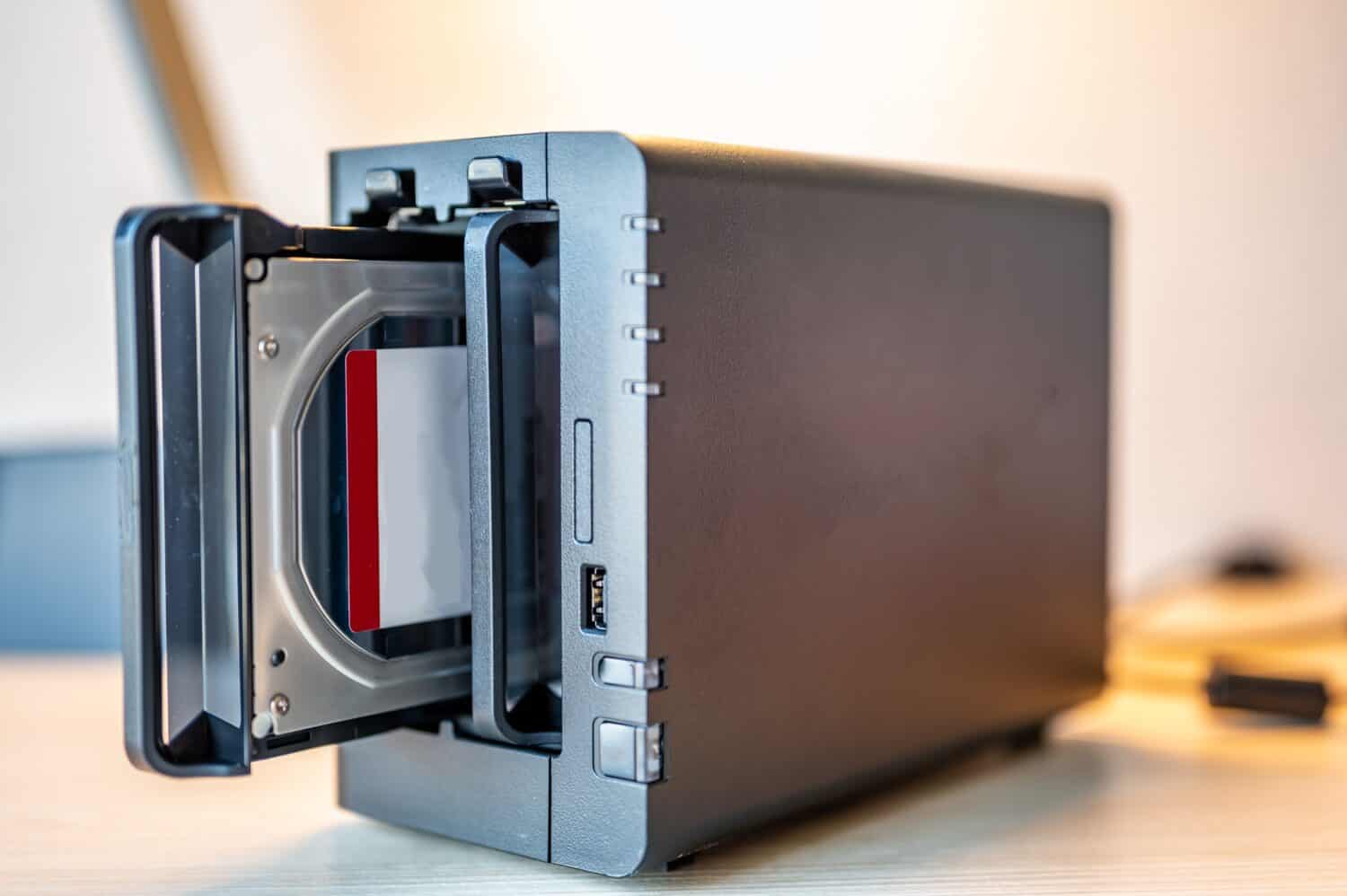
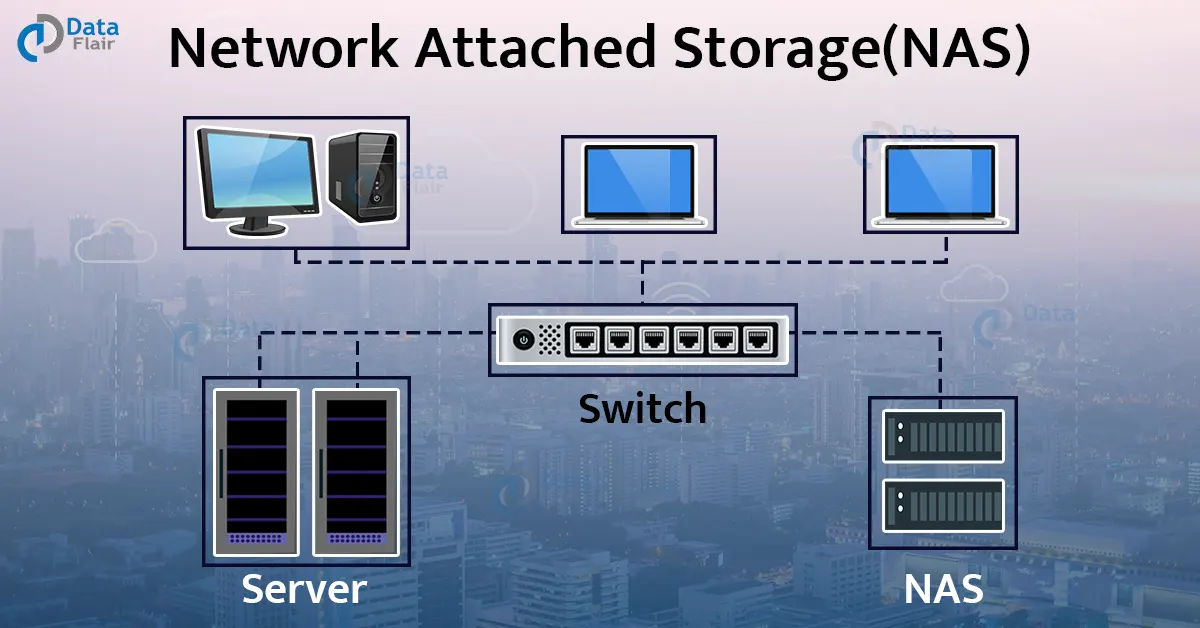
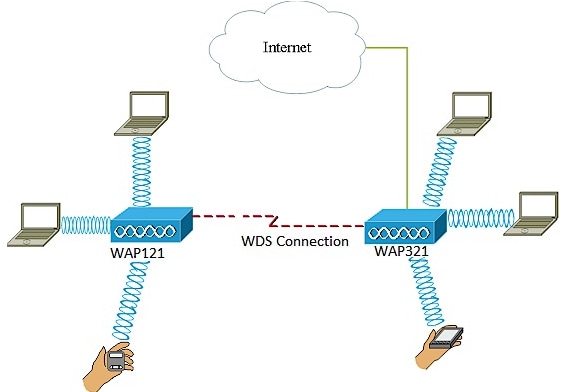
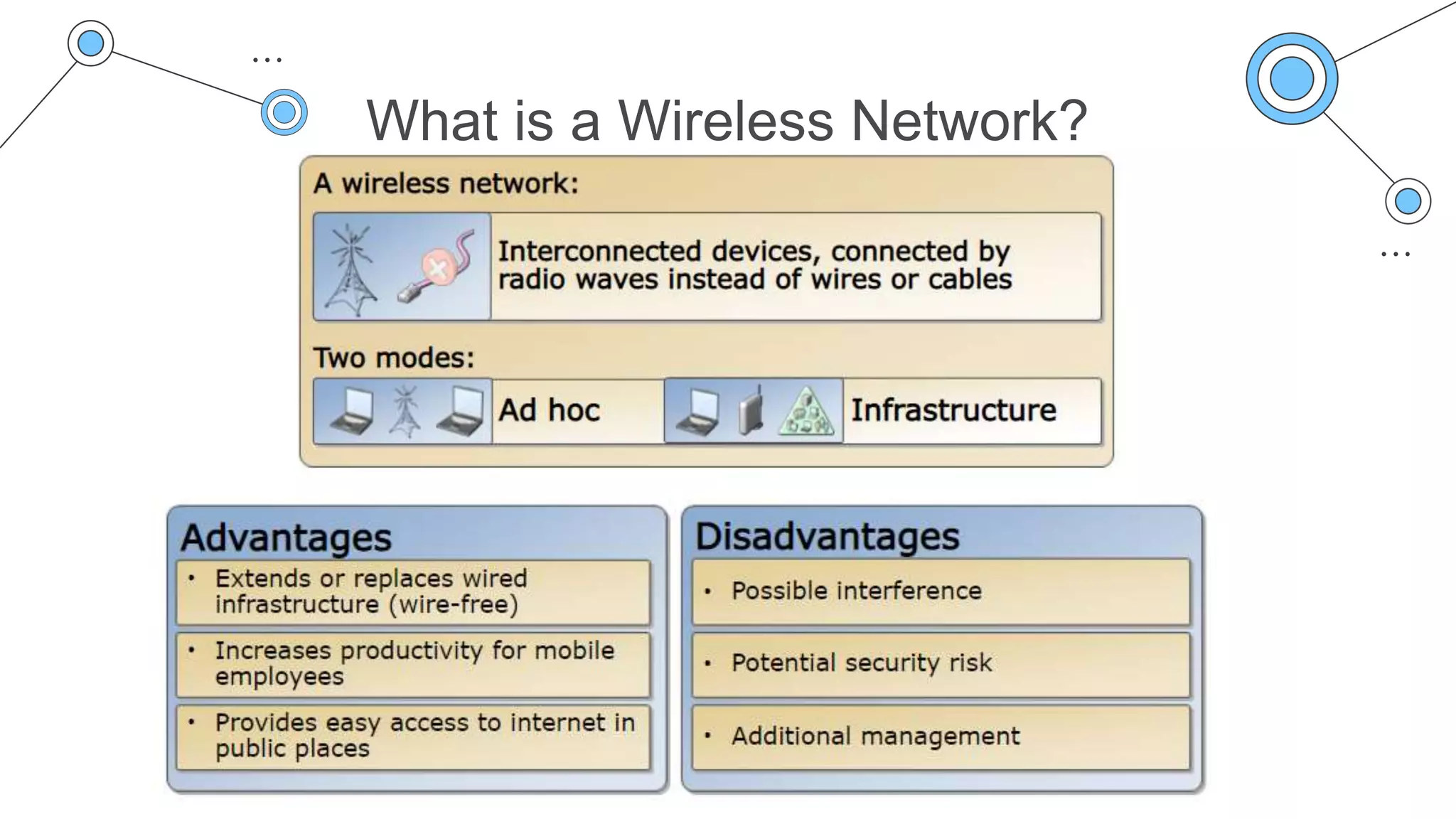
A NAS is a device that provides a central storage location for your network, allowing multiple devices to access and share files, photos, videos, and other digital content. A G wireless network, on the other hand, is a type of wireless network that operates at a frequency of 2.4 GHz and provides a maximum data transfer rate of 54 Mbps.
Preparation is Key
Before setting up your NAS, ensure that you have the following components:
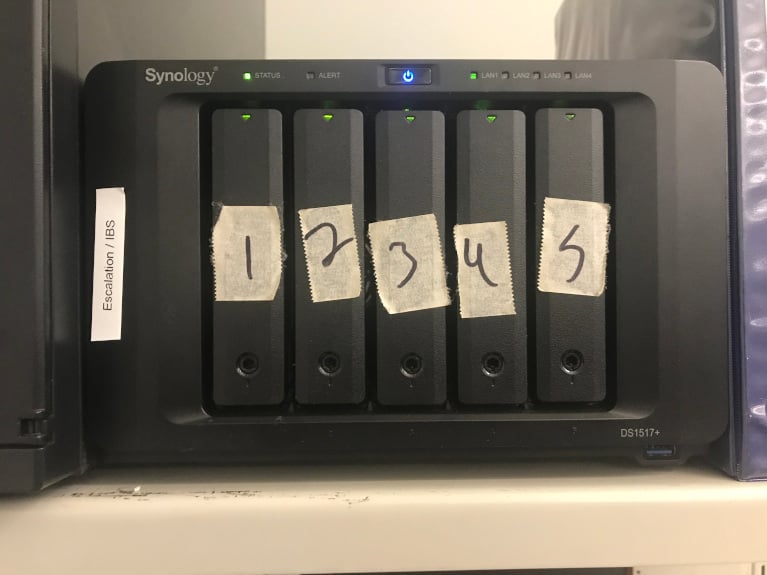
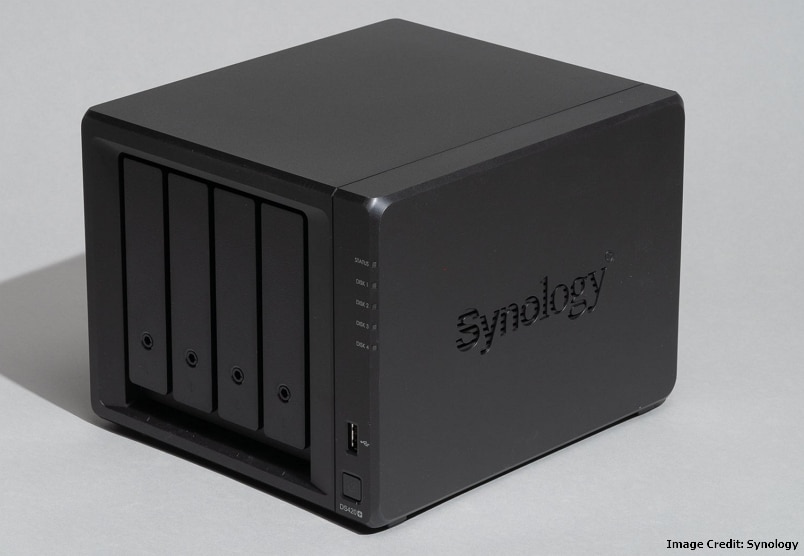
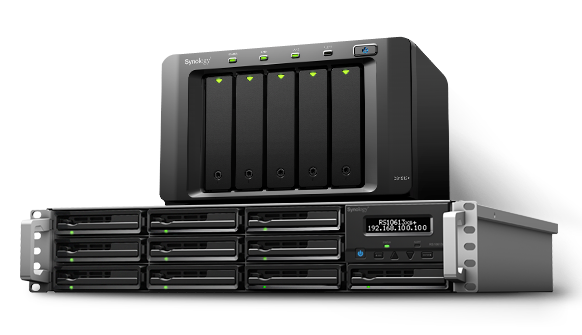
- A NAS device (e.g., Synology, QNAP, or Western Digital)
- A router that supports G wireless networks
- Multiple devices connected to your network (e.g., computers, smartphones, or tablets)
- A stable and secure internet connection
Step 1: Set Up Your NAS
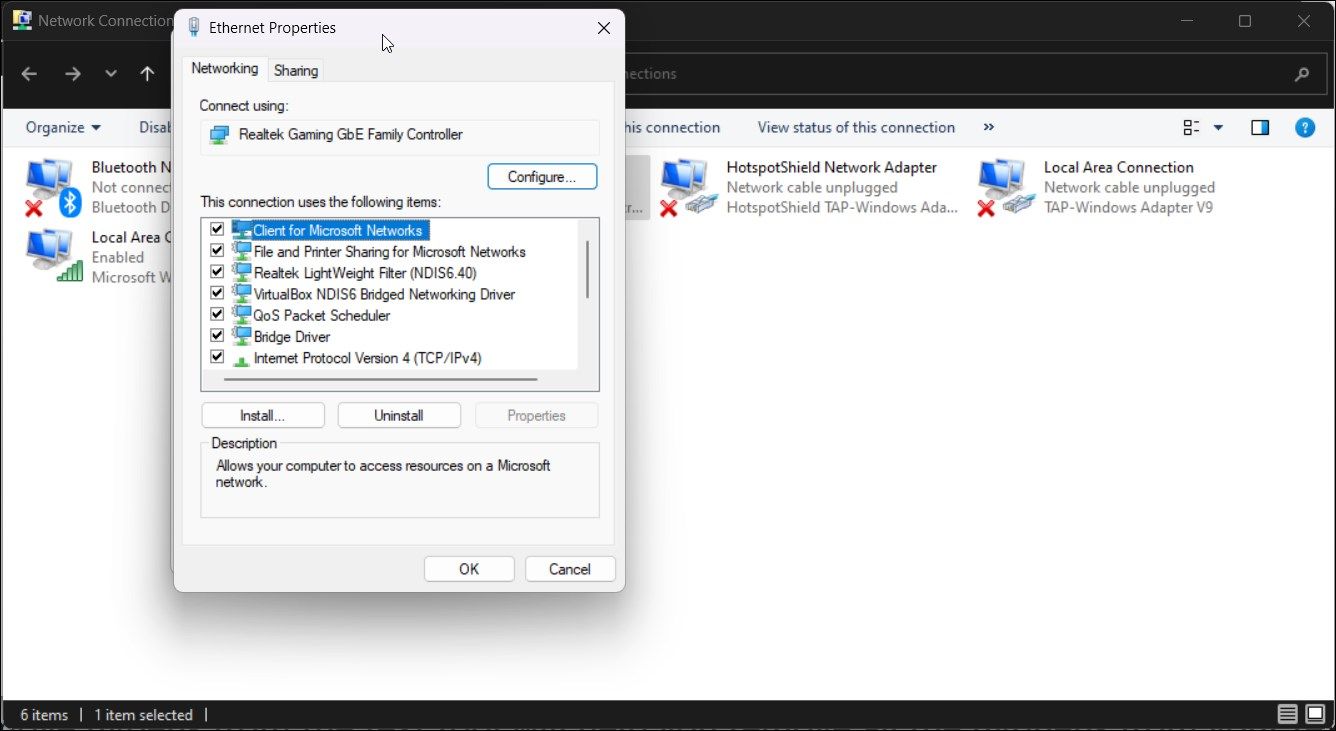
Connect your NAS device to your router using an Ethernet cable. Power on your NAS device and follow the on-screen instructions to configure the device's settings, such as network settings, user accounts, and permissions.