Setting Up Home Internet Connection on a Laptop: A Step-by-Step Guide
Getting connected to the internet is easier than you think, but it can be overwhelming for beginners. In this article, we'll guide you through the process of setting up a home internet connection on your laptop. Whether you're setting up a new broadband, DSL, or satellite internet connection, we've got you covered.
Step 1: Check Your Internet Service Provider (ISP)
Before setting up your internet connection, you need to ensure that you have a stable and working internet service provider. Check with your ISP to confirm that your account is active and that you have the necessary equipment to set up a connection. Your ISP may provide a self-installation kit or send a technician to set up your equipment.

- Confirm the type of internet plan you have (broadband, DSL, or satellite)
- Note down your internet plan's maximum speed and data limit
- Identify the equipment provided by your ISP (modem, router, or gateway)
Step 2: Set Up Your Modem and Router
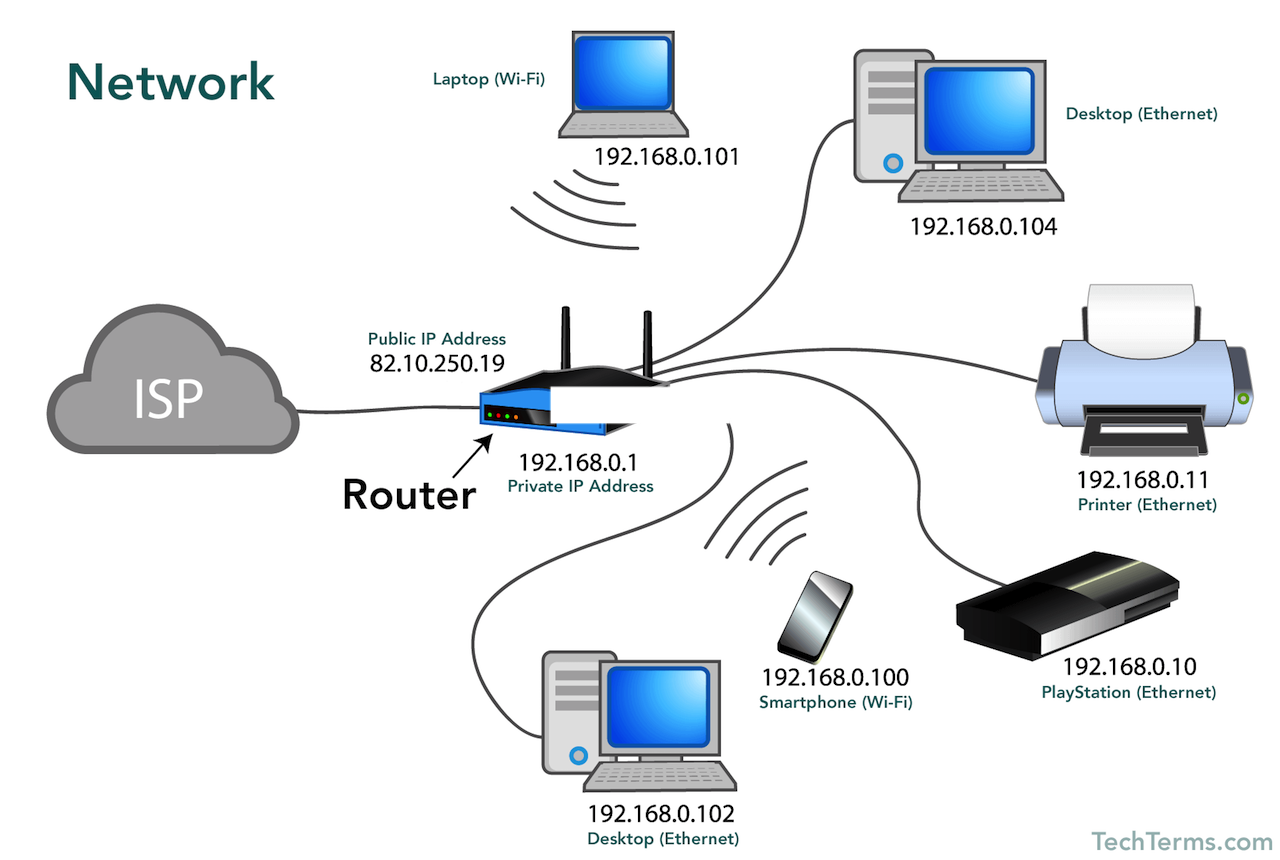
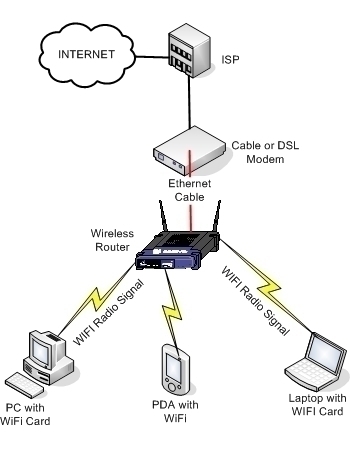
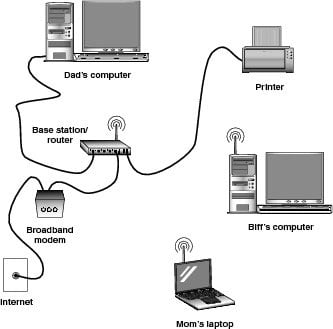
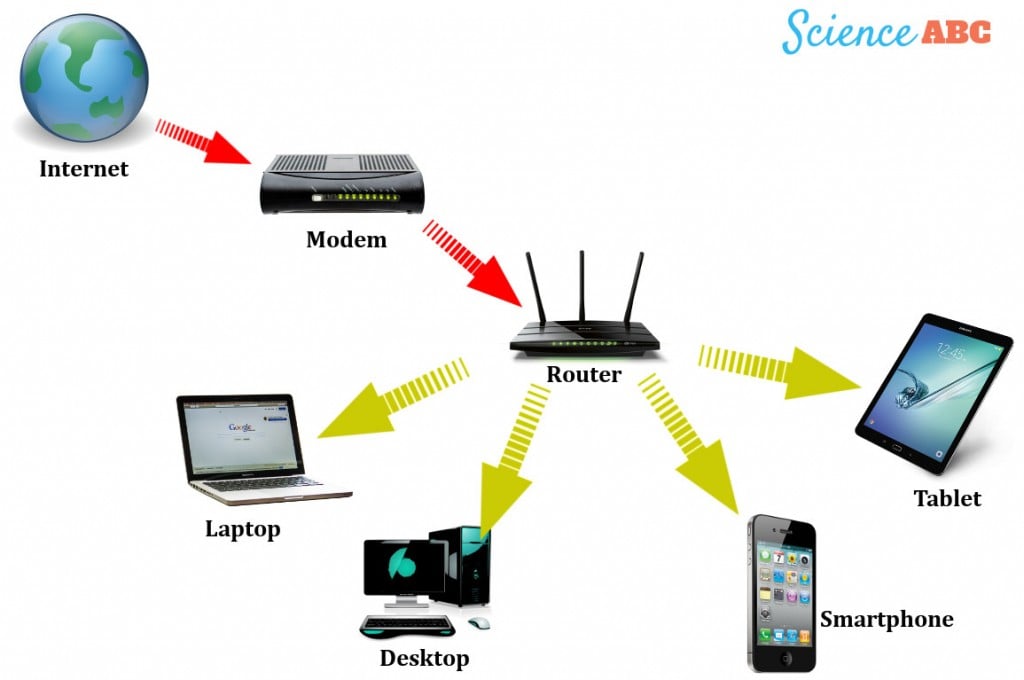
Unbox your modem and router, and connect the modem to the wall jack using the provided Ethernet cable. Next, connect the router to the modem using another Ethernet cable. If your router has a built-in modem, you can skip this step.