Configuring D-Link Router Setup with Dynamic DNS
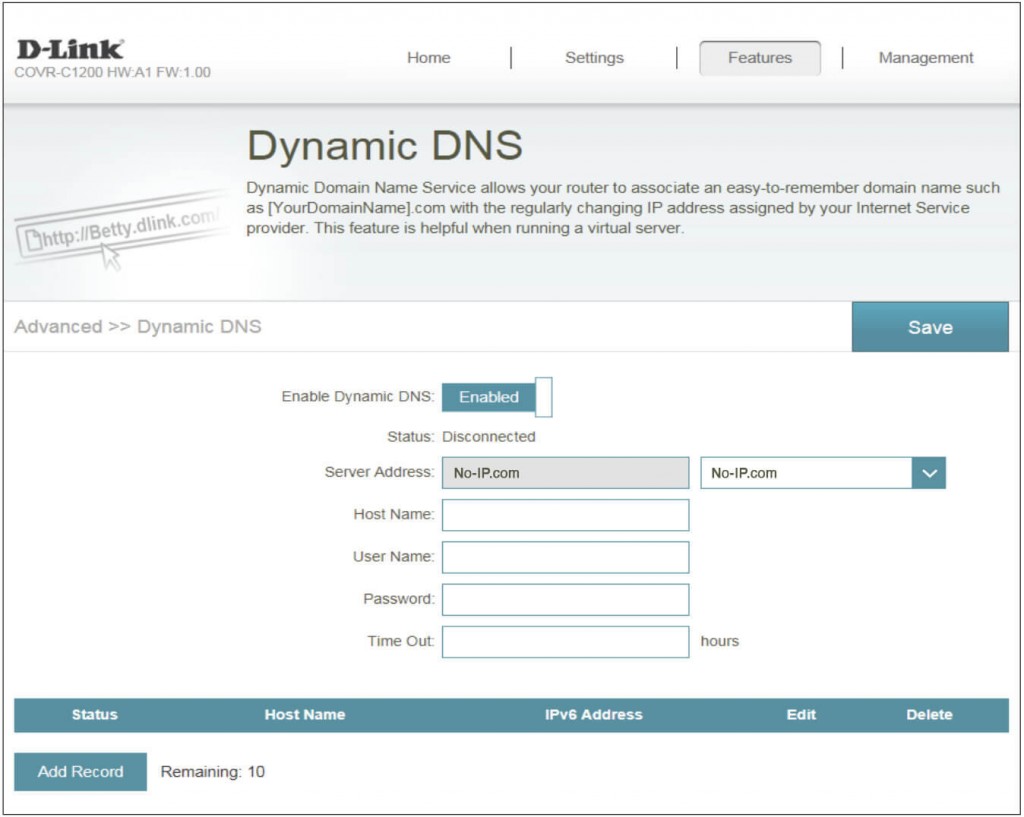
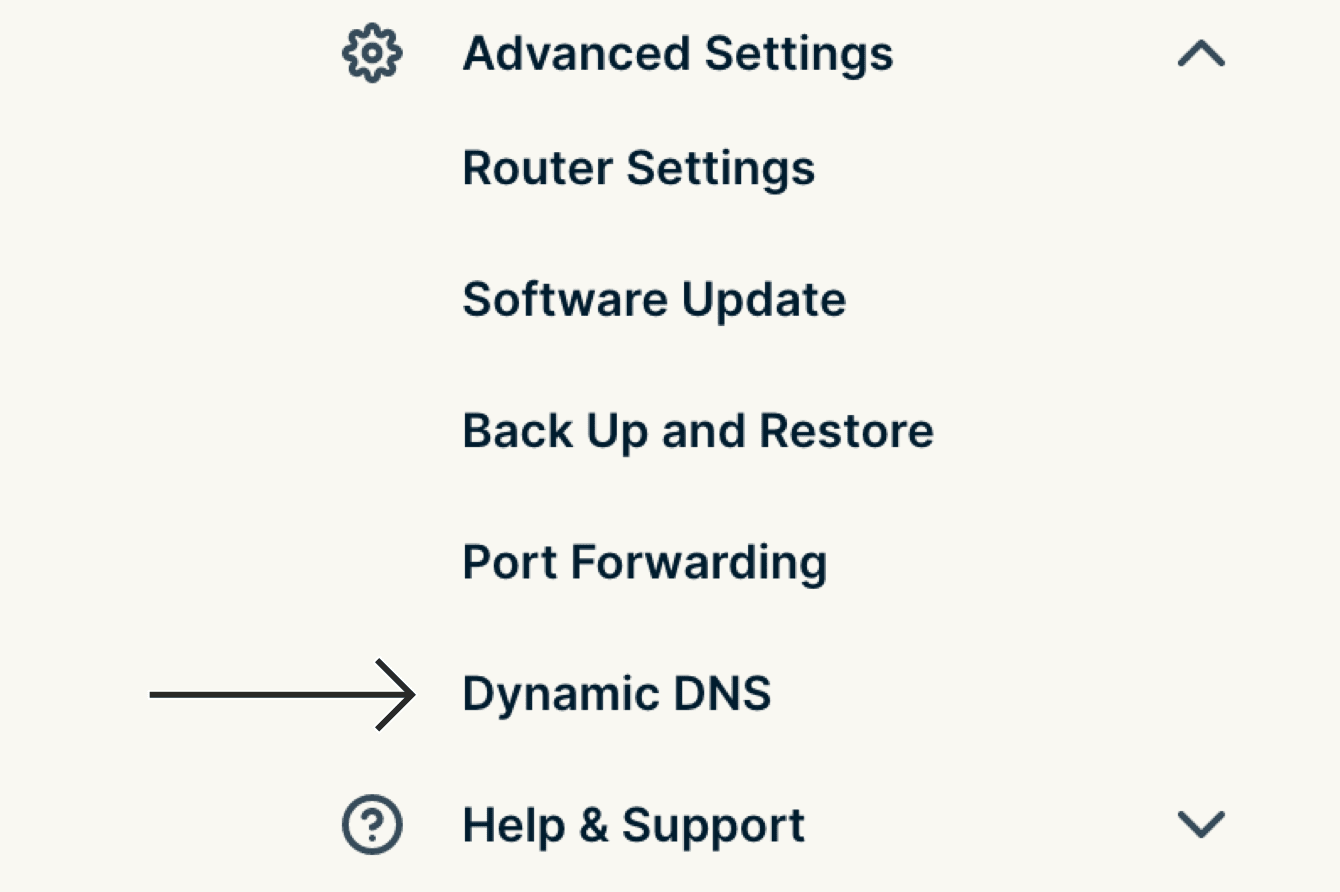
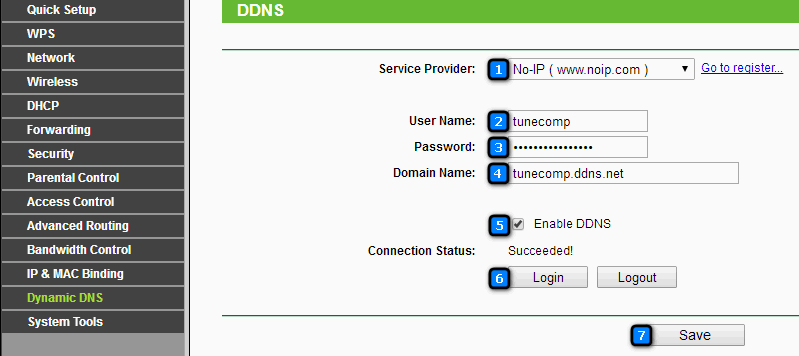
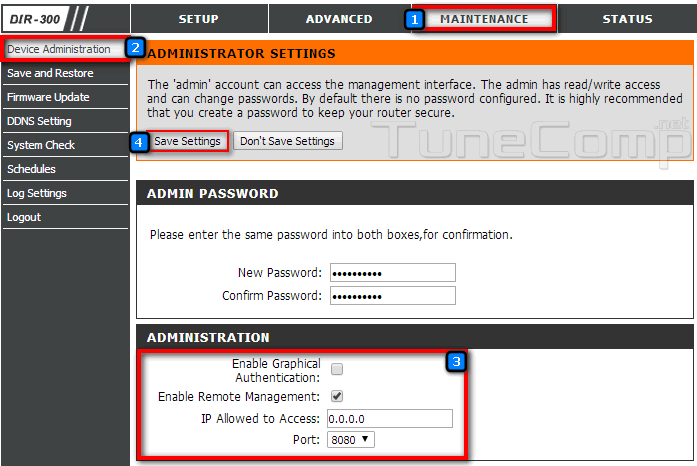
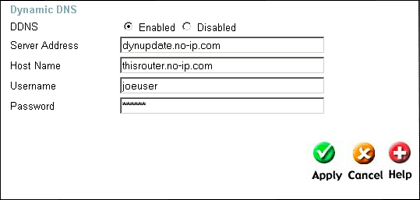
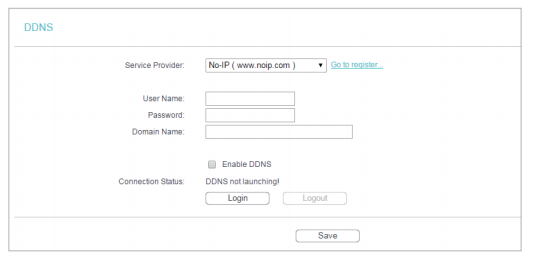
If you're looking to access your home network remotely, setting up your D-Link router with Dynamic DNS (DDNS) can greatly enhance your experience. DDNS is a method to keep a domain name synced to a changing IP address, as most computers and home routers don't use static IP addresses. In this article, we'll walk you through the step-by-step process of configuring DDNS on your D-Link router.Why Use Dynamic DNS on Your D-Link Router?
Dynamic DNS is a service that allows you to associate your dynamic IP address with a static hostname. This is particularly useful for several reasons:- It allows you to access your devices from anywhere, at any time, using a static hostname.
- It provides a consistent access point to your home network, even if your IP address changes.
- It simplifies remote access and management of your network.