Maximize Your Internet Speed with D-Link Router Configuration for Speed
When it comes to internet connectivity, a D-Link router is a popular choice among users due to its ease of use and reliability. However, for those looking to achieve the fastest possible internet speeds, configuring the router is crucial. In this article, we will take you through the step-by-step process of configuring a D-Link router for speed, ensuring you get the most out of your internet connection.
A Quick Glance at the Importance of Configuring Your D-Link Router
- Configuring your D-Link router enables you to achieve optimal internet speeds.
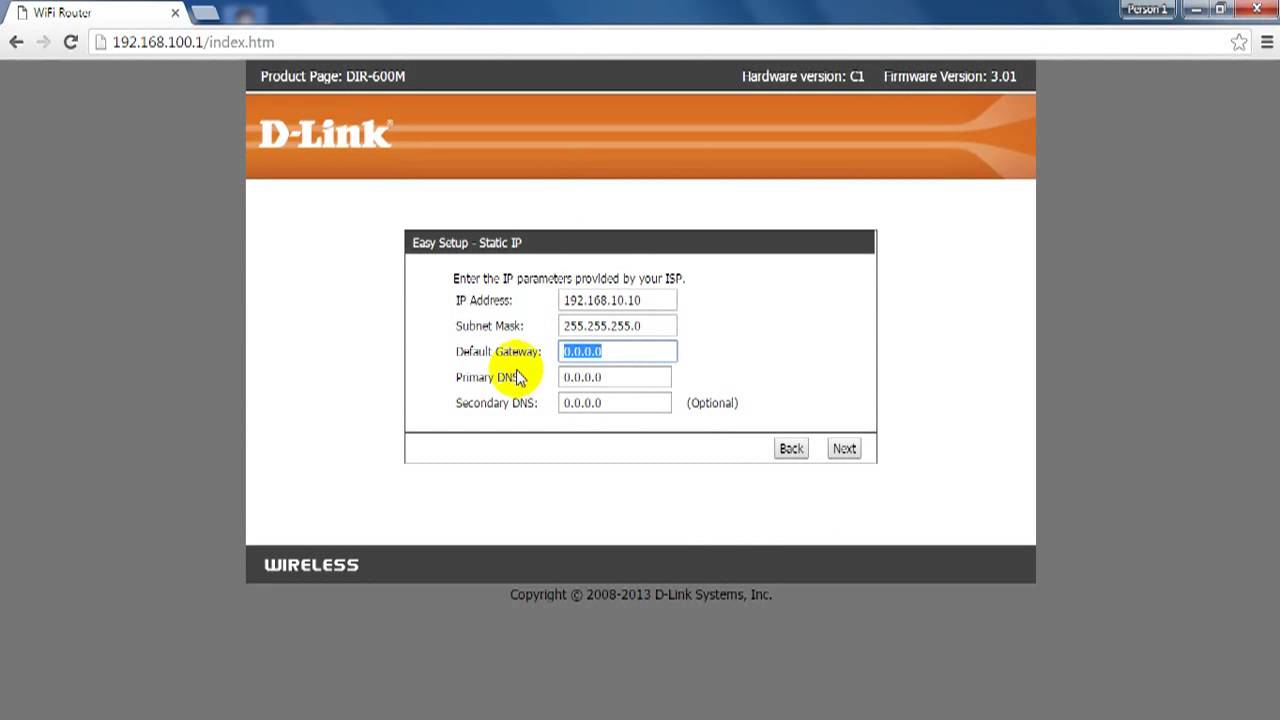
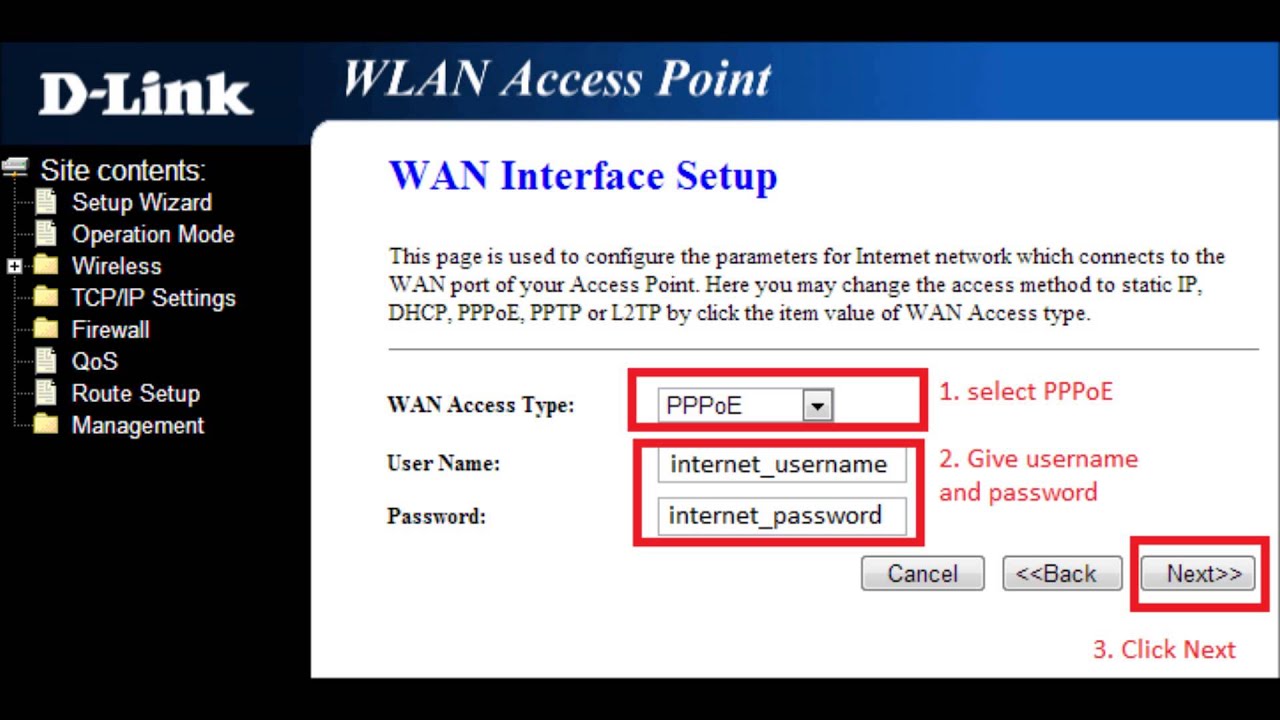
- Adjusting settings such as WAN (Wide Area Network) and LAN (Local Area Network) settings is crucial for maintaining a stable and smooth connection.
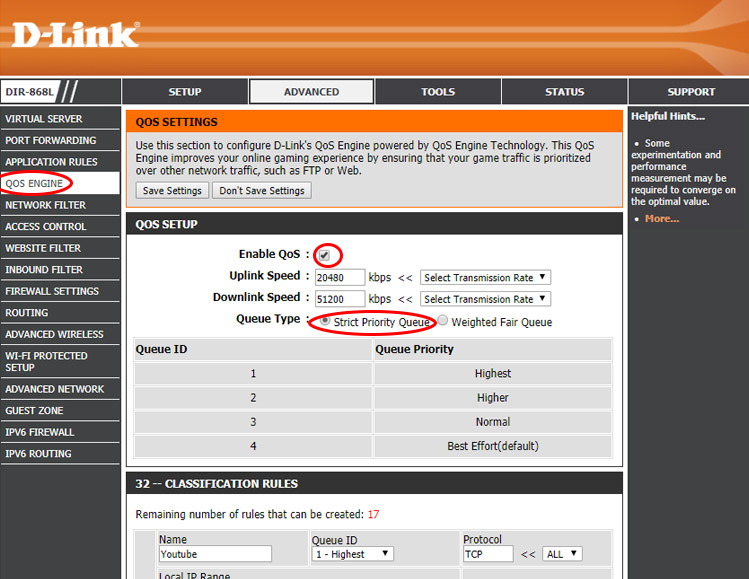
- Setting up Quality of Service (QoS) parameter helps prioritize applications that require low latency and stability.
- Wireless congestion management is also crucial to ensure each device receives adequate bandwidth.
Step 1: Accessing the Router Configuration
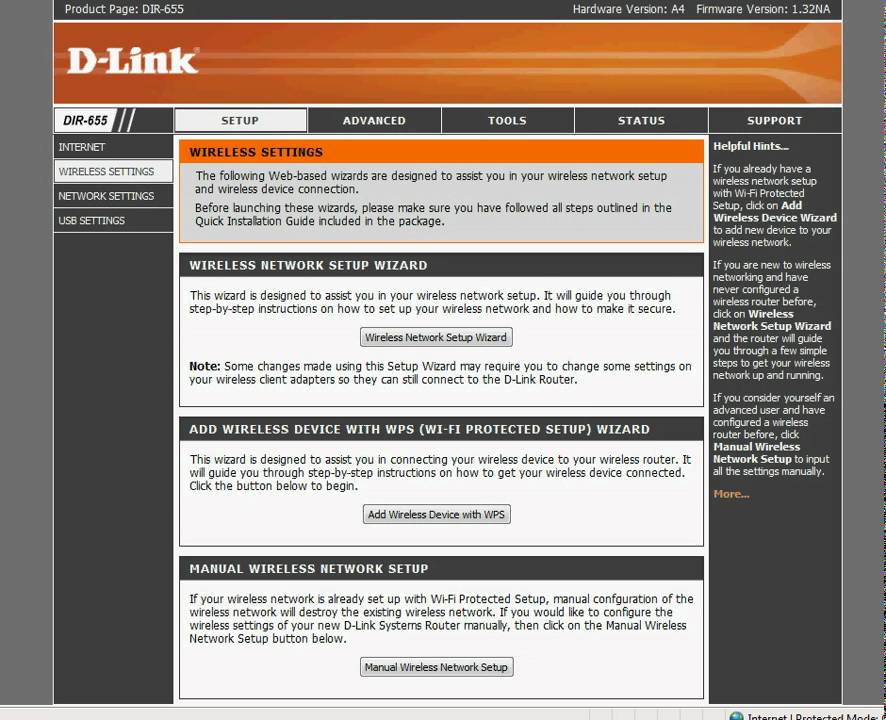
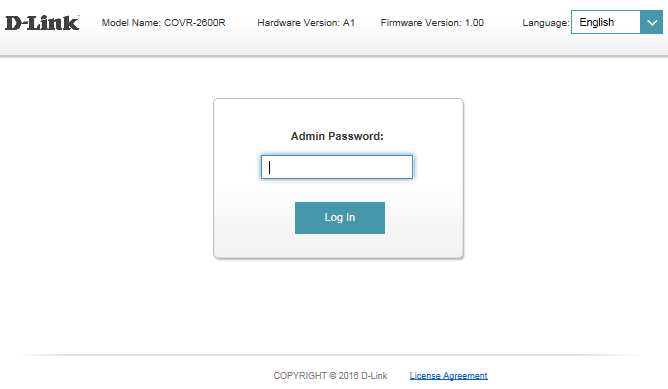
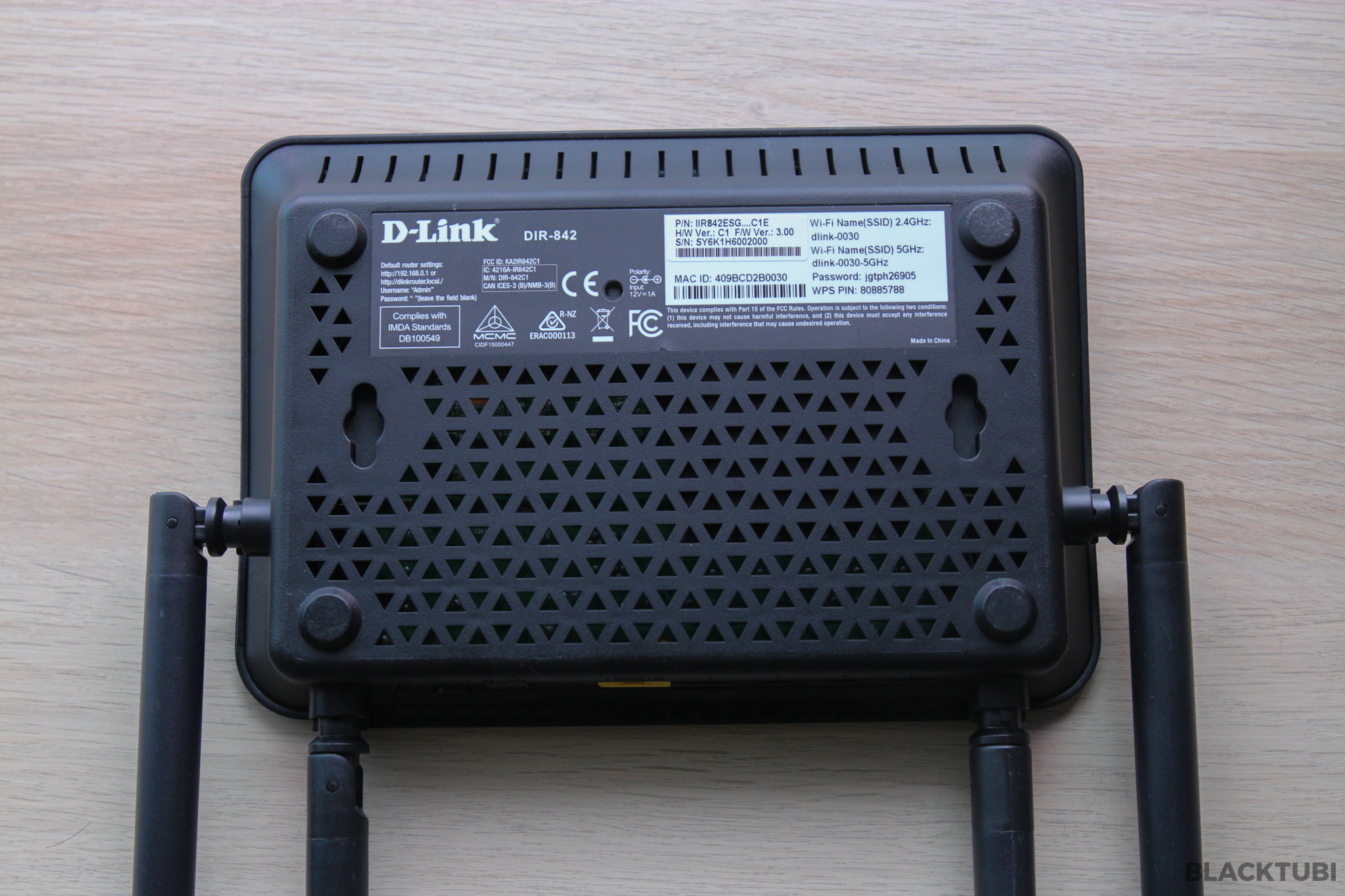
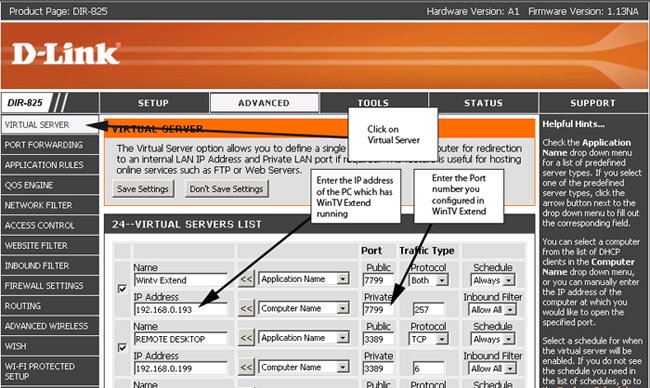
Before we dive into the detailed setup, you need to access your D-Link router's configuration page. Most modern routers use a web-based interface that can be accessed by connecting to the router's IP address in your web browser. Common addresses include http://192.168.0.1 or http://192.168.1.1.