Home Network Security Router Setup: A Comprehensive Guide
Are you looking to secure your home network and prevent unauthorized access? A well-configured home network security router setup is essential to protect your personal information and enjoy a safer online experience. In this article, we will guide you through a step-by-step process to ensure that your home network is secure and protected from potential threats.
Understanding the Basics of Home Network Security
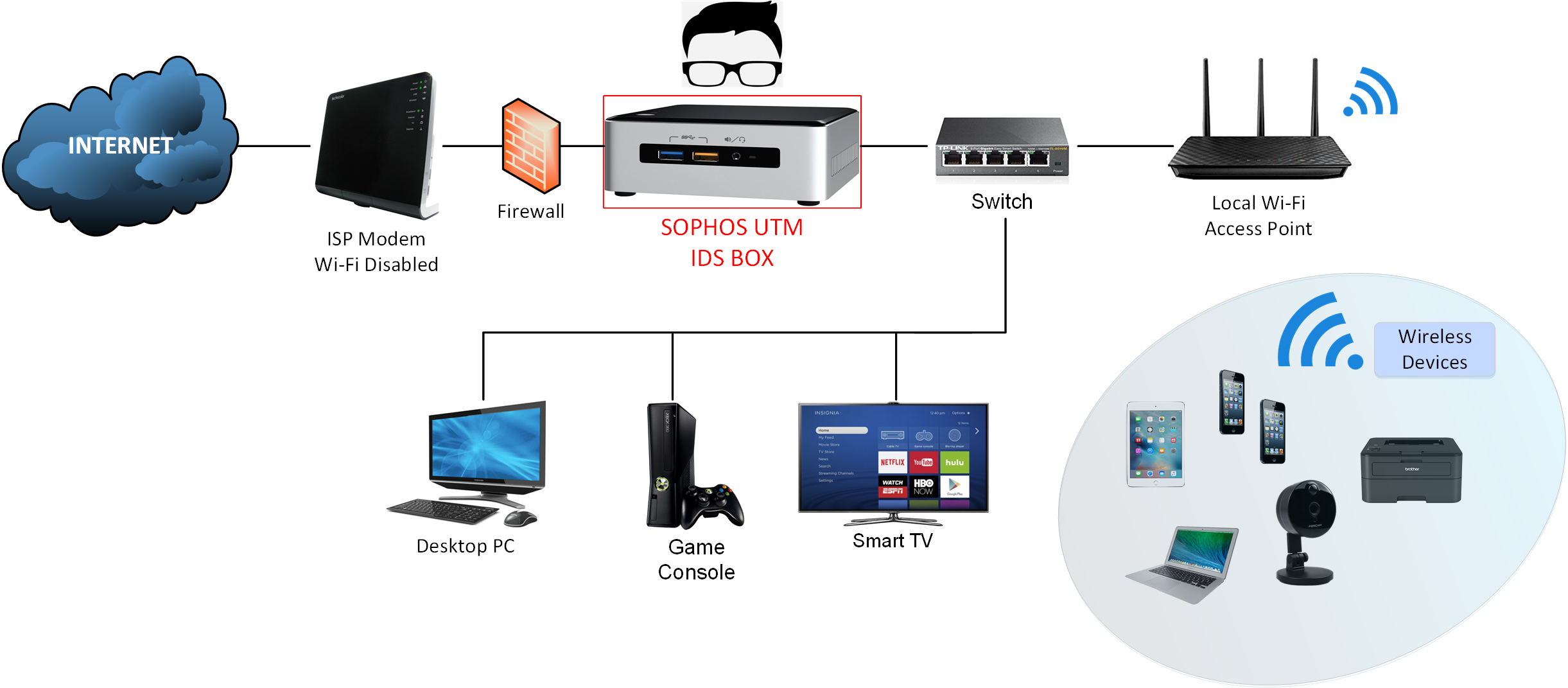
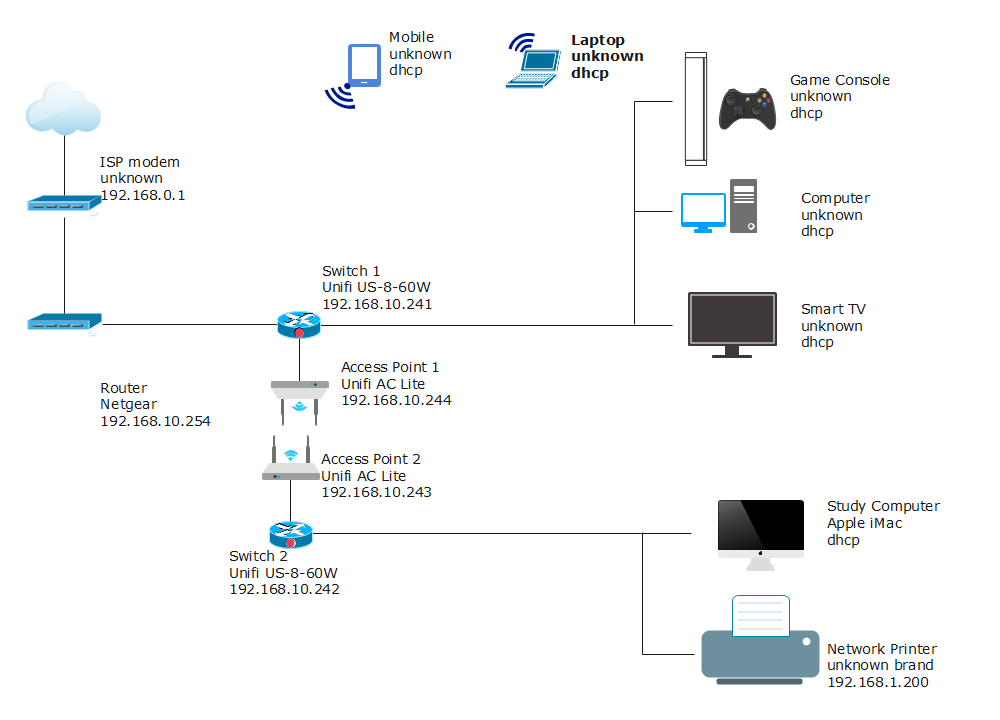
A home network is a collection of devices connected together to share resources such as the internet, files, and printers. A router serves as the central hub of the network, managing traffic and providing security features to protect your devices from external threats. However, a poorly configured router can leave your network vulnerable to attacks, data breaches, and other malicious activities.
Why Home Network Security Is Important

- Prevents unauthorized access to your network and devices
- Protects your personal information and data from being stolen
- Prevents malware and virus attacks
- Ensures online safety and security for your family and guests
- Helps prevent cyberbullying and online harassment
A Step-by-Step Guide to Home Network Security Router Setup
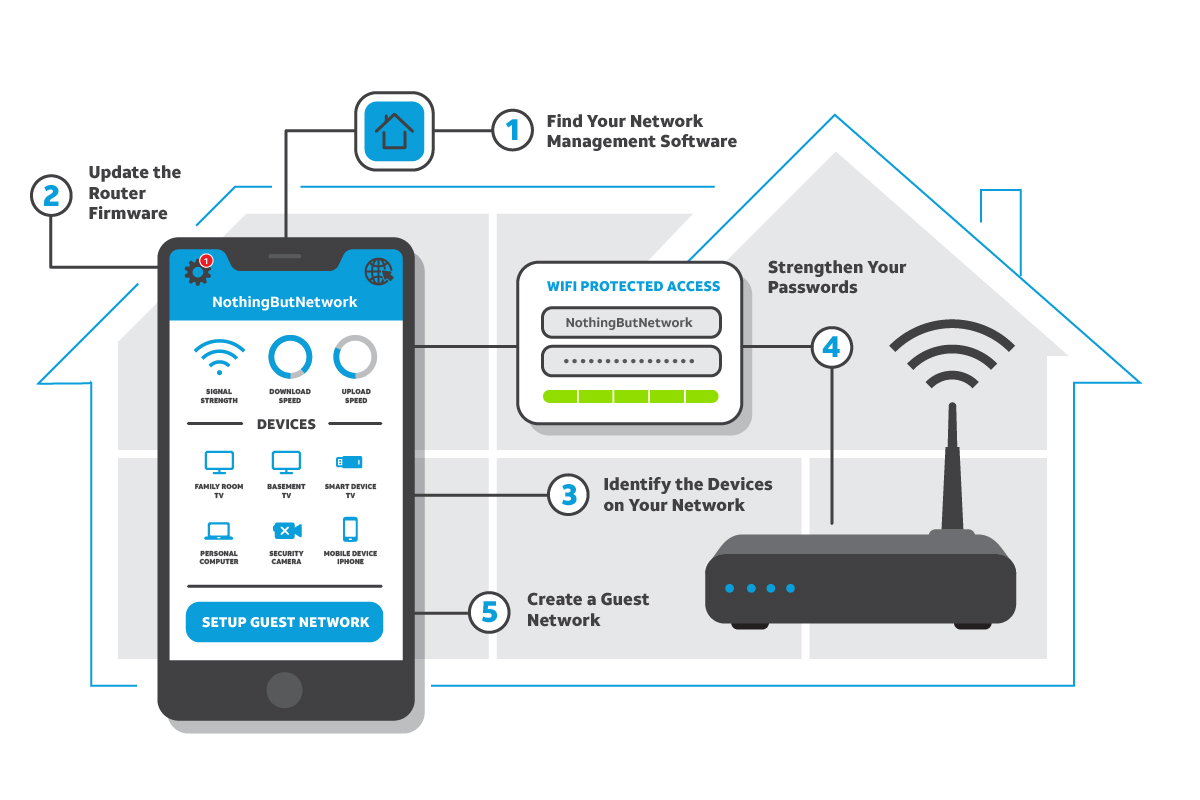
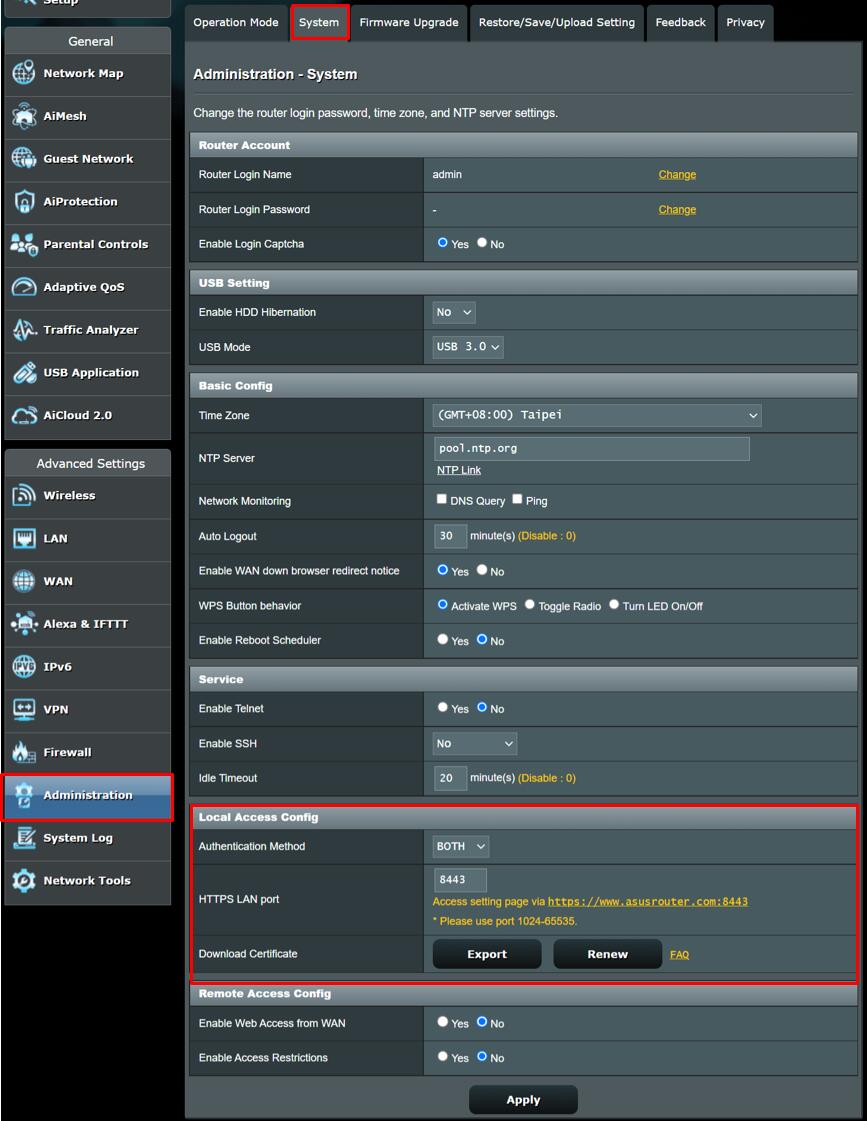
Step 1: Change Your Default Router Username and Password
The default username and password provided by your router manufacturer are easily guessable, making it a security risk. Change them to strong, unique passwords to prevent unauthorized access.