The Ultimate Google Internet Setup Guide
Are you ready to upgrade your internet experience with Google's powerful and easy-to-use internet solutions? Look no further! In this comprehensive guide, we'll walk you through the step-by-step process of setting up your Google internet connection, ensuring seamless connectivity and enhanced internet accessibility for your entire home.Before You Begin: Ensure Your Modem Works
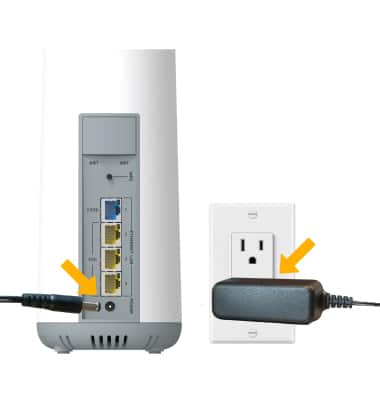
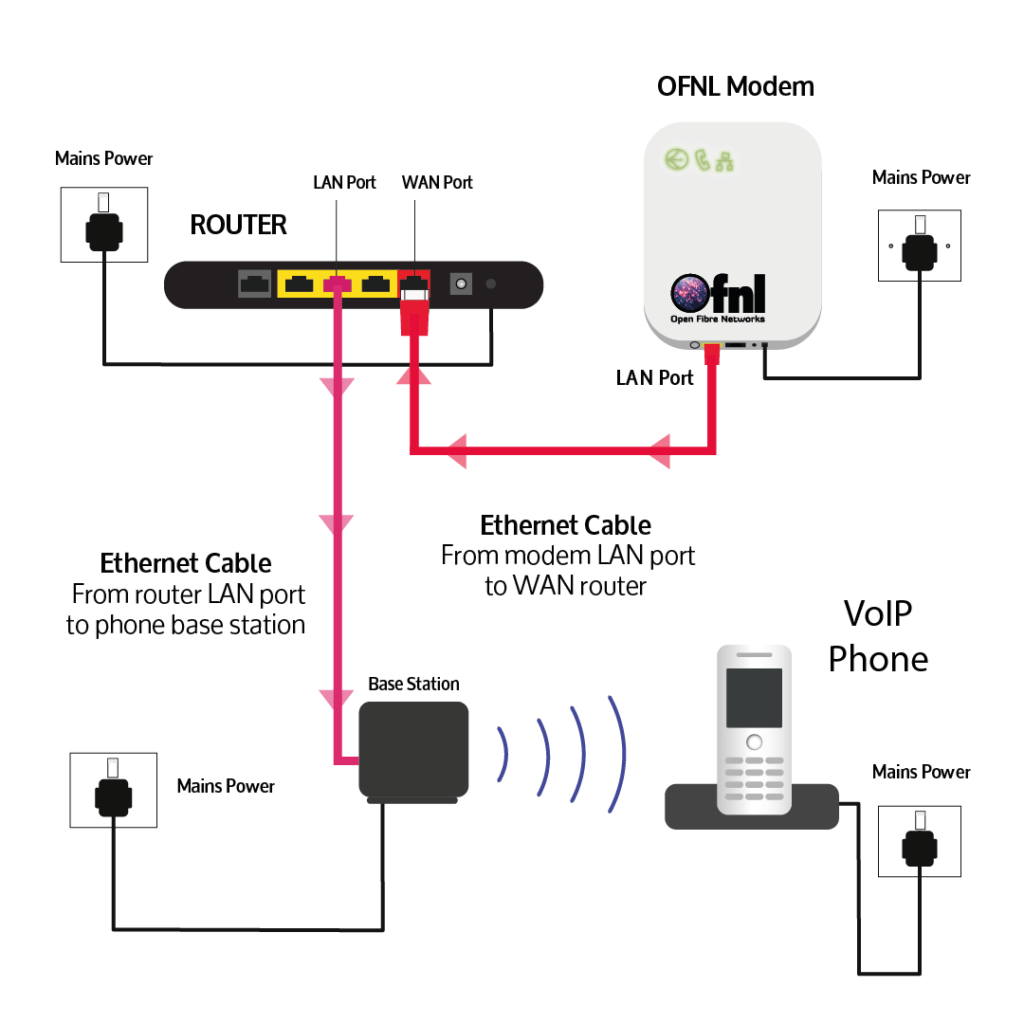
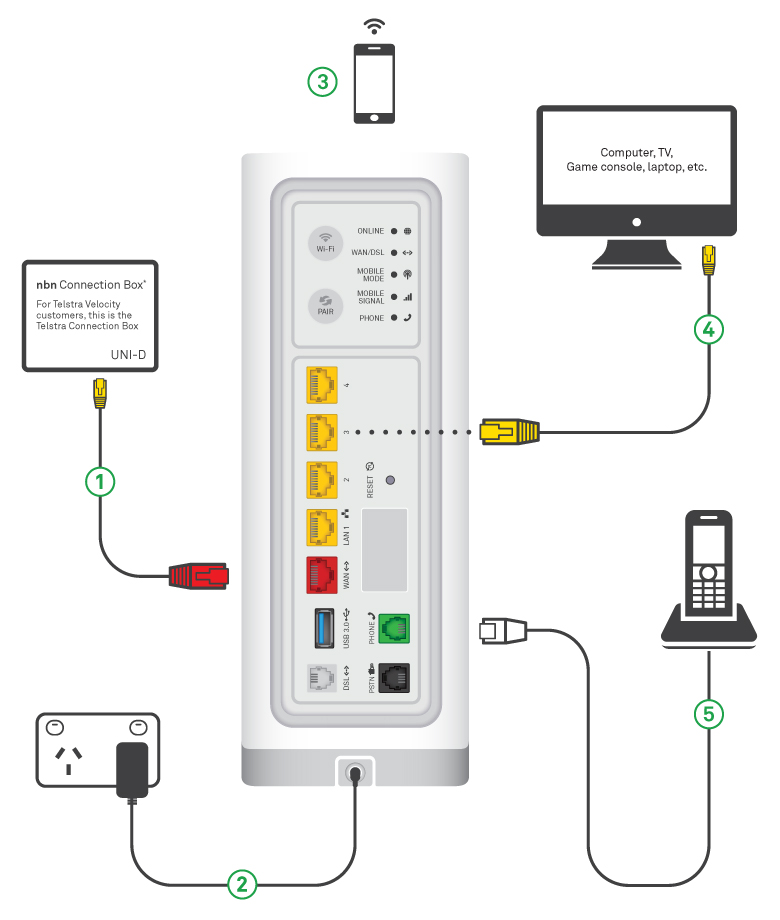
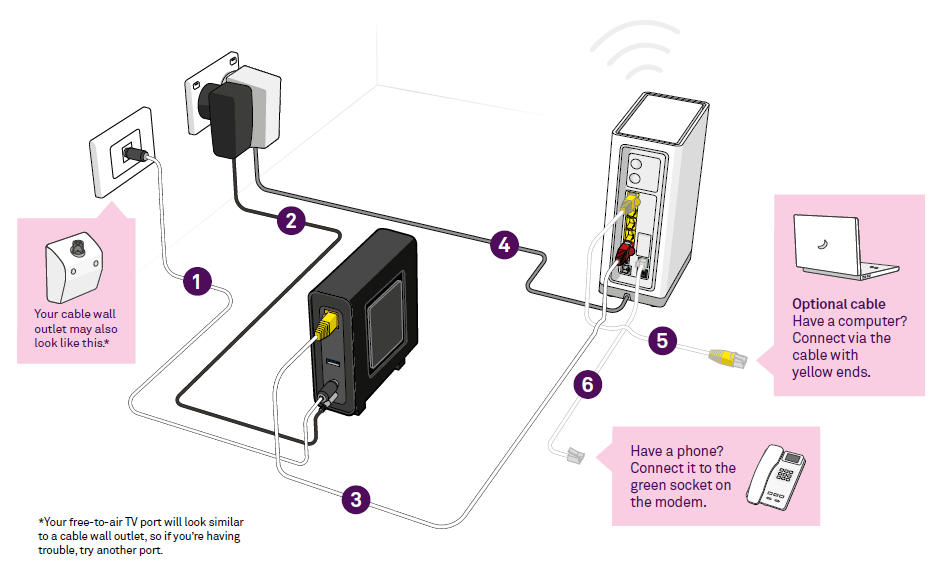
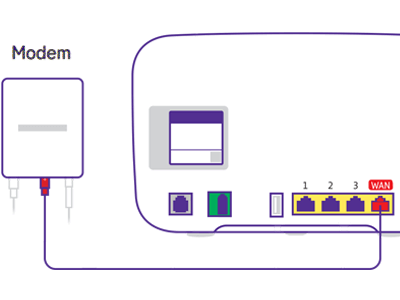
Before you start setting up your Google Wifi point, referred to as the primary Wifi point or Wifi router, make sure your modem works and is connected to the internet. If this is your first time using the Google Home app, set up a home. You can use any Google Wifi point as a primary Wifi point. This initial setup is crucial to ensure a stable and strong internet connection.Step 1: Unbox and Prepare Your Google Wifi Points