Cisco Router Configuration Commands: A Comprehensive Guide
Cisco routers are a crucial part of any network infrastructure, and configuring them correctly is essential for ensuring efficient and secure data transmission. In this article, we'll explore the world of Cisco router configuration commands, covering the basics and advanced features to help you become a proficient network engineer.
Understanding Cisco Router Configuration Modes
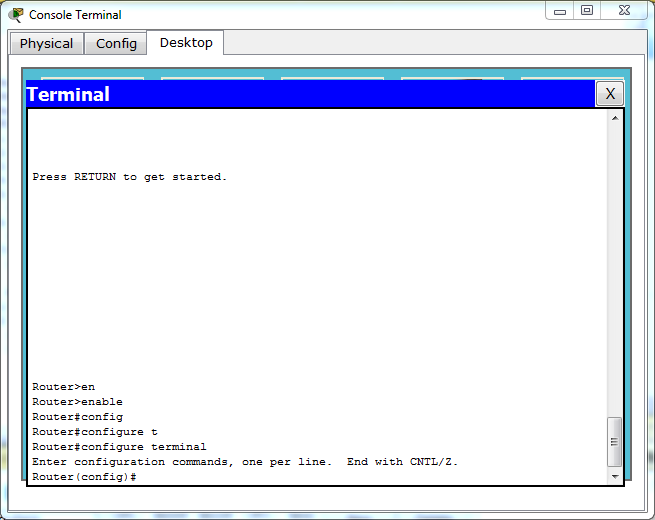
Before diving into the commands themselves, it's essential to understand the different configuration modes available in Cisco routers. The three primary modes are:
- Global Configuration Mode: This mode allows you to configure settings that apply to the entire router, such as hostname, banner, and clock settings.
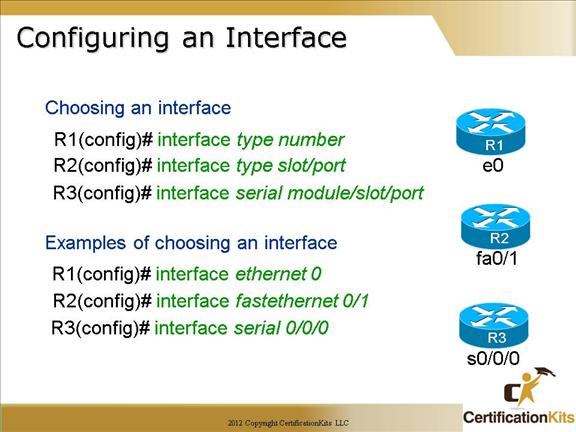
: This mode enables you to configure settings specific to individual interfaces, such as IP addressing, subnet masks, and descriptions. - : This mode allows you to configure settings related to routing protocols, such as routing IP, OSPF, and EIGRP.

Basic Interface Configuration Commands
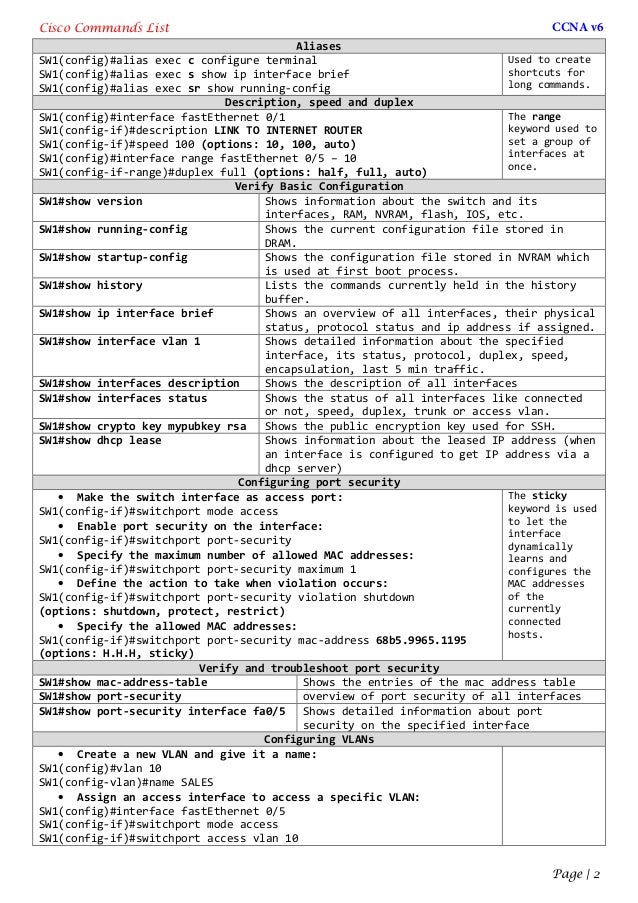
Here are some essential interface configuration commands to get you started:
- description: Provides a description for the interface, making it easier to identify and troubleshoot.
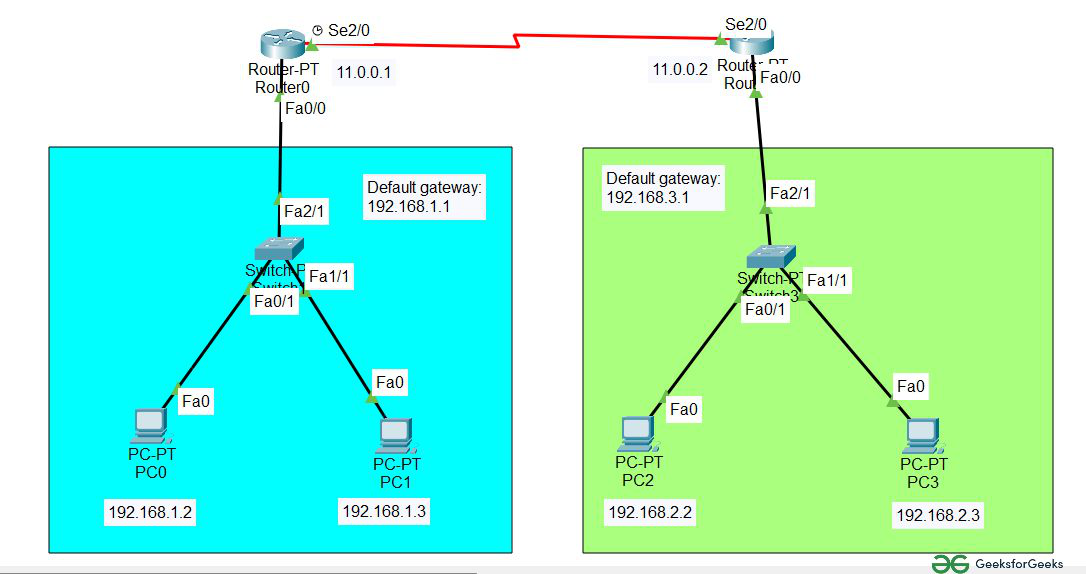
- ip address: Assigns an IP address and subnet mask to the interface.
- no shutdown: Enables the interface, allowing it to come up and start forwarding traffic.
- clock rate: Sets the clock rate for the interface, usually used for serial interfaces.