Wireless G Network Setup for Voice over IP: A Comprehensive Guide
Welcome to this comprehensive guide on setting up a Wireless G Network for Voice over IP (VoIP) technology. In this article, we will walk you through the process of configuring a Wireless G Network to enable high-quality VoIP calls using your internet connection.
Understanding VoIP Technology
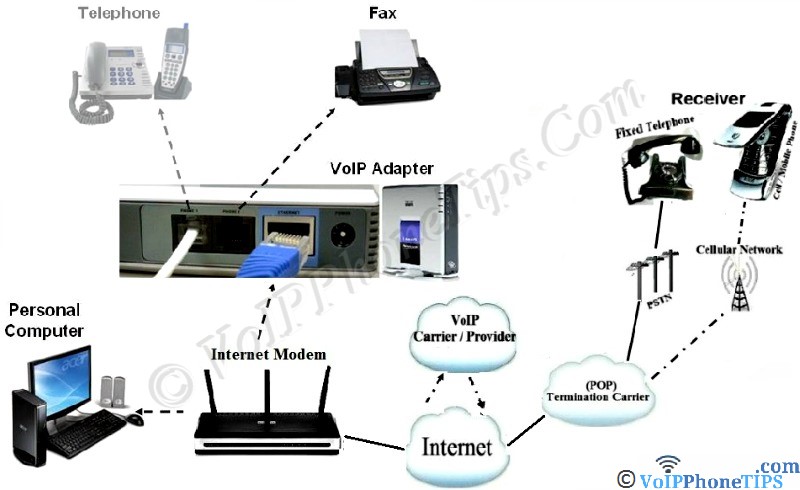
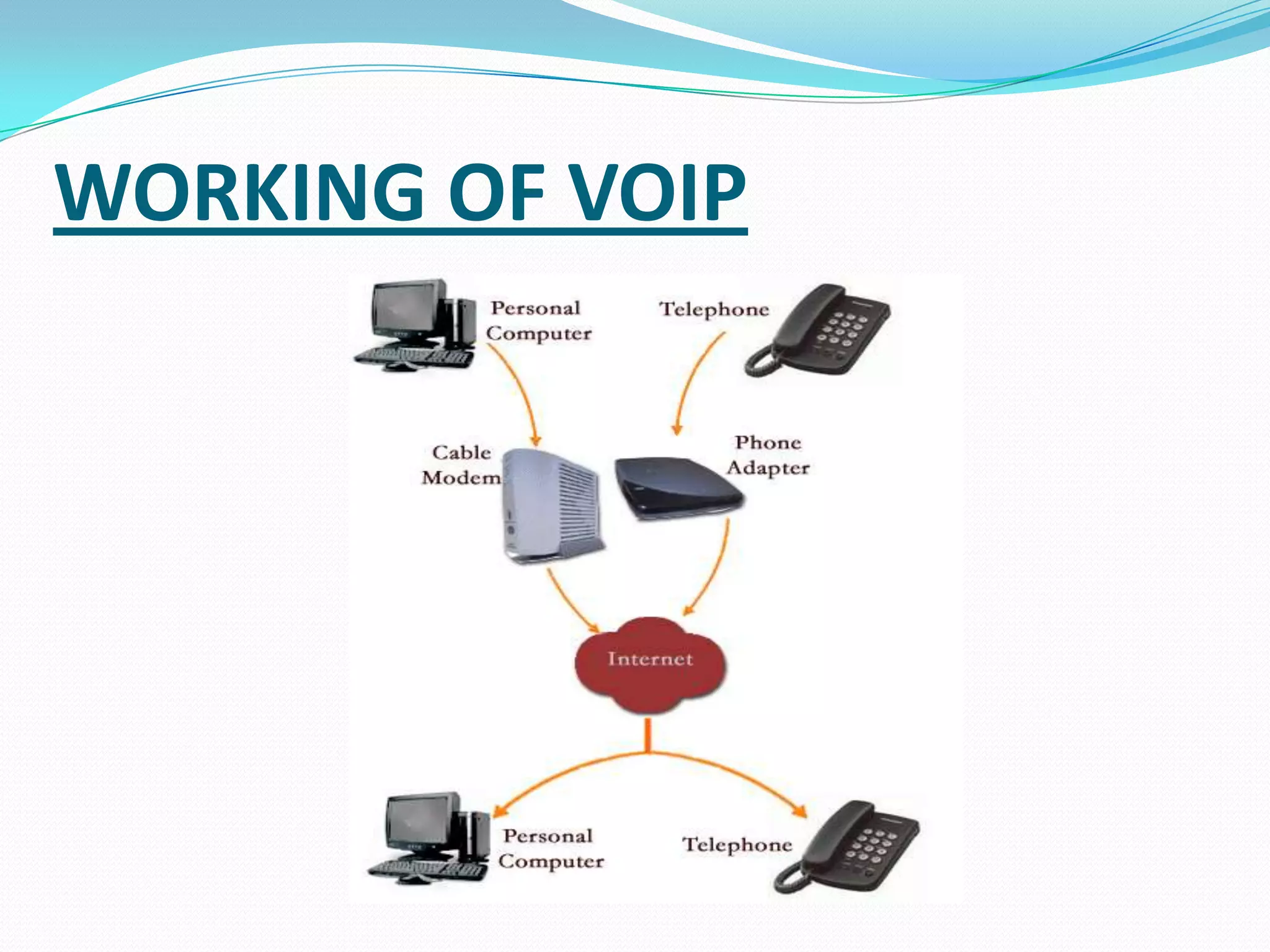
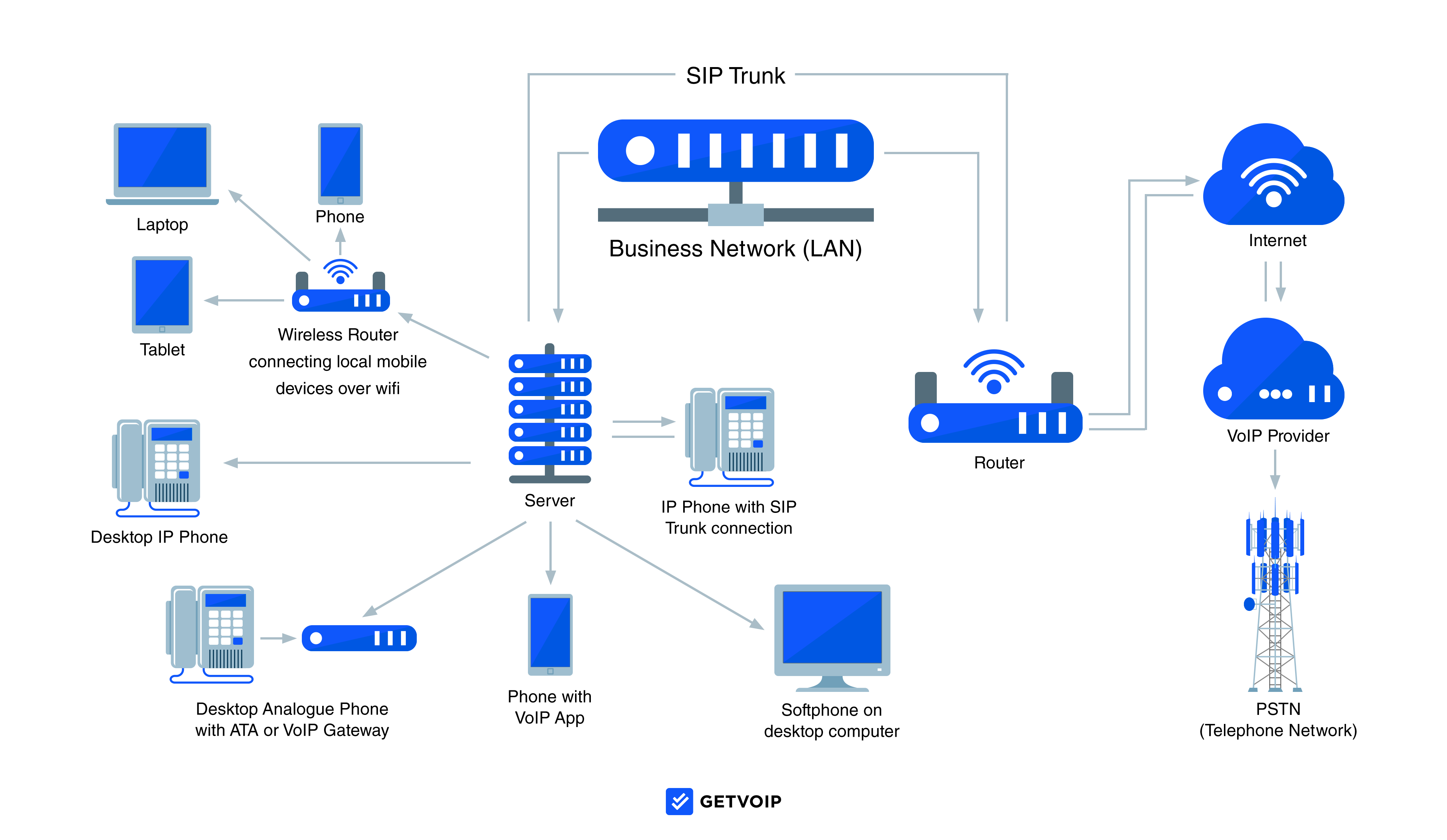
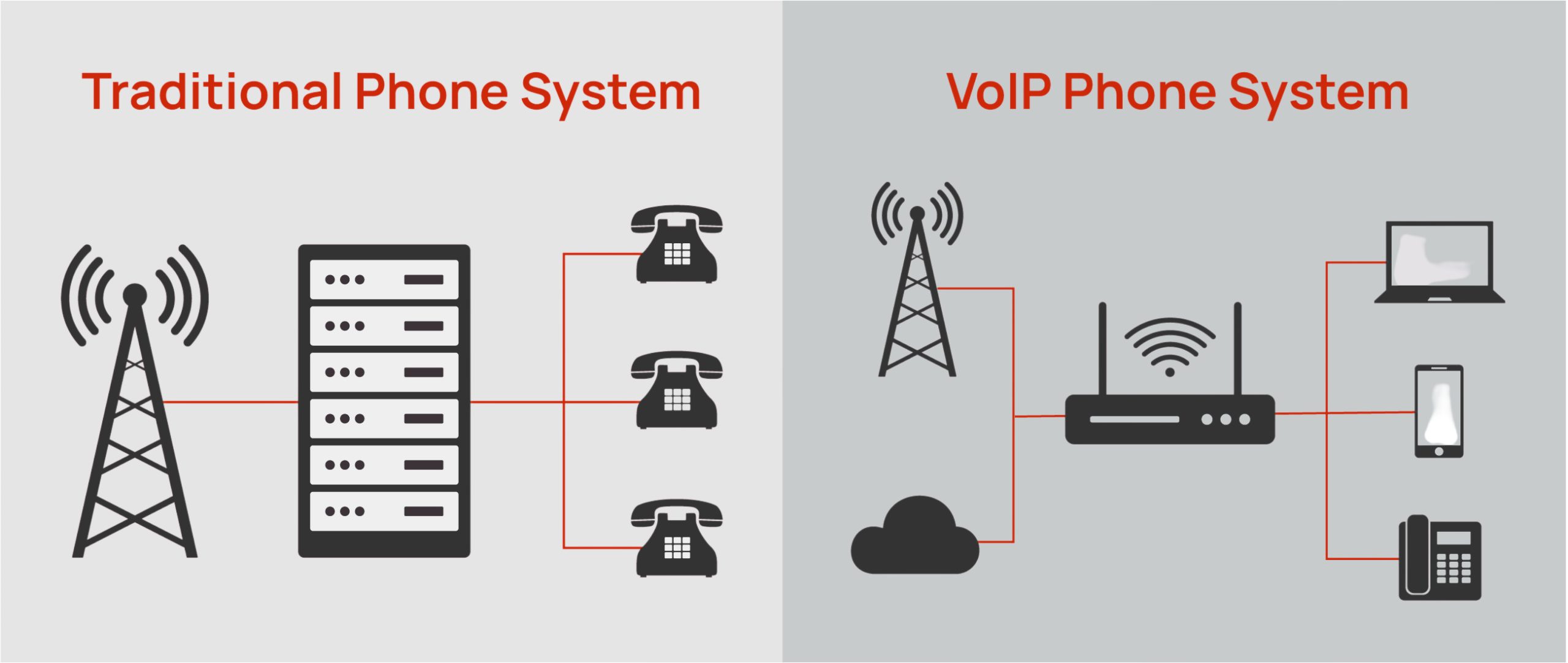
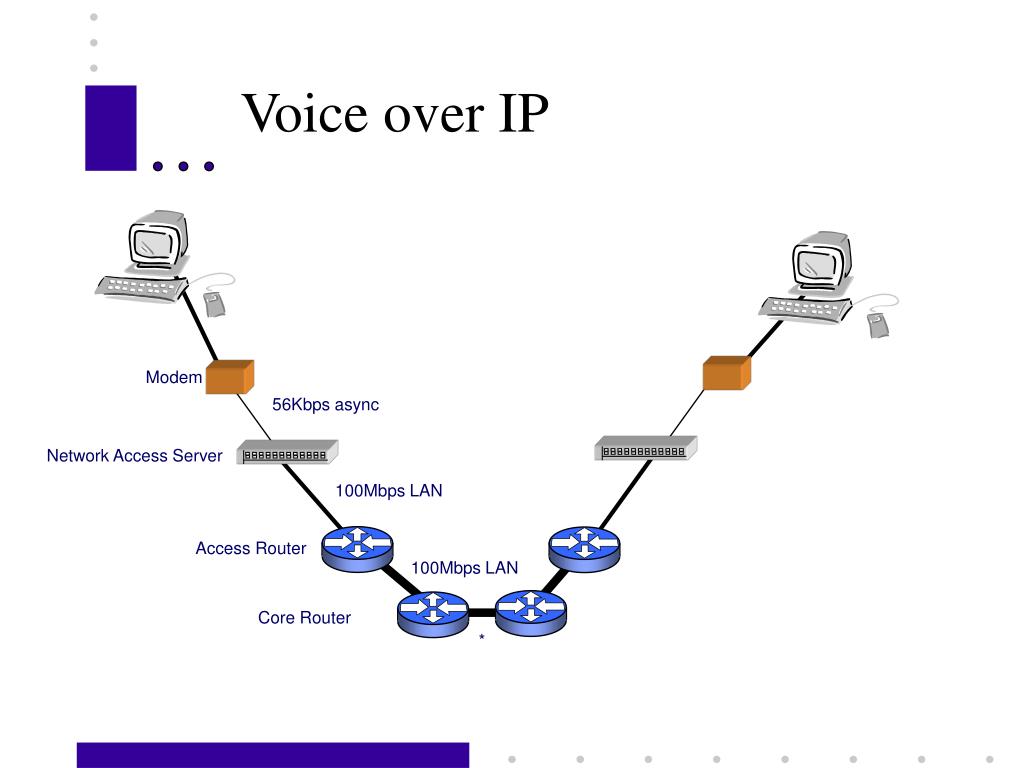
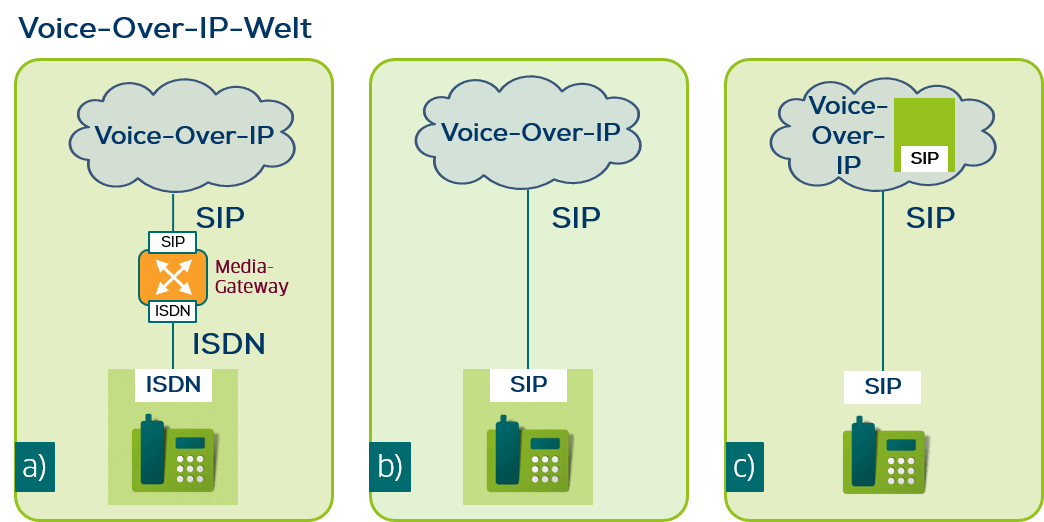
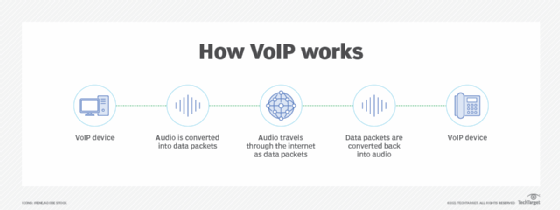
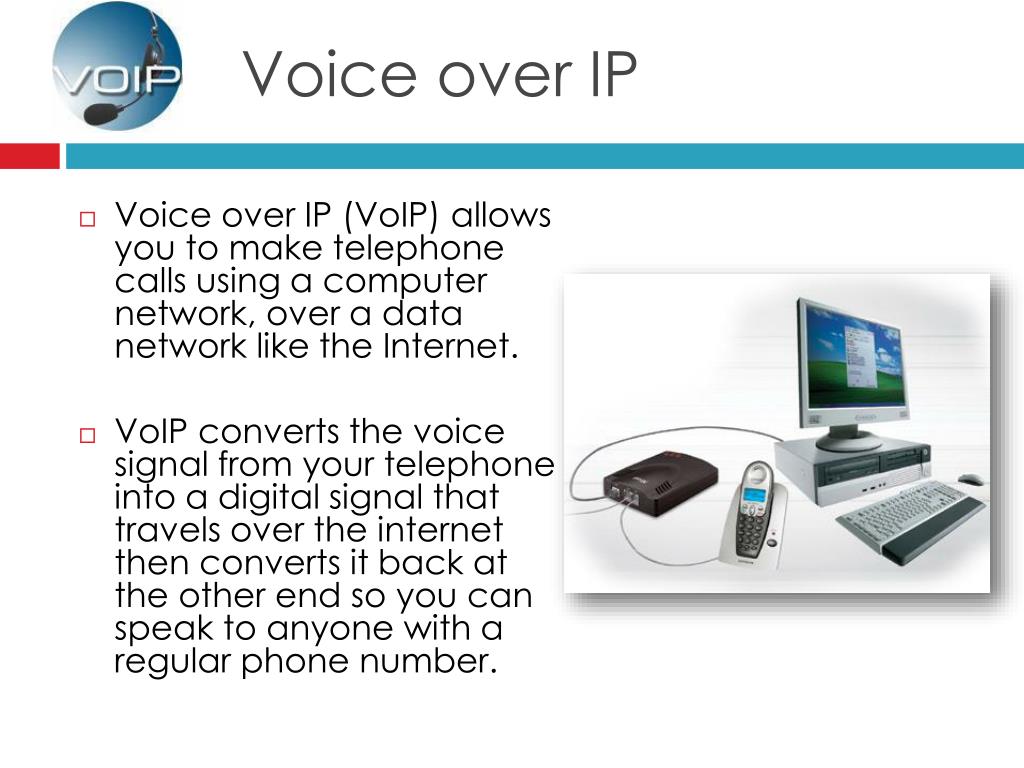
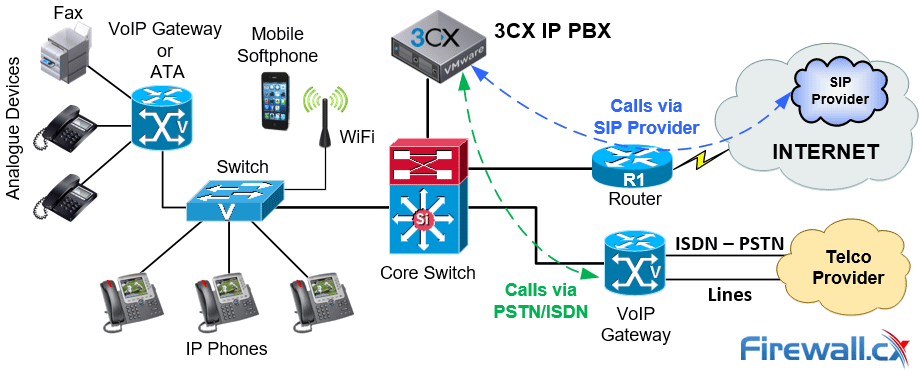
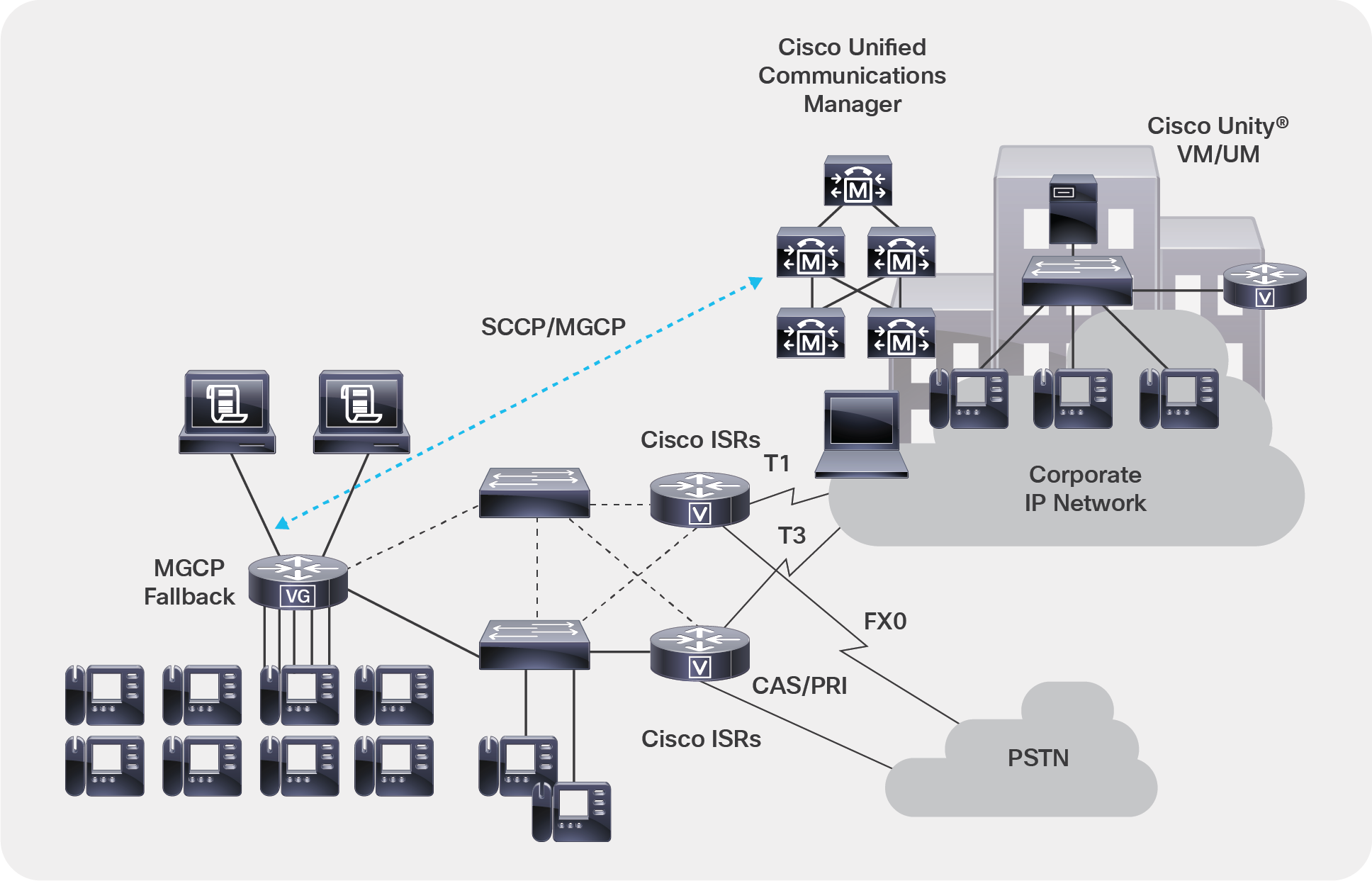
Voice over Internet Protocol (VoIP) is a communication technology that allows users to make and receive voice calls over an internet connection rather than traditional telephone lines. VoIP service converts the voice into a digital signal and then transmits it over the internet.
Requirements for VoIP Setup

- A reliable internet connection with a minimum bandwidth of 100 Kbps
- A Wireless G Network or router that supports VoIP technology
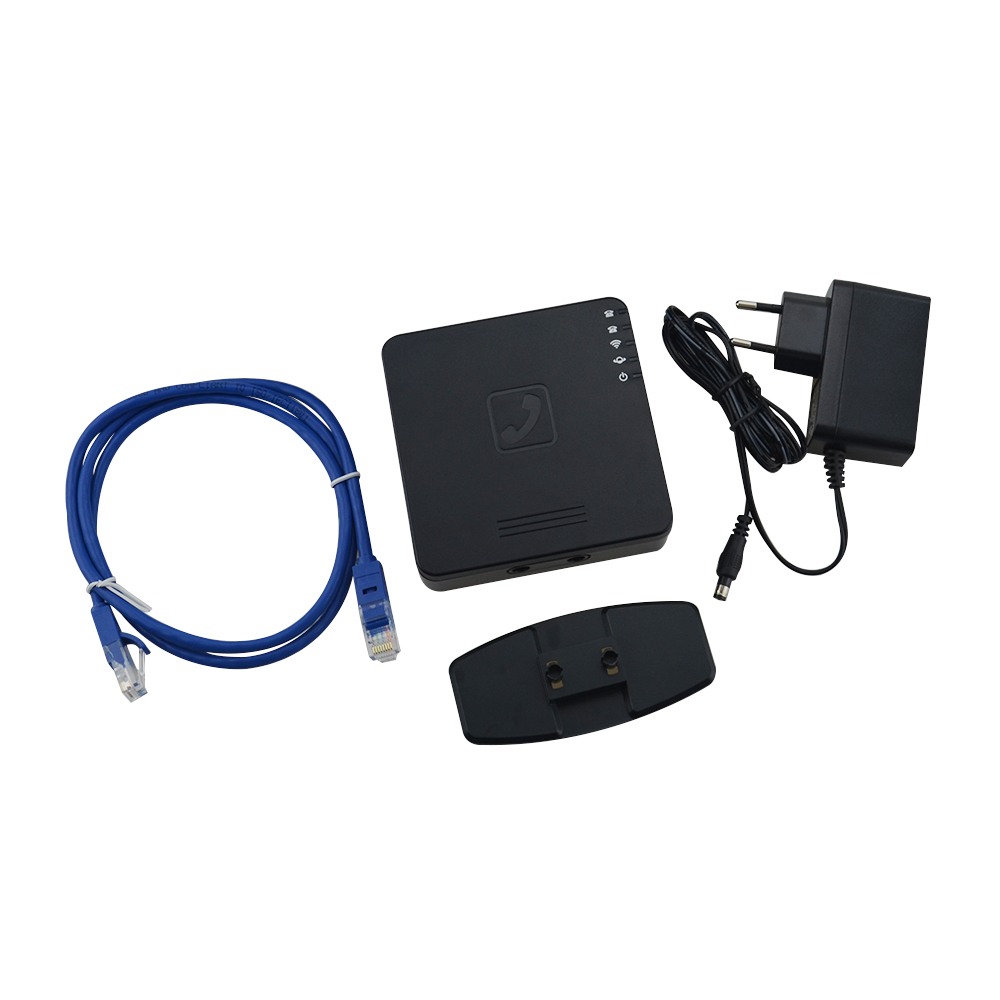
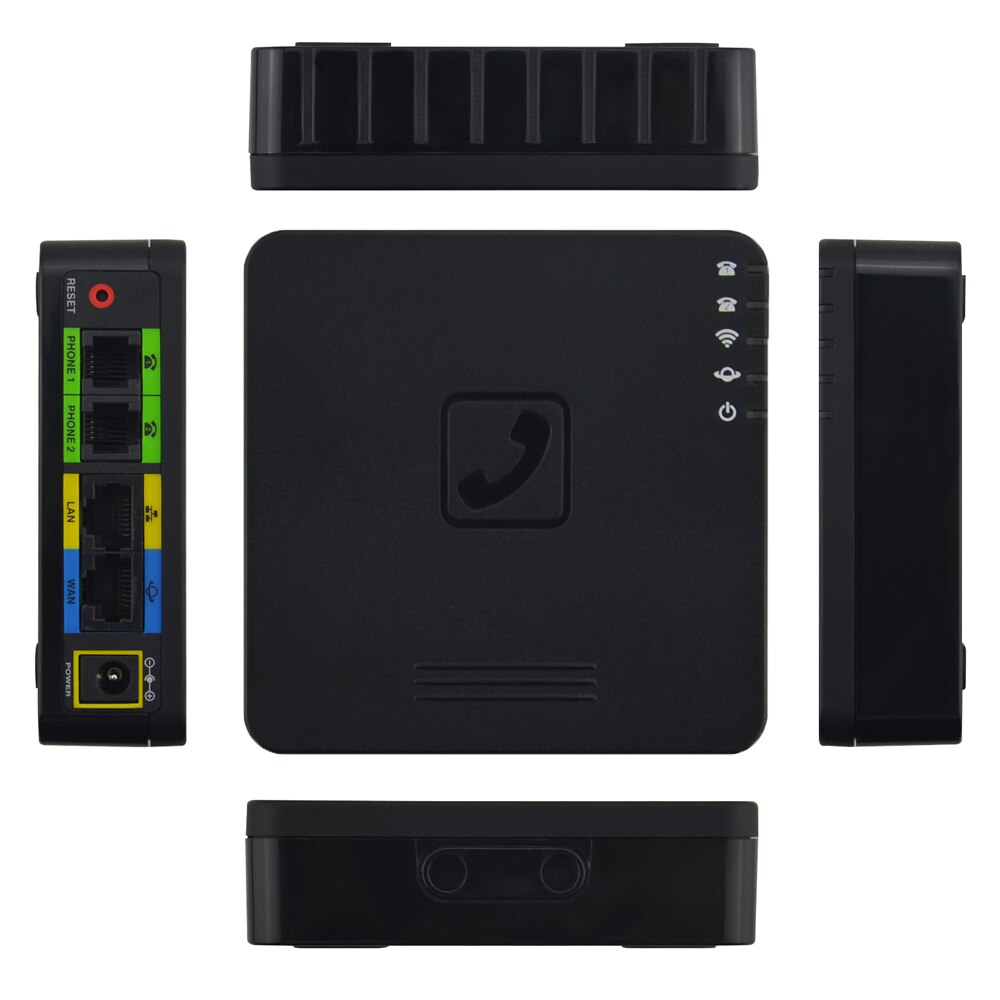
- A VoIP phone or adapter that is compatible with your router and internet service provider (ISP)
- A static IP address or a Dynamic Host Configuration Protocol (DHCP) server
Configuring Your Wireless G Network for VoIP
To configure your Wireless G Network for VoIP, follow these steps:
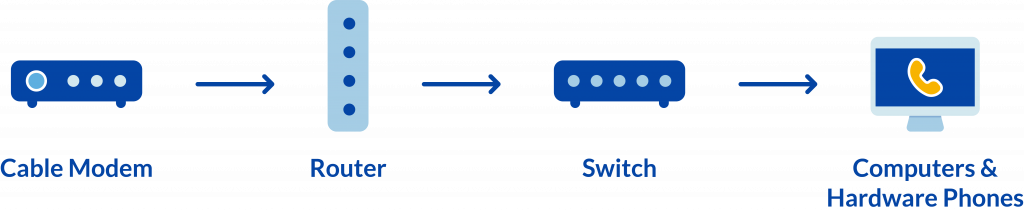
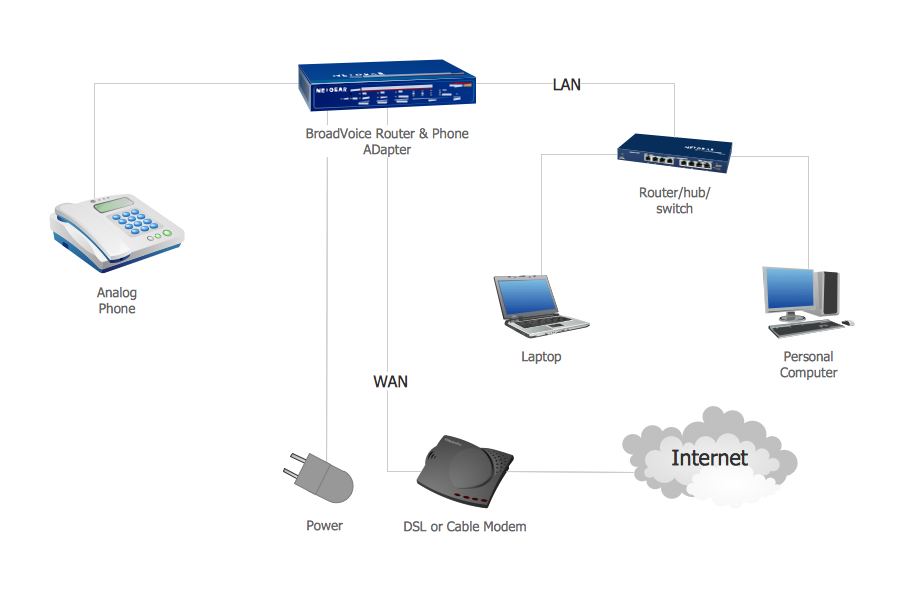
- Connect your VoIP phone or adapter to your Wireless G Network or router
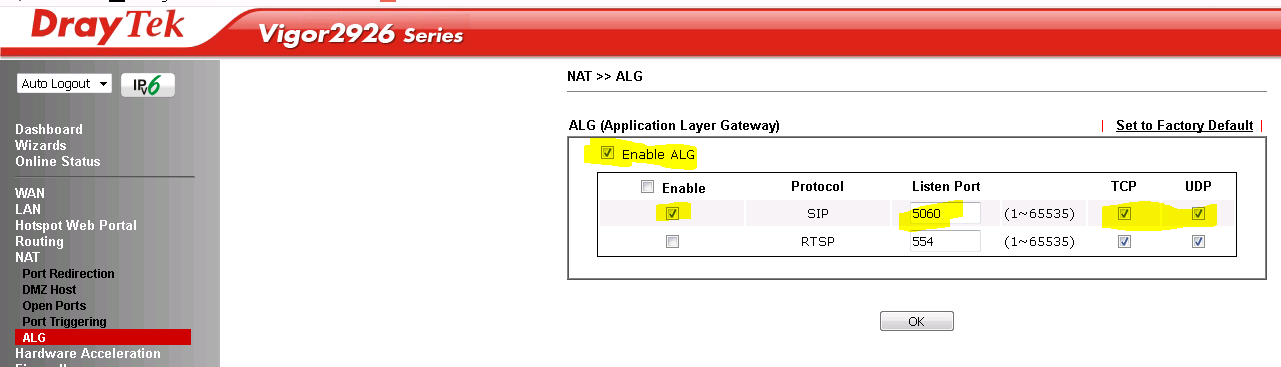
- Configure your router to support VoIP technology by setting up a Quality of Service (QoS) policy to prioritize VoIP traffic
- Set up a static IP address or configure your DHCP server to assign a static IP address to your VoIP phone or adapter
- Configure your VoIP phone or adapter to use the static IP address or DHCP-assigned IP address