Understanding G Router Configuration for Home Network
Setting up a home network is essential for streaming high-quality content, gaming, and staying connected with loved ones. Your router is the backbone of your home network, and configuring it properly can make a huge difference in your online experience. In this article, we'll delve into the world of G router configuration and provide you with a comprehensive guide to help you set up and optimize your home network.
What is a Router, and Why Do You Need One?
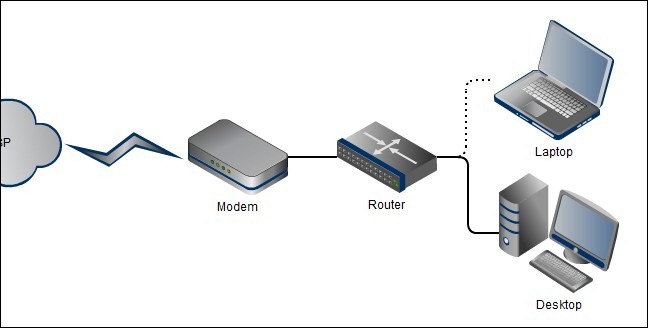
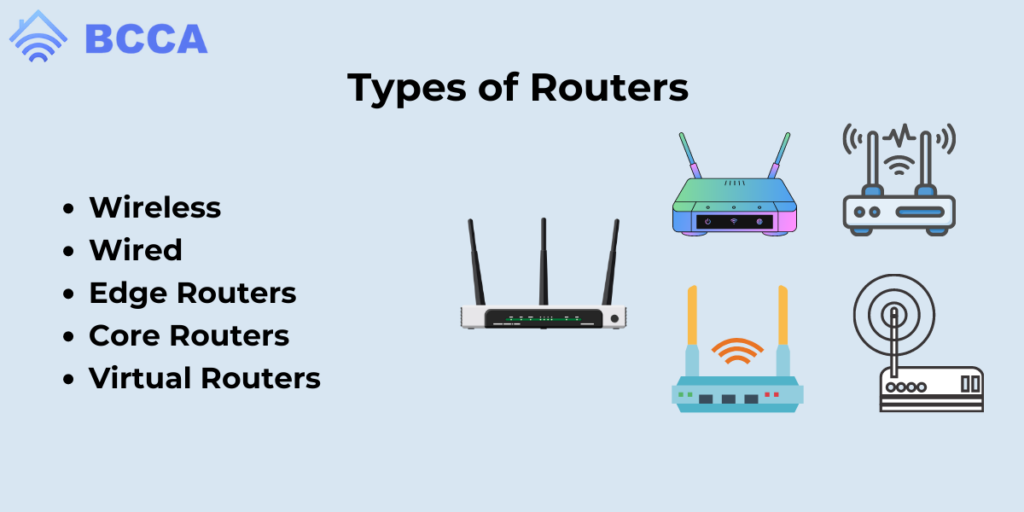
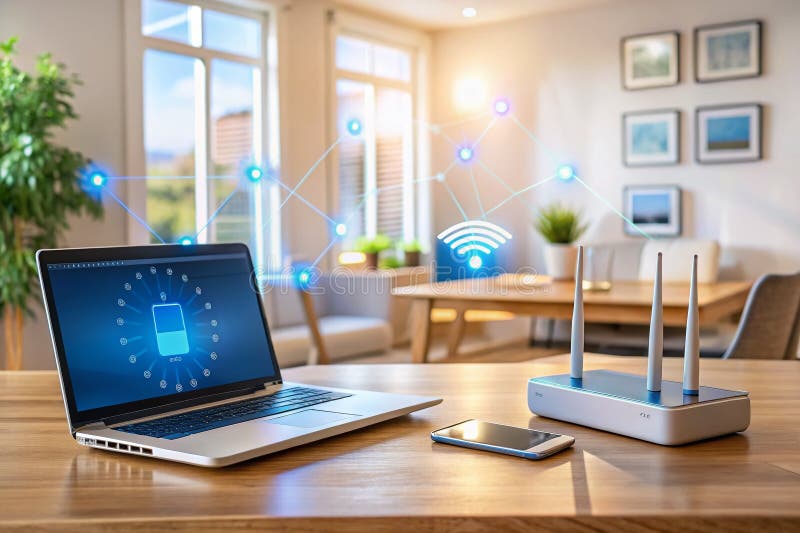
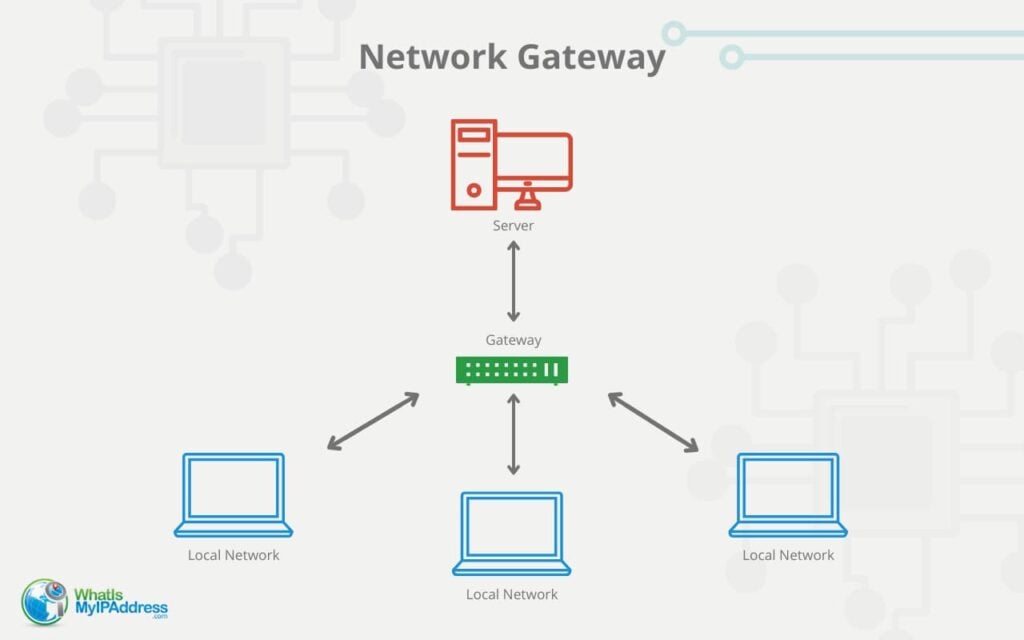
A router is a device that connects multiple devices to the internet and allows them to communicate with each other. It acts as a gateway between your home network and the internet, routing internet traffic to the correct device. Your router's job is three-fold: joining your network to the internet, managing your network's traffic, and providing basic security.

Router Configuration Basics
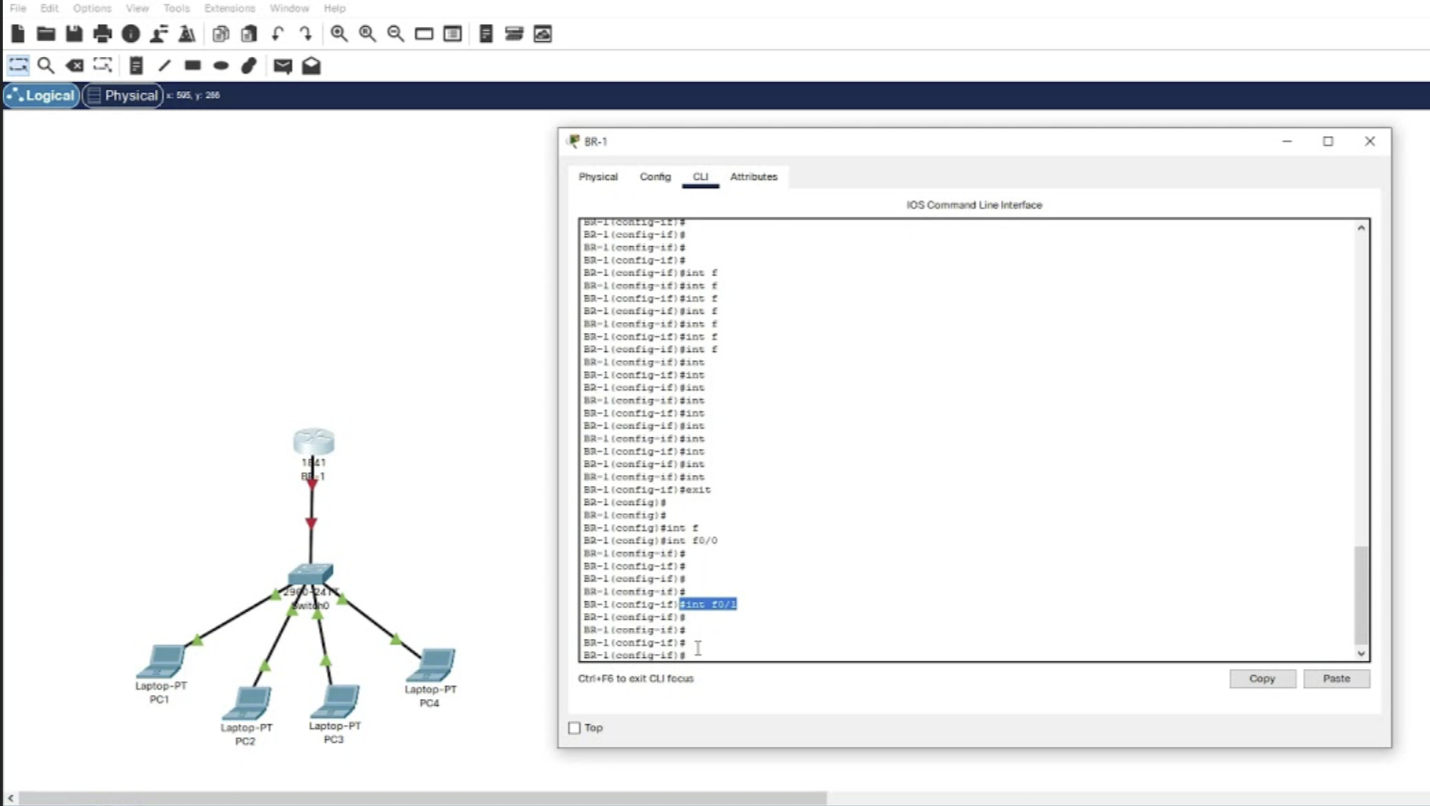
Router configuration can seem intimidating, especially if you're new to networking. However, understanding the basics is crucial for setting up and managing your home network. Here are some essential concepts to grasp:
- Router Mode: Your router can operate in three modes: router mode, access point mode, and bridge mode. Router mode is the default configuration and provides the most seamless experience.
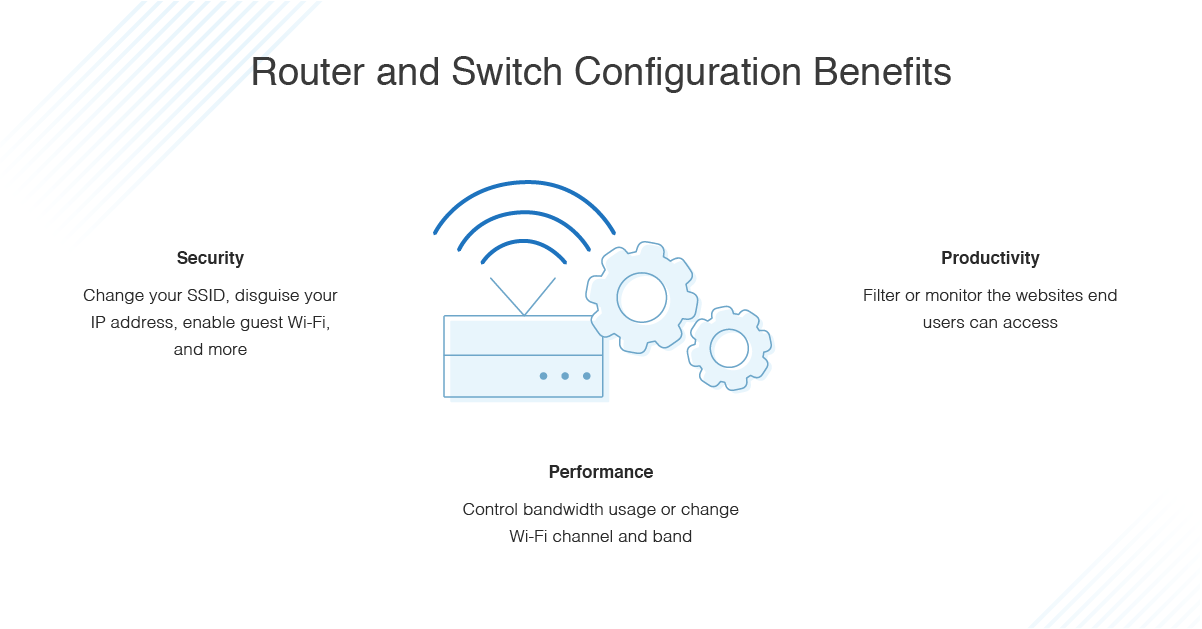
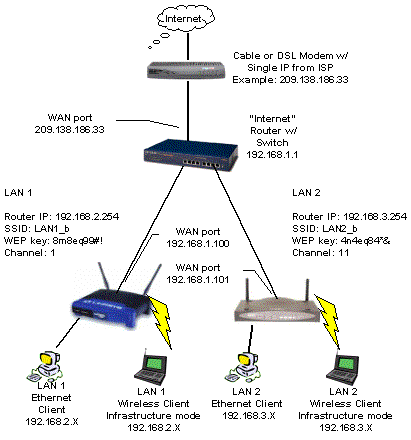
- Network Configuration: This involves setting up your router's network settings, including the SSID (network name), password, and IP address range.
- Wireless Settings: Configure your wireless settings, including channel width, channel selection, and wireless protocol (e.g., 802.11ac or 802.11ax).
- DHCP Settings: Set up your Dynamic Host Configuration Protocol (DHCP) settings to assign IP addresses to devices on your network.
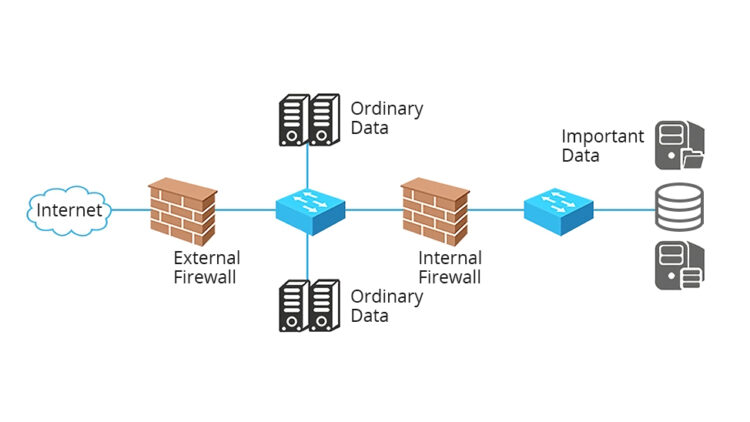
- Firewall Settings: Configure your firewall settings to block unauthorized access to your network.