Setup Internet Router at Office: A Comprehensive Guide
Setting up an internet router at the office is a crucial step in establishing a reliable and secure network for your business. With the increasing reliance on digital infrastructure, a well-configured internet router is essential for productivity and connectivity. In this article, we will guide you through the process of setting up an internet router at the office, highlighting the best practices for optimizing productivity and connectivity.
Choosing the Right Router
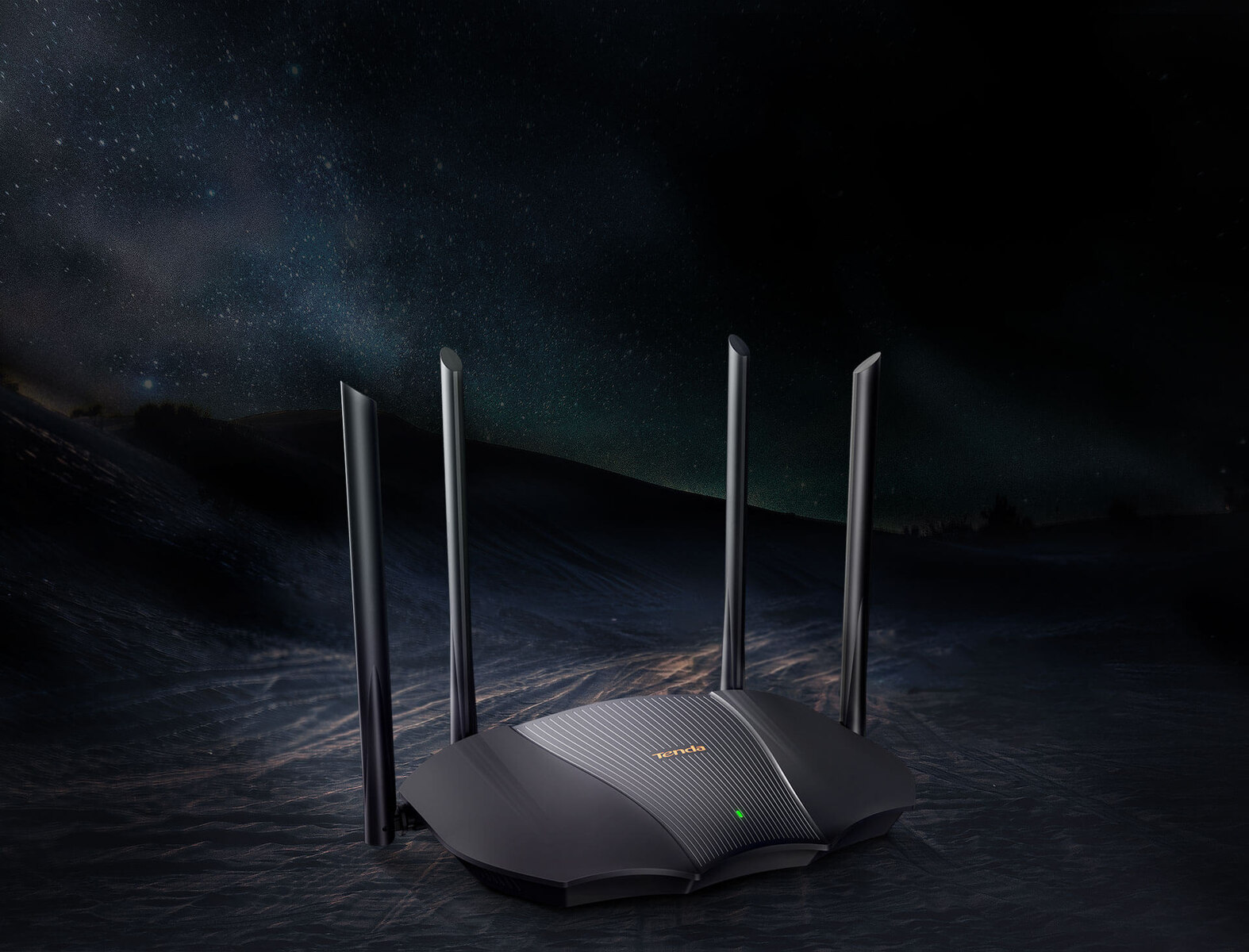
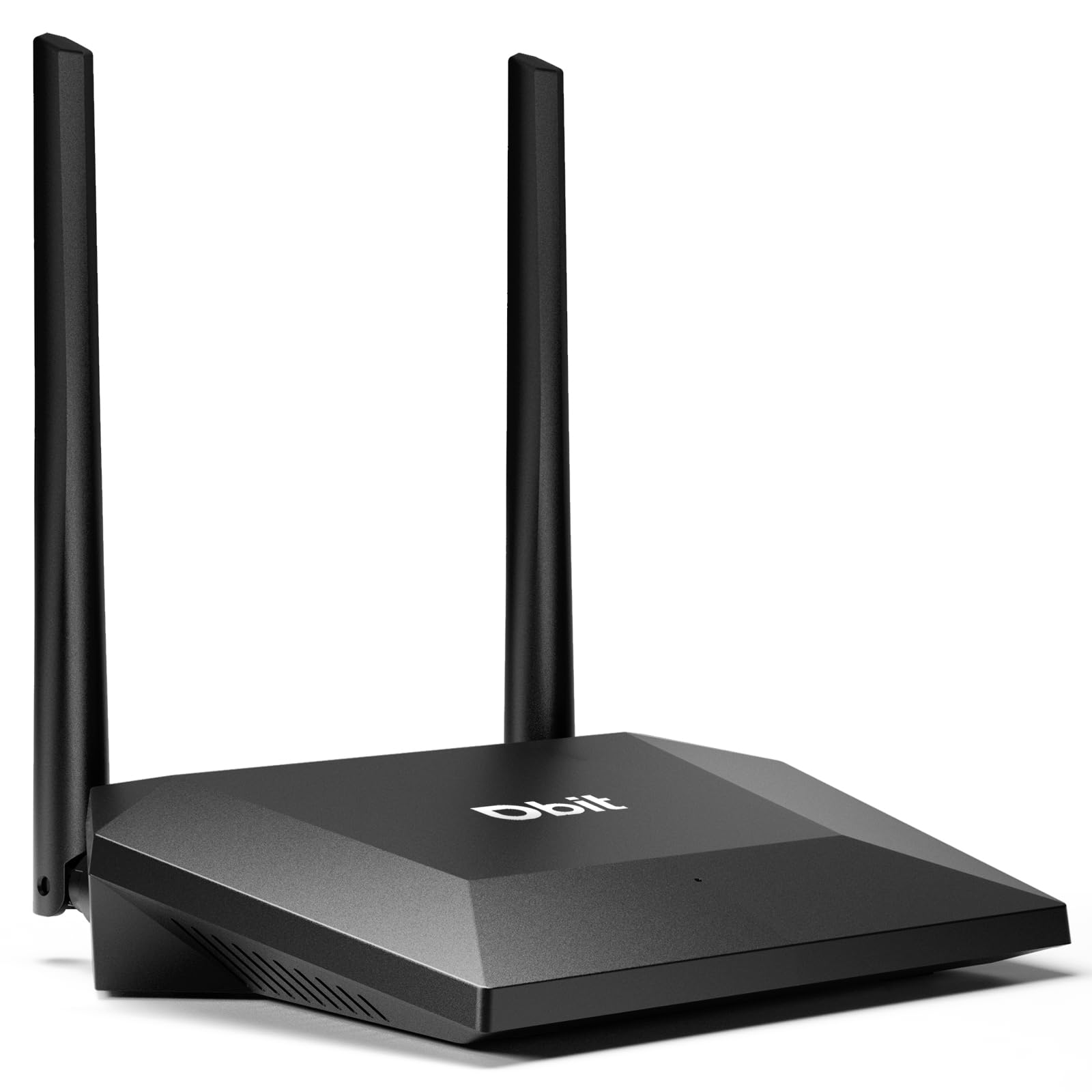
The first step in setting up an internet router at the office is to choose the right equipment. When selecting a router, consider the following factors:
- Speed: Ensure the router can handle the number of devices connected to it.
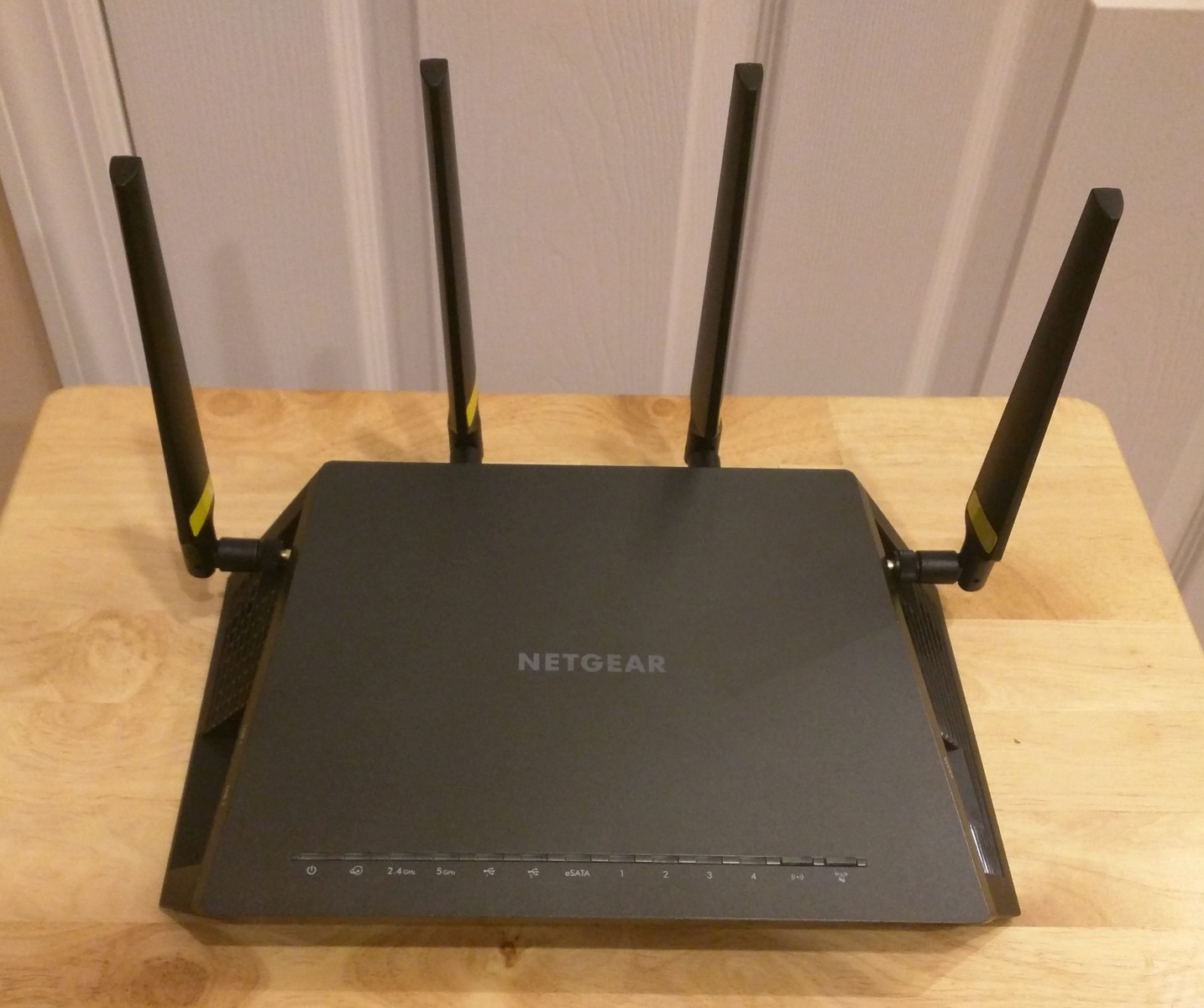
- Range: Choose a router with a strong signal that can cover the entire office.
- Security: Select a router with robust security features, such as WPA2 encryption.
- Ease of setup: Opt for a router with a user-friendly interface and easy setup process.

Setting Up the Router
Once you have chosen the right router, it's time to set it up. Here's a step-by-step guide to help you get started:
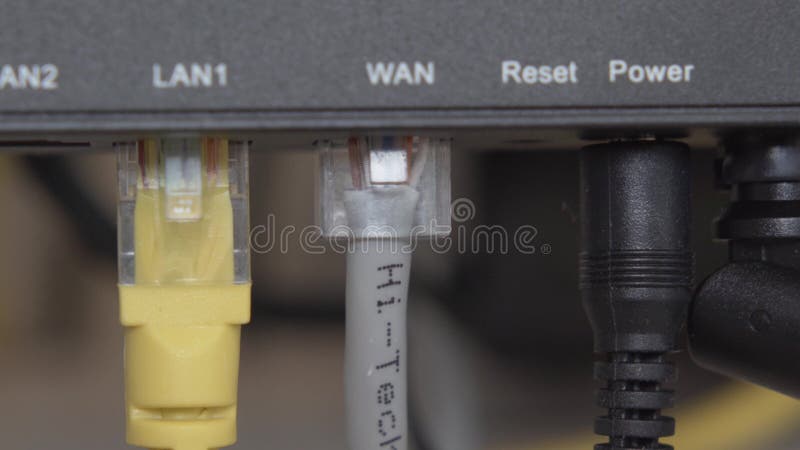
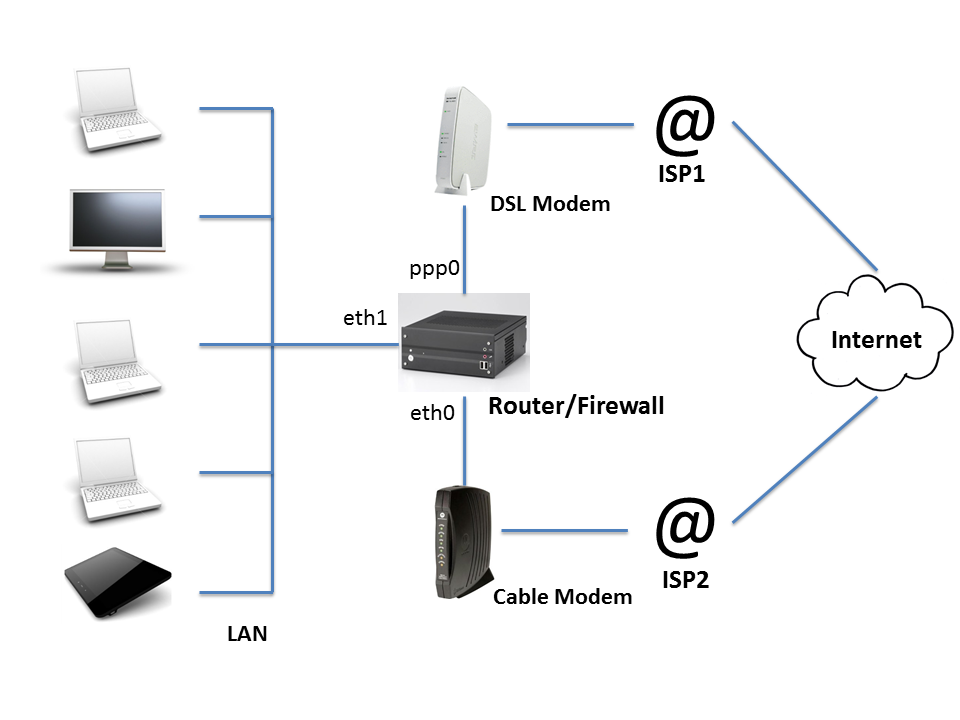
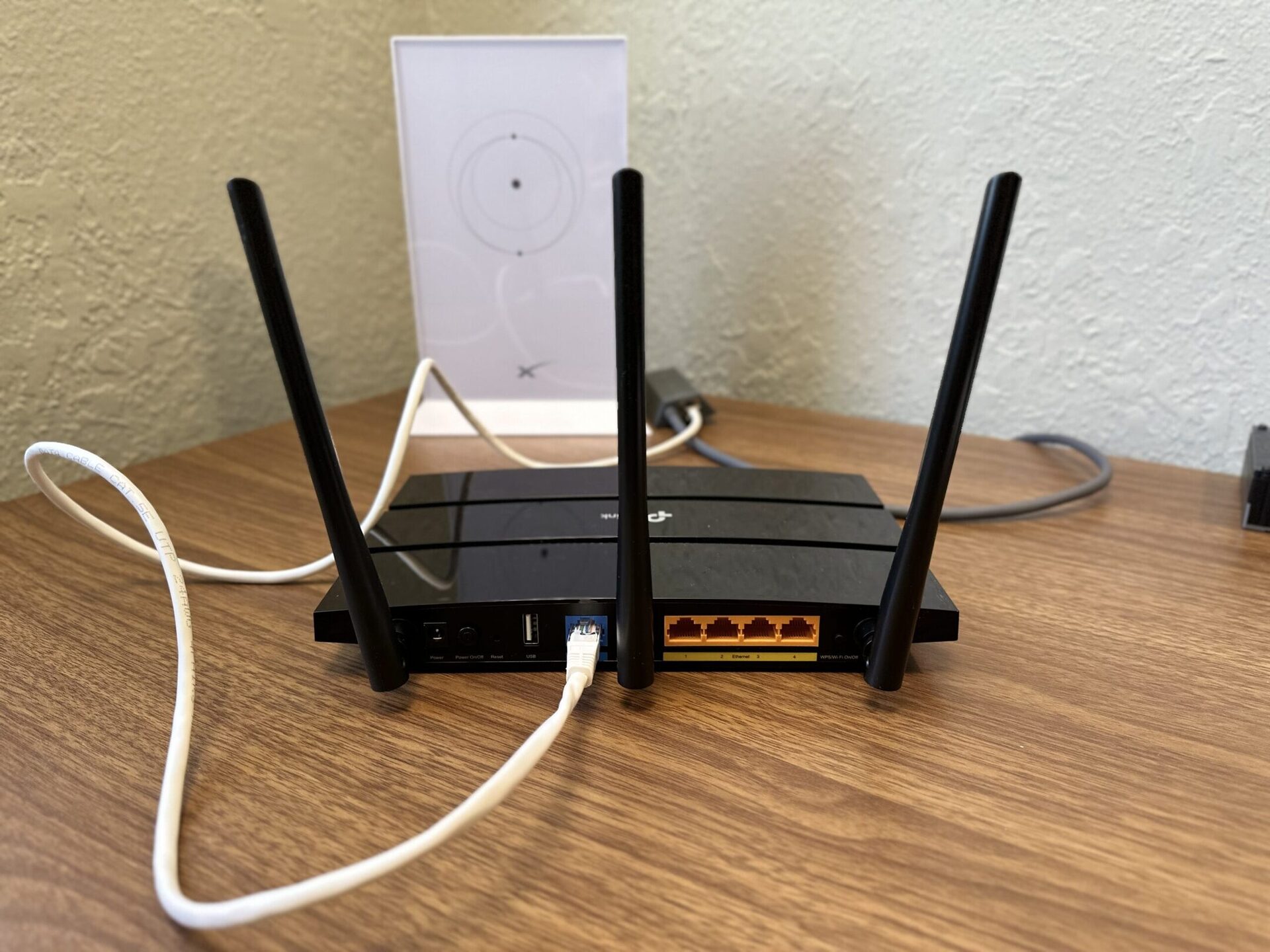
- Connect the router to the modem: Plug one end of an Ethernet cable into the modem's WAN/Internet port and the other end into the router's WAN/Internet port.
- Configure the router: Open a web browser, type in the router's IP address (check the manual), and follow the setup guide. This usually includes creating a network name (SSID) and password.
- Set up the network: Configure the router to connect to the internet and set up the wireless network.
- Secure the router: Change the default admin password, enable WPA2 encryption, and set up a guest network (if necessary).











.png "Linksys® MR6350 Wireless-AC Dual-Band Mesh Router - Office Depot")