Best way to set up internet at home
Introduction
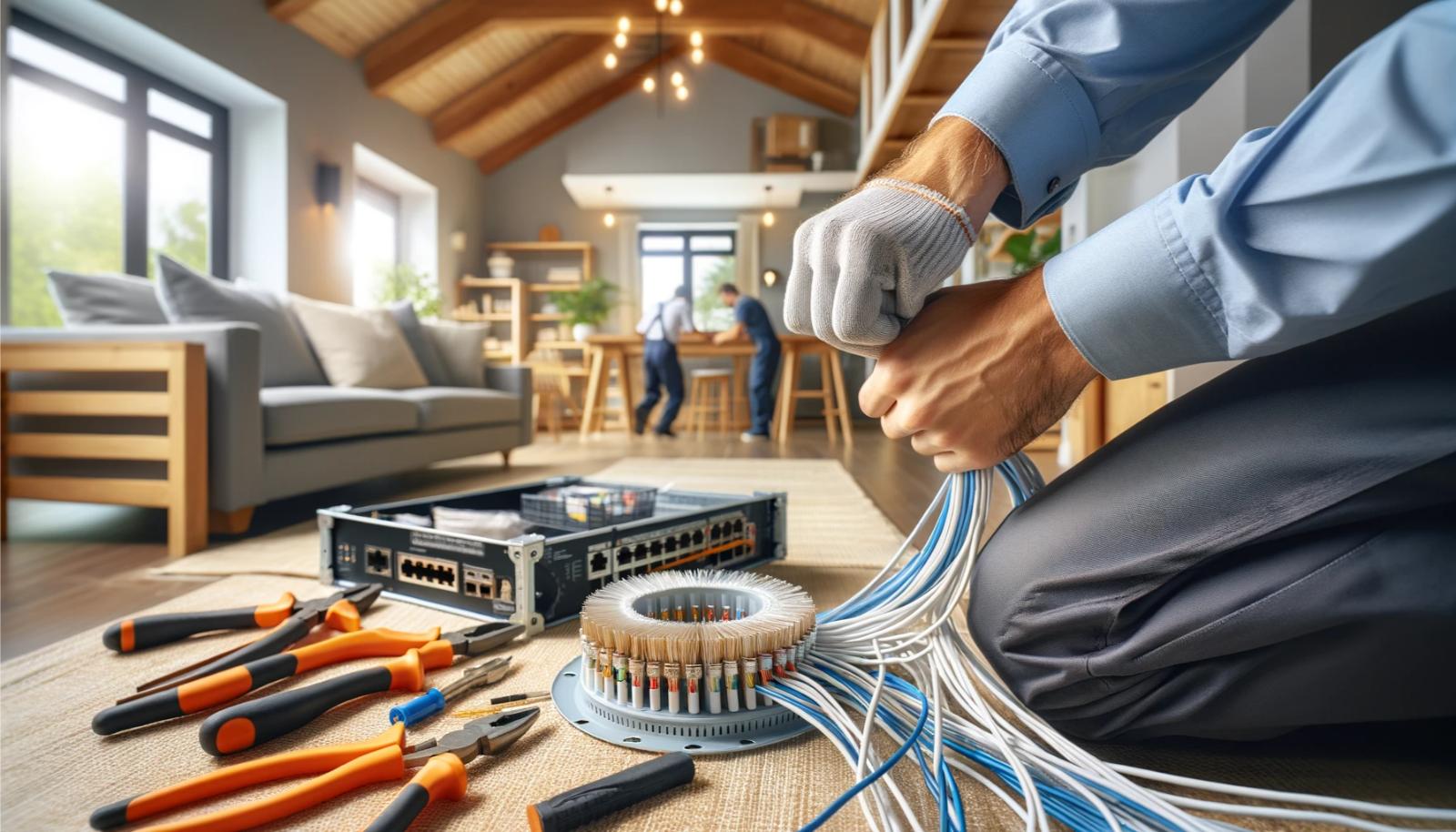
Setting up internet at home can be a daunting task, especially for those who are new to this process. However, with a little bit of knowledge and the right equipment, you can have a reliable and fast internet connection in no time. In this article, we will walk you through the best way to set up internet at home, from connecting your modem and router to securing your Wi-Fi network.
Step 1: Understand Your Internet Options
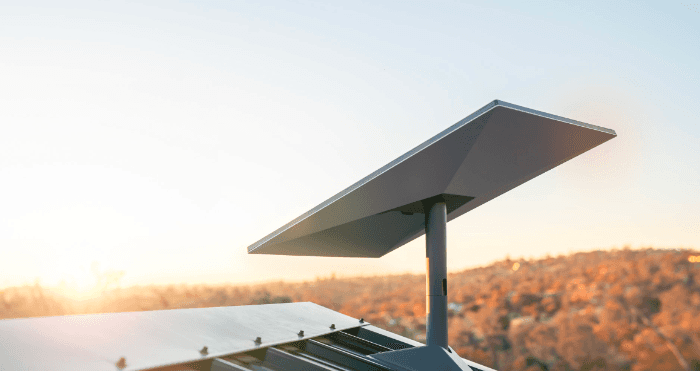
Before you start setting up your internet, you need to understand your options. The first thing to consider is the type of internet service you have. You can choose from a variety of options, including cable, fiber, DSL, and satellite internet. Each type of internet has its own strengths and weaknesses, so it's essential to research and choose the best option for your needs.
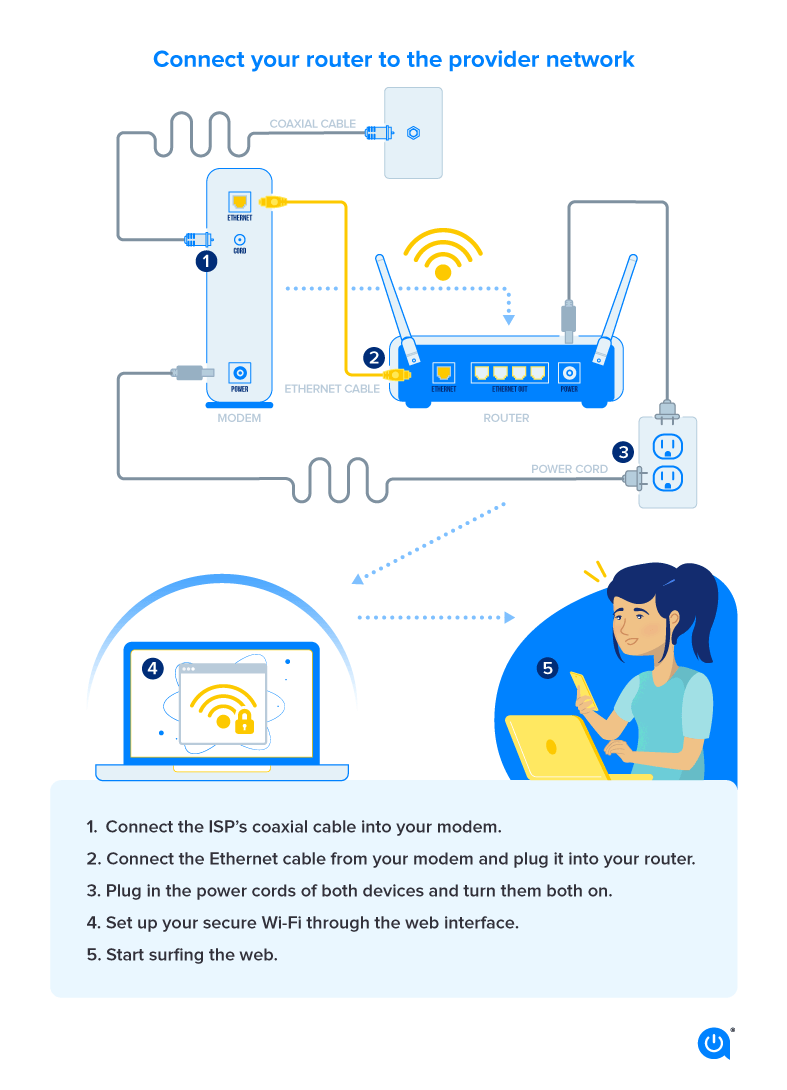
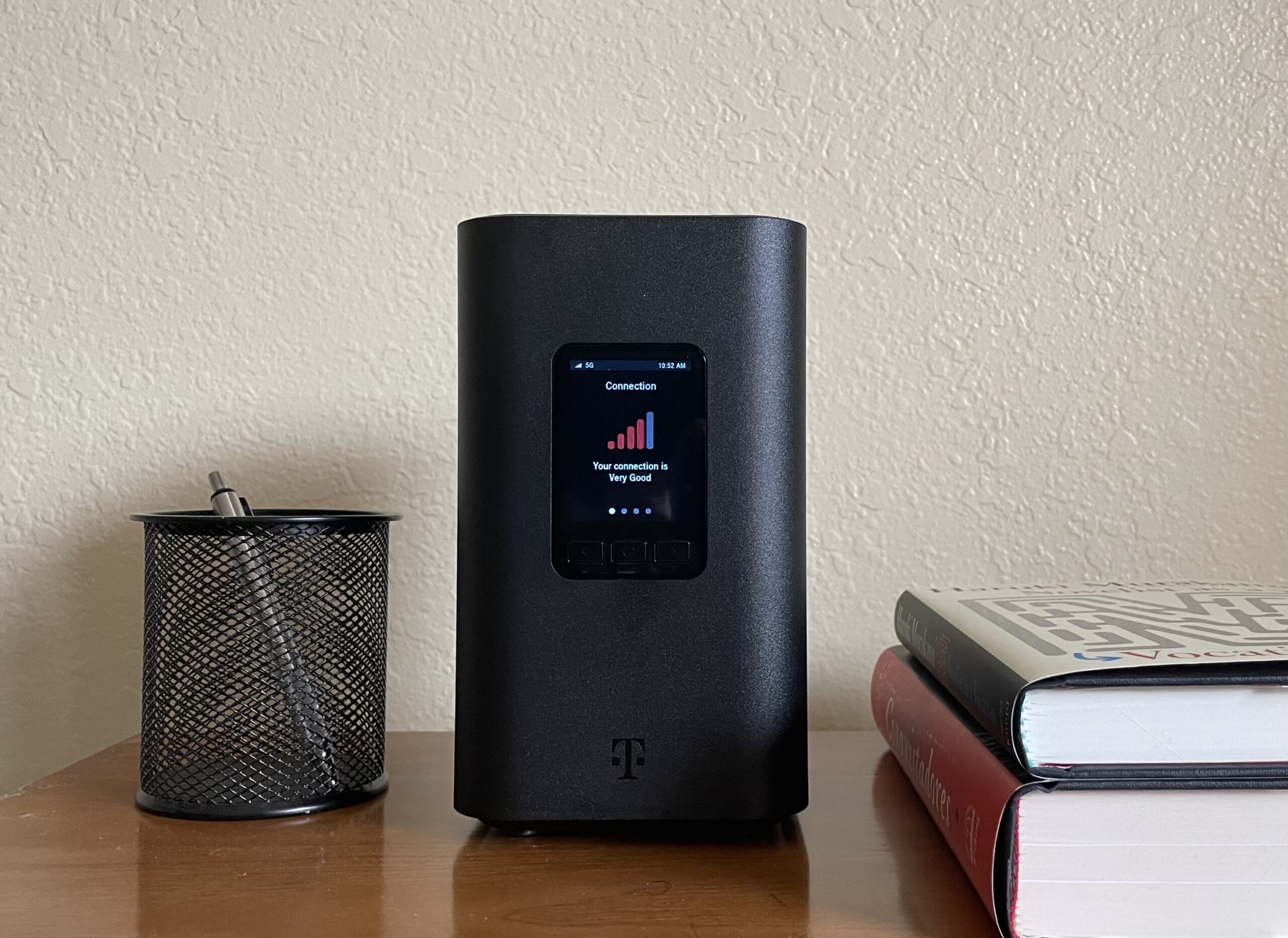
Step 2: Connect Your Modem and Router
Once you have chosen your internet service, you need to connect your modem and router. The modem is the device that connects to the internet service provider's cable, and the router is the device that distributes the internet signal to all the devices in your home. To connect your modem and router, follow these steps: